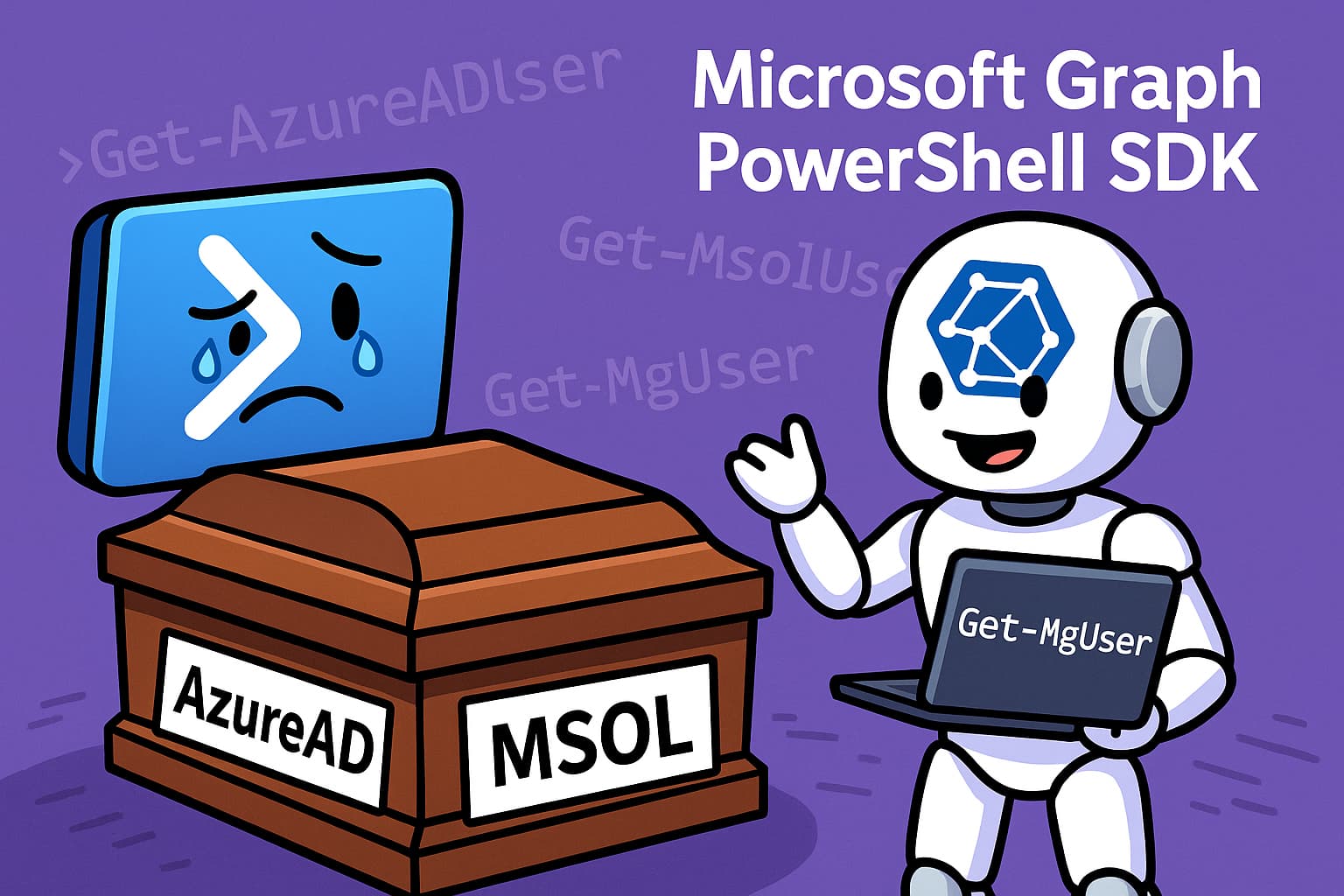
For any IT professional working with automation in the Microsoft 365 ecosystem, PowerShell is an indispensable tool. However, a monumental change, announced more than four years ago, finally reached its climax in October 2025: the final and definitive retirement of the AzureAD, AzureADPreview, and MSOL modules.
After 50 months of announcements, postponements, and much anticipation, Microsoft has ended support for these legacy modules, forcing the community to embrace the future: the Microsoft Graph PowerShell SDK. This is not just a change of commands; it is a fundamental shift in how we interact with and automate Microsoft 365.
Why Were the Old Modules Retired?
The answer is simple: unification. The old modules (AzureAD, MSOL) were tied to older, fragmented APIs. Microsoft has been consolidating all of its services under a single, powerful endpoint: the Microsoft Graph API. The Graph is the gateway to all data and intelligence in Microsoft 365, and the new PowerShell SDK is the bridge to access that power programmatically.
The migration to the Graph offers clear advantages:
- One Endpoint for Everything: Access to data from Entra ID, Exchange, SharePoint, Teams, Intune, and more, all from the same place.
- Modern Features: Native support for modern authentication (MFA), API consent management, and much more.
- Consistency and Predictability: A more consistent and structured syntax across all services.
The Successor: Microsoft Graph PowerShell SDK
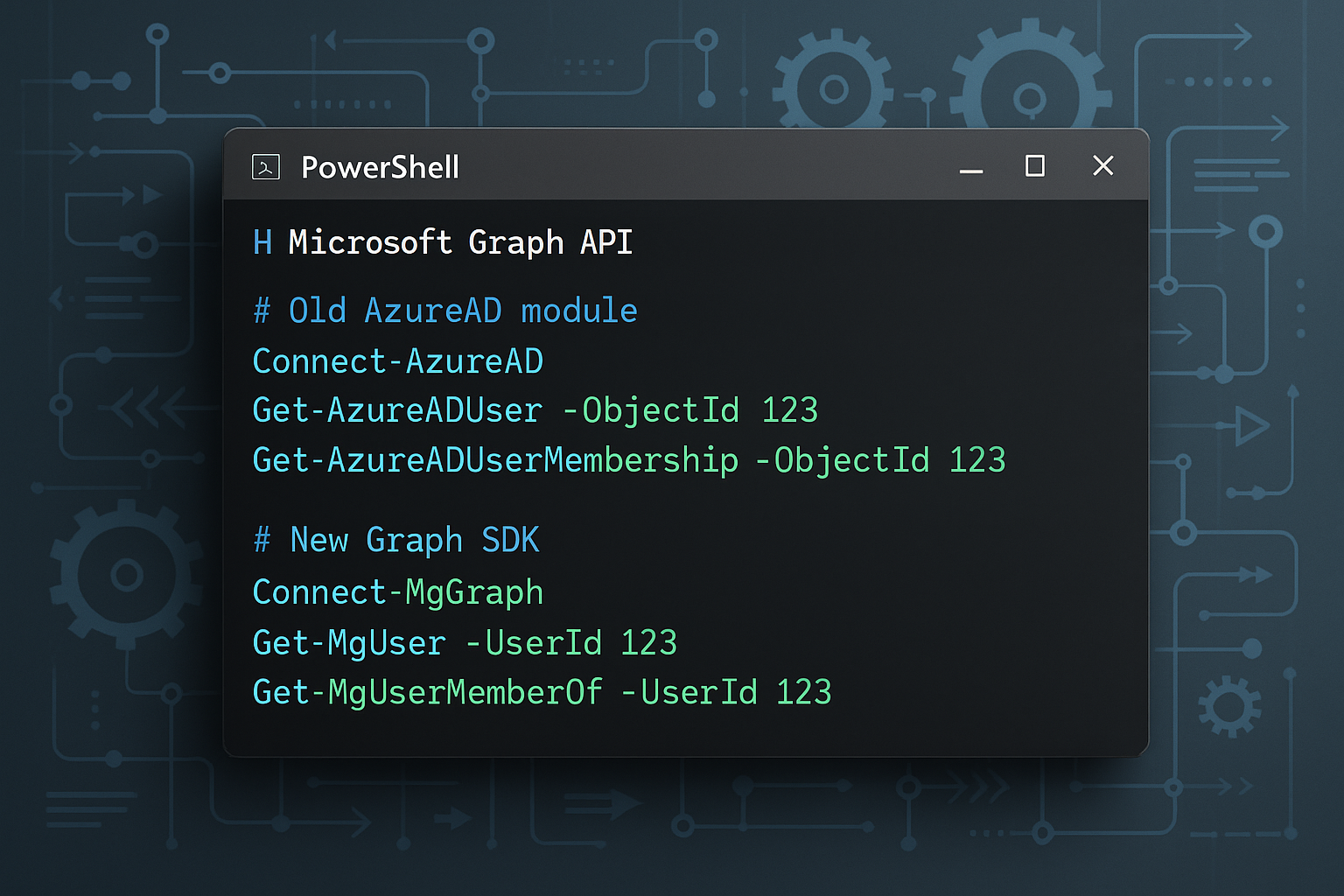
The Microsoft Graph PowerShell SDK is the direct replacement and the recommended tool for all future automation. Although the learning curve can be a challenge initially, the long-term benefits are undeniable. The syntax is different, the command names (cmdlets) are longer and more descriptive (e.g., Get-MgUser instead of Get-AzureADUser), and the way of handling authentication and permissions is more robust.
| Legacy Module | Example Command | New Module | Example Command |
|---|---|---|---|
| AzureAD | Get-AzureADUser |
Microsoft.Graph | Get-MgUser |
| MSOnline | Get-MsolUser |
Microsoft.Graph | Get-MgUser |
There is also the Microsoft Entra module, which is based on the Graph SDK and offers aliases for some of the old commands to ease the transition. However, the recommendation from most experts, such as Tony Redmond from the Office 365 for IT Pros team, is clear: learn the full Graph SDK. Relying on aliases is a temporary solution that limits your ability to harness the full power of the Graph.
The Challenge and the Opportunity
The migration of legacy scripts is undoubtedly a challenge. It requires time, testing, and a willingness to learn a new way of working. However, it is also an opportunity to:
- Review and Optimize Old Scripts: Many scripts can be simplified and improved with the new capabilities of the Graph.
- Adopt Best Practices: Implement more secure authentication with managed identities or certificates, instead of user credentials.
- Expand Automation: Automate tasks in services that were previously not accessible through the old modules.
Migration Best Practices
- Inventory Your Scripts: Identify all scripts using AzureAD or MSOL modules
- Install the Graph SDK:
Install-Module Microsoft.Graph -Scope CurrentUser - Learn the New Syntax: Use Microsoft documentation and community resources
- Test Thoroughly: Validate functionality in a test environment before production
- Implement Modern Authentication: Use app registrations with certificates or managed identities
Conclusion: The Time to Migrate is Now
If you still have scripts using the AzureAD or MSOL modules, they will stop working or, at best, become insecure and unsupported. The time to migrate is not a question of "if," but "when" – and that "when" is now.
Start by identifying your critical scripts, install the Microsoft Graph PowerShell SDK, and start rewriting them. Microsoft's documentation and community resources, such as the "Automating Microsoft 365 with PowerShell" eBook, are excellent starting points. Embracing this change is not just a technical necessity; it is an investment in your career and in the modernization of your IT infrastructure.
References
[1] Automating Microsoft 365 with PowerShell Nov 2025 Update