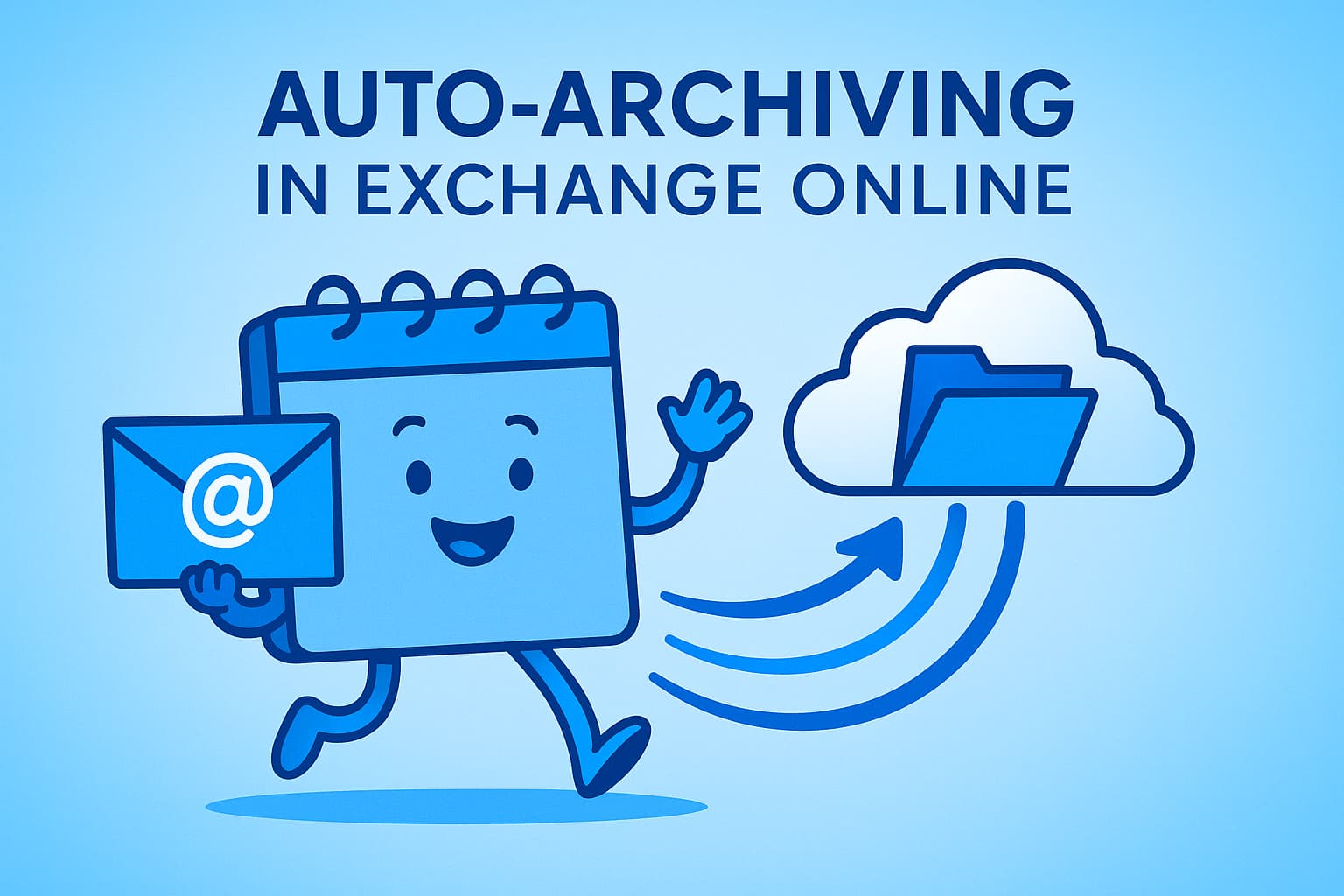
Mailbox storage management has always been a challenge for IT administrators. With the volume of data growing exponentially, due to attachments, automatic notifications, and even AI-generated content like Copilot, mailboxes can reach their maximum capacity faster than expected. To proactively address this issue, Microsoft has announced a new feature for Exchange Online: Auto-Archiving.
This new feature, which will enter public preview on November 15, 2025, promises to revolutionize the way archiving is managed, moving from a reactive model to an automatic security system.
The Problem with Traditional Archiving
Until now, the main tool for space management was archiving based on retention policies (MRM), such as "Move to Archive after 2 years". However, this method has significant limitations:
Inadequate Timing: The policy is only activated when items reach a pre-defined age. If the volume of new emails is too high, the mailbox can fill up before the policy is triggered.
Unexpected Volume: Content generated by automated systems and AI was not a reality when these policies were designed, leading to a rapid and unpredictable accumulation of data.
Business Impact: A full mailbox results in the inability to send or receive emails, causing a direct interruption in business continuity and productivity.
The Solution: How Does Auto-Archiving Work?
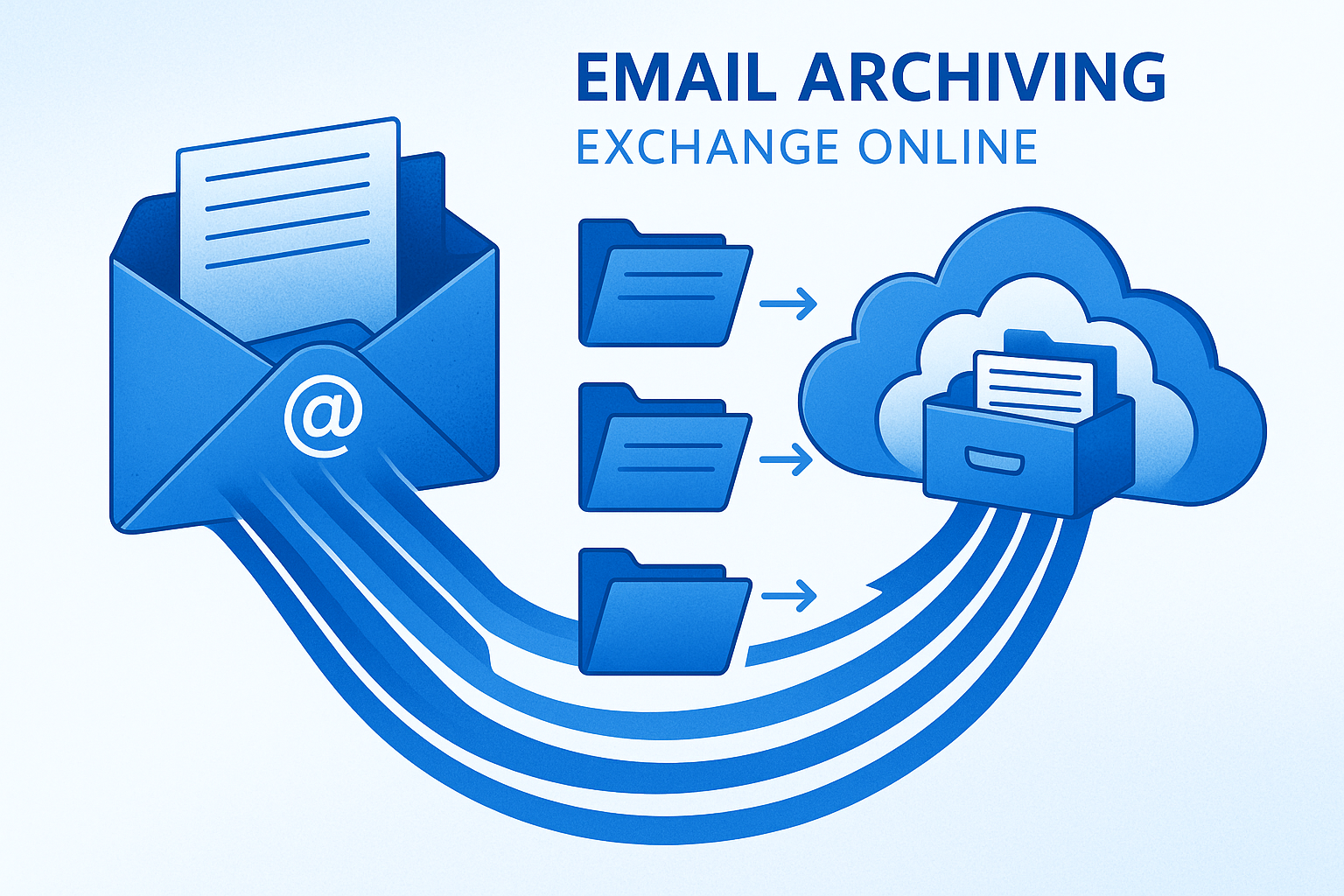
Auto-Archiving acts as an intelligent safety net. The Managed Folder Assistant continuously monitors the size of the primary mailbox. When usage exceeds 96% of the quota, and as long as an archive mailbox is provisioned and has space, the system takes action.
The feature starts moving the oldest items (based on the received date) from the primary mailbox to the archive mailbox. This process continues until the usage of the primary mailbox drops to a safe level, below the 96% threshold. It is important to note that items marked with the "Never Move to Archive" tag are respected and are not moved.
| Feature | Trigger | Action |
|---|---|---|
| Auto-Archiving | Mailbox usage > 96% | Moves the oldest items to the archive until usage drops below 96% |
Benefits of the New System
The introduction of Auto-Archiving brings clear advantages for Exchange Online administration:
Proactive Prevention: Prevents interruptions in email flow before they happen.
Automatic Management: Works as a complement to existing retention policies, without the need for manual intervention.
Real-Time Monitoring: Ensures the health of the mailbox continuously.
No Loss of Functionality: Users are not impacted by the inability to send or receive emails.
It is crucial to differentiate Auto-Archiving from Auto-expanding Archive. While the former manages the space of the primary mailbox, the latter increases the capacity of the archive mailbox when it is reaching its limit.
Conclusion
Auto-Archiving is a welcome and necessary addition to Exchange Online. It addresses a fundamental flaw in the time-based archiving model, providing a dynamic and automatic solution that adapts to the modern pace of work. For IT administrators, this means fewer worries about quota management and more time to focus on strategic tasks, while ensuring business continuity and user productivity.
References
[1] Auto-Archiving for Exchange Online | Microsoft Community Hub