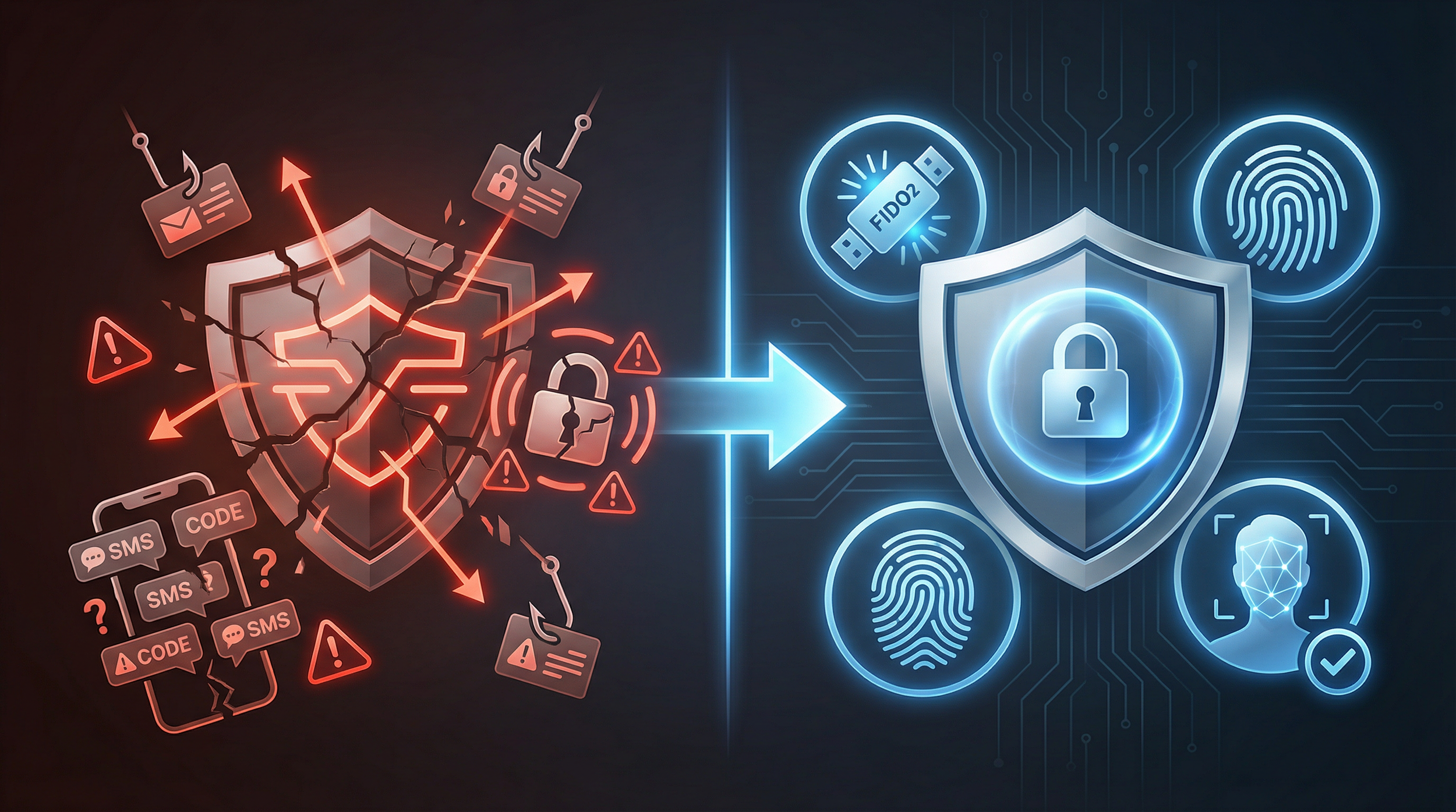
TL;DR for IT & Security Leaders
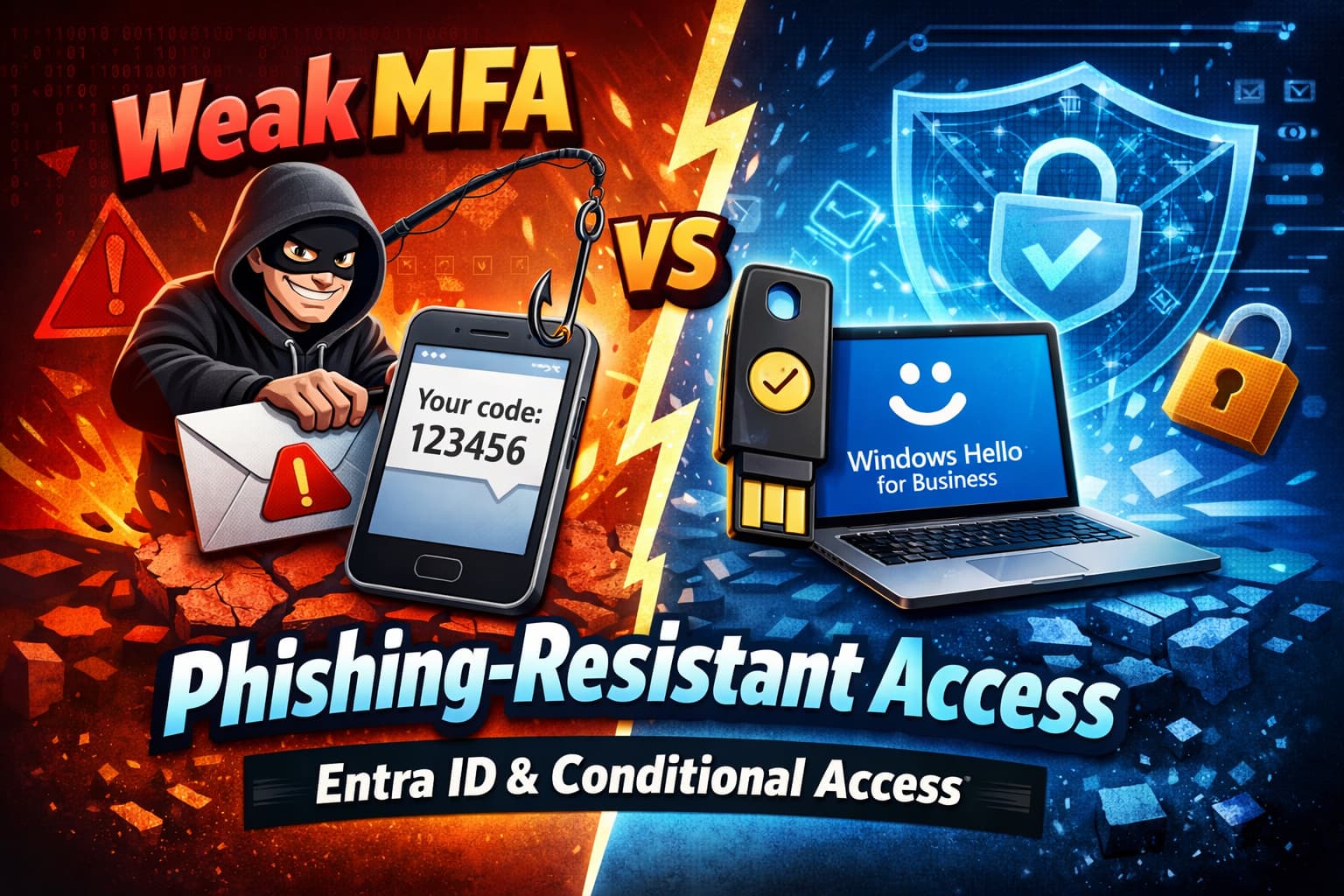
- Traditional MFA (SMS, push notifications) is vulnerable to Adversary-in-the-Middle (AiTM) phishing attacks that steal session tokens in real-time.
- Phishing-resistant MFA makes token replay useless by cryptographically binding the session to the device (FIDO2, Windows Hello, CBA).
- Microsoft Entra ID's Authentication Strengths are a Conditional Access control to enforce specific MFA methods for specific users, apps, or risk levels.
- You can require phishing-resistant MFA for admins, high-risk users, and guests, while allowing standard MFA (with Number Matching) for others.
- The strategy is to move from a binary "MFA on/off" mindset to a granular, risk-based approach, combining strong authentication with Continuous Access Evaluation (CAE).
The Silent Threat: Why Your Traditional MFA Is a Broken Shield
- Traditional MFA is no longer a reliable shield against modern identity attacks.
- Sophisticated phishing campaigns now bypass SMS, voice, and standard push approvals with ease.
- In today's threat landscape, simply having “MFA enabled” does not equal “identity protected.”
Modern attackers are no longer just after your password. They use Adversary-in-the-Middle (AiTM) phishing sites that act as a proxy, capturing not only the user's credentials but also the MFA one-time-passcode (OTP) and, most critically, the session cookie that is generated after a successful login [1]. With this stolen token, the attacker can bypass MFA entirely and gain access to the user's session. The goal of phishing-resistant MFA is not to make token theft impossible, but to make the stolen token useless through cryptographic device binding.
💰 The Hidden Cost of Weak MFA
Relying on outdated MFA is not a savings strategy; it's an unmanaged liability. A single successful AiTM attack can lead to devastating financial and operational consequences:
- Direct Financial Loss: Compromised executive accounts are a primary vector for Business Email Compromise (BEC), leading to fraudulent wire transfers and invoice manipulation that can cost millions.
- Incident Response Costs: The time and resources required to detect, contain, and remediate a breach originating from a compromised identity are substantial, diverting your security team from proactive initiatives.
- Reputational Damage: A public breach erodes customer trust and partner confidence, impacting future revenue and brand value.
- Compliance Failures: Relying on phishable MFA can lead to non-compliance with regulations like GDPR, PCI DSS, and others, resulting in heavy fines.
The Solution: Building a Phishing-Resistant Fortress with Authentication Strengths
The answer isn't to abandon MFA, but to evolve it. Microsoft has introduced a powerful new control within Conditional Access called Authentication Strengths. This feature moves us beyond a simple on/off switch for MFA and allows administrators to define exactly which combinations of authentication methods are acceptable for accessing specific resources [3].
🔐 Architectural Reinforcement
- Authentication Strengths operationalize Zero Trust authentication principles.
- Controls move from basic identity verification to a higher assurance of user presence.
- It enables context-aware MFA enforcement based on real-time signals.
- This aligns authentication requirements with user risk tier and asset sensitivity.
| Authentication Method | Security Level | Phishing-Resistant? | Vulnerability |
|---|---|---|---|
| Password | Low | No | Phishing, brute force, credential stuffing |
| SMS / Voice Call | Medium | No | SIM-swapping, AiTM phishing, interception |
| Authenticator App (Push Notification) | Medium | No | MFA fatigue, AiTM phishing |
| Authenticator App (Push with Number Matching) | Medium+ | No (but resistant to fatigue) | Still vulnerable to AiTM, but stops simple push spam. |
| Windows Hello for Business | High | Yes | Requires device + biometric/PIN (cryptographic binding) |
| FIDO2 Security Key | High | Yes | Requires physical key + touch/PIN (cryptographic binding) |
| Certificate-Based Auth (CBA) | High | Yes | Requires smartcard/device certificate (cryptographic binding) |
✅ Nuance on Authenticator Push Notifications
While standard push notifications are vulnerable, Microsoft has introduced critical improvements [2]:
- Number Matching: This feature requires the user to type a two-digit number displayed on the sign-in screen into their Authenticator app, drastically reducing accidental approvals from MFA fatigue attacks.
- Additional Context: Showing the application name and user's location in the push notification helps legitimate users spot fraudulent attempts.
However, even with these improvements, push-based methods are not considered phishing-resistant because they do not protect against real-time AiTM attacks.
Implementation Guide: 5 Steps to Phishing Resistance
🔍 Step 1: Audit Your Current Authentication Methods
Before you can enforce stronger methods, you need to know what your users are currently using. Navigate to the Microsoft Entra admin center → Protection → Authentication methods → Activity. This dashboard will show you which methods are most prevalent in your organization. Pay close attention to the usage of SMS, voice, and standard push notifications, as these are your primary targets for migration.
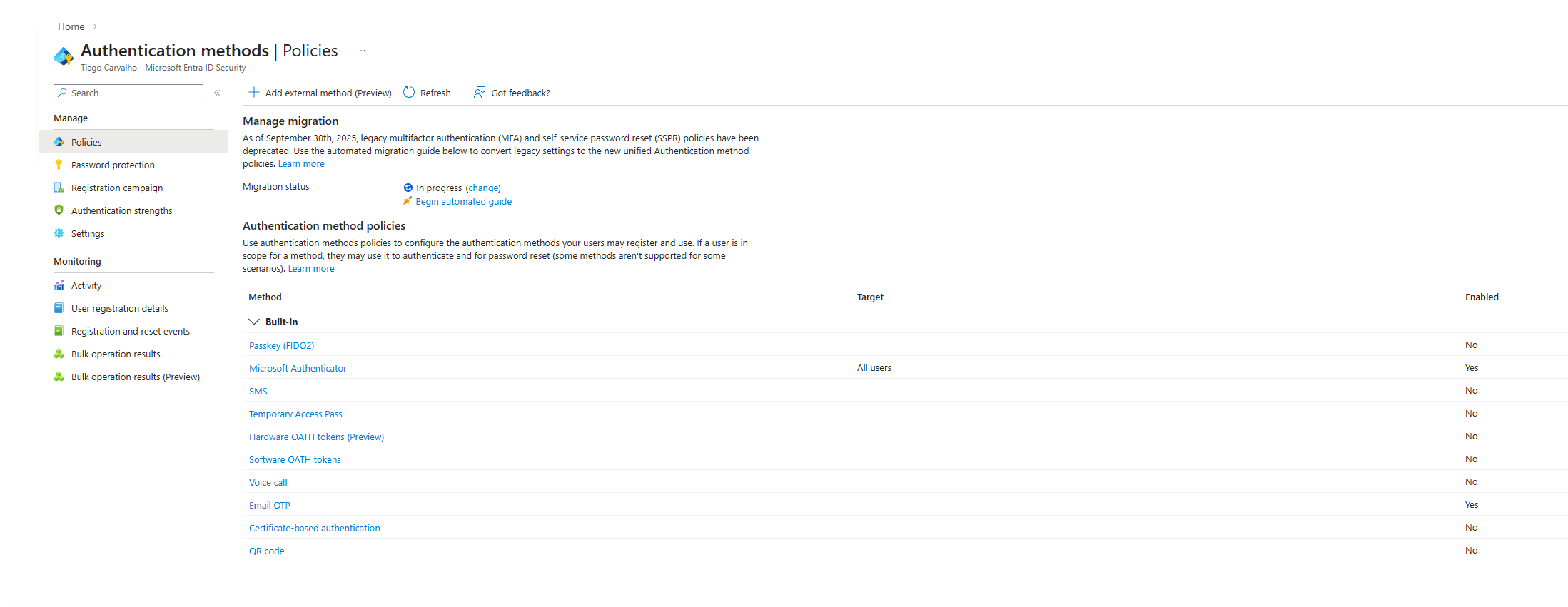
🗺️ Step 2: Understand the Built-in Authentication Strengths
Entra ID provides three built-in strengths you can use immediately [3]:
- Multifactor authentication strength: Allows any combination of MFA, including weaker methods like SMS and voice.
- Passwordless MFA strength: Requires methods that don't use a password, like Authenticator phone sign-in or FIDO2.
- Phishing-resistant MFA strength: The most secure option, requiring FIDO2, Windows Hello for Business, or CBA.
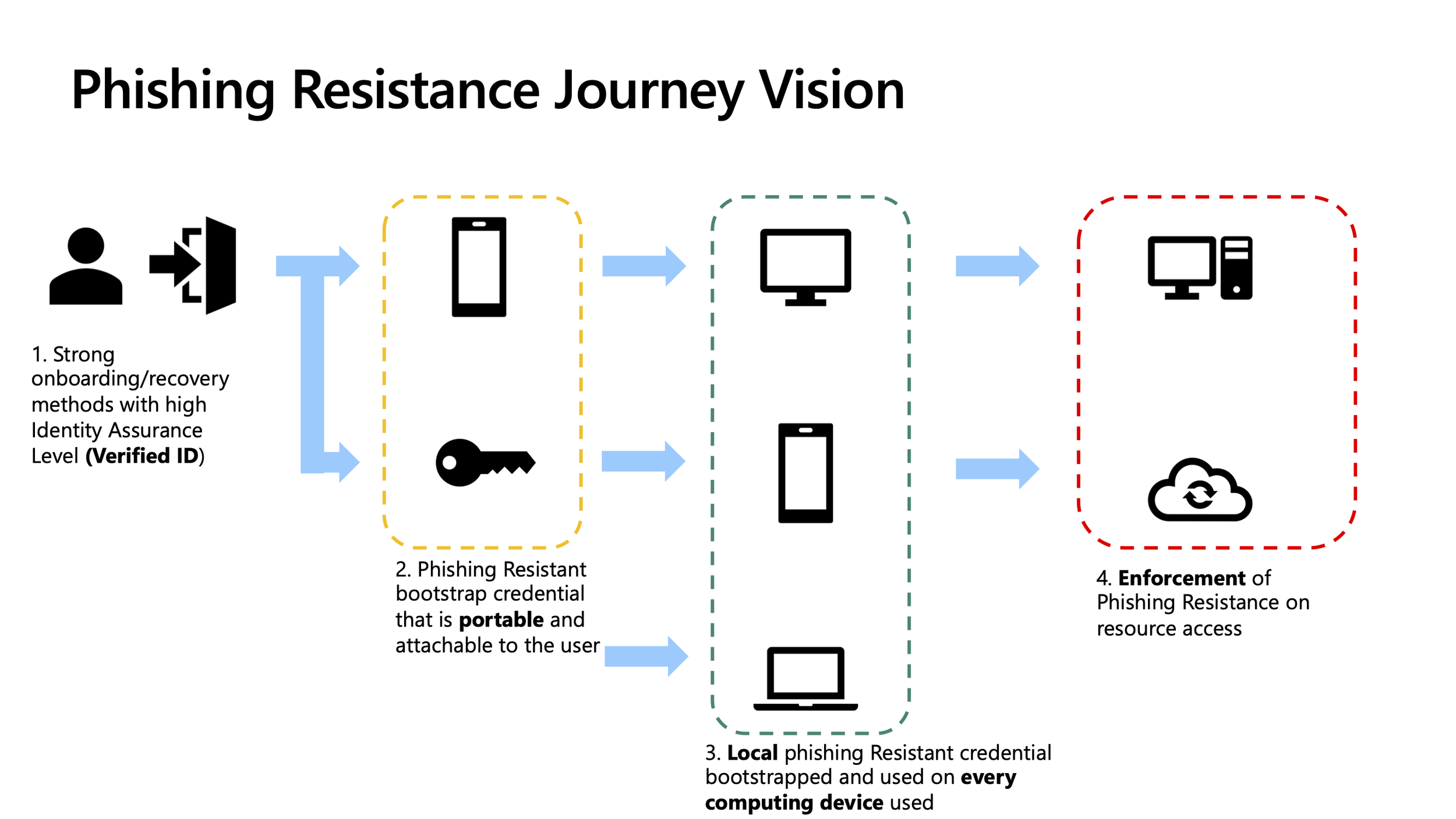
It's crucial to understand that passwordless is not automatically phishing-resistant. While a method like passwordless phone sign-in removes the password, it can still be intercepted in an AiTM attack. Only methods with cryptographic proof of presence and device binding are truly phishing-resistant.
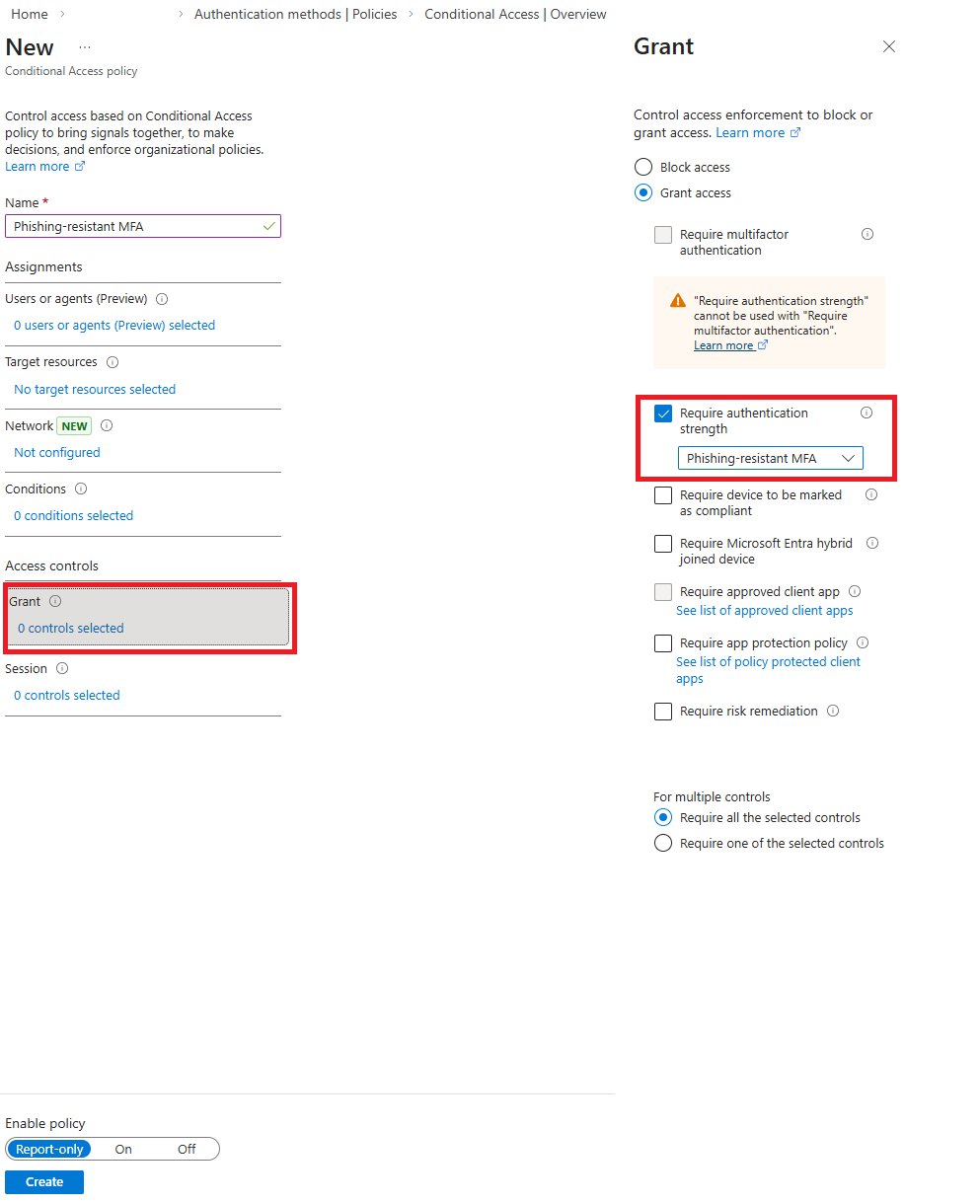
⚙️ Step 3: Create and Apply a Conditional Access Policy
This is where you enforce the new requirement. Create a new Conditional Access policy:
- Users: Target a pilot group of users first (e.g., IT Admins). Crucially, exclude at least one break-glass account.
- Target resources: Select the applications you want to protect (e.g., All cloud apps, or specific admin portals).
- Access controls → Grant: Select Require authentication strength and choose Phishing-resistant MFA from the dropdown.
❌ Common Mistake: Boiling the Ocean
Do not attempt to roll out phishing-resistant MFA to your entire organization at once. Start with a small, high-impact group like administrators. Use the policy in Report-only mode first to analyze the impact and identify users who need to register new, stronger methods before you enforce it.
🌍 Step 4: Secure External Identities (Guests)
🌍 External Identities: The Overlooked Attack Surface
- Guest accounts frequently operate with weaker MFA controls than internal employees.
- External identities are prime targets for attackers to use for lateral movement into your tenant.
- Conditional Access combined with Authentication Strengths eliminates these MFA inconsistencies.
- Recommendation: Require phishing-resistant MFA for any external access to sensitive workloads or admin portals [4].
📊 Step 5: Monitor, Refine, and Layer with CAE
⚡ Continuous Access Evaluation (CAE)
- Strong MFA without real-time session control leaves critical exposure gaps.
- Continuous Access Evaluation (CAE) dramatically reduces the token abuse window by enabling services to re-evaluate sessions on critical security events [5].
- Sessions are revoked in near real-time when a user's account is disabled, their password changes, or their device is no longer compliant.
- CAE is a critical layer of defense against AiTM session persistence.
⚙️ Operational Best Practice: A Phased Rollout
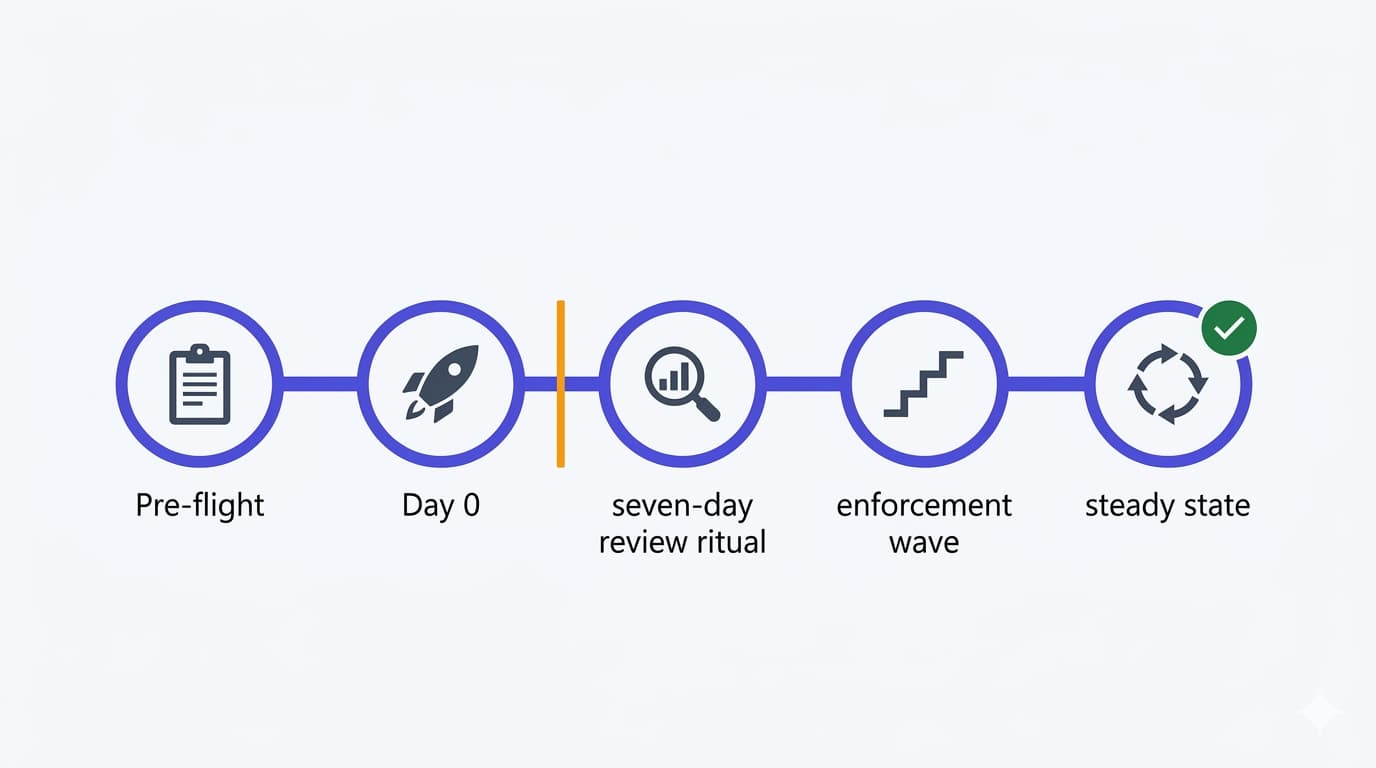
- Phase 1 (Admins): Enforce Phishing-resistant MFA on all administrator roles for all cloud apps. This is non-negotiable.
- Phase 2 (High-Risk Users): Identify high-risk users (executives, finance, HR) and apply the same policy to them.
- Phase 3 (Risk-Based Step-Up): Create a policy that requires Phishing-resistant MFA for any user whose sign-in risk is detected as Medium or High by Identity Protection.
- Phase 4 (Sensitive Apps & Guests): Apply the policy to specific, highly sensitive applications and for guests accessing critical resources.
🎯 Conclusion: From Compliance to True Resilience
- MFA is no longer a binary control (enabled/disabled); it is a risk-stratified defense.
- Modern identity security must be risk-stratified, adapting to the context of each access request.
- Phishing-resistant MFA is the new baseline for all privileged and high-risk identities.
- True resilience is a function of Identity + Context + Authentication Strength.
Have you already been targeted by AiTM attacks or seen MFA fatigue in your organization? Share your story in the comments.
References
- Detecting and mitigating a multi-stage AiTM phishing and BEC campaign | Microsoft Security Blog
- How to use number matching in multifactor authentication notifications | Microsoft Learn
- Overview of Conditional Access Authentication Strengths | Microsoft Learn
- Conditional Access policy for guest and external user MFA strength | Microsoft Learn
- Continuous Access Evaluation in Microsoft Entra ID | Microsoft Learn