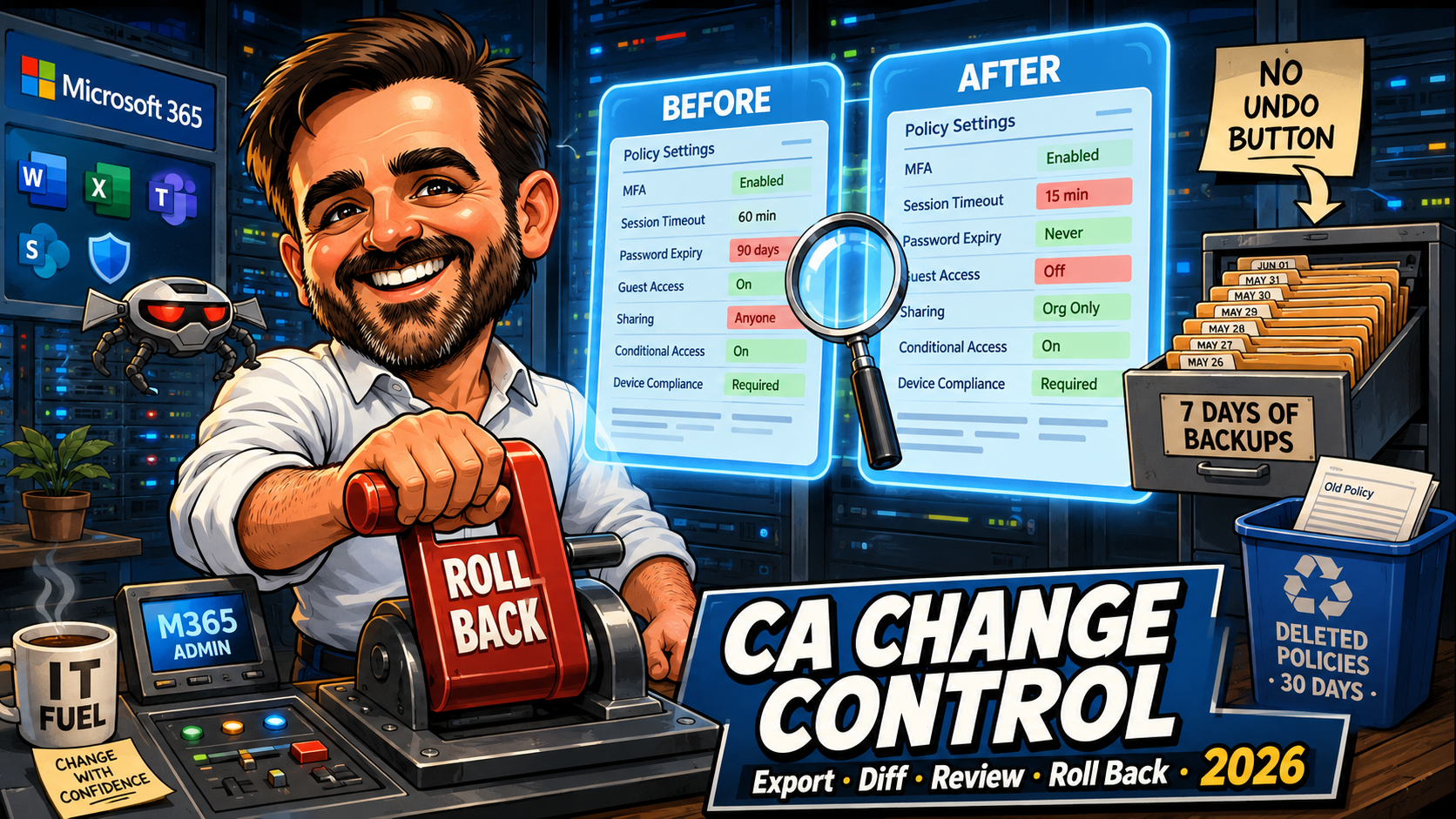
Conditional Access Change Control: Export, Diff & Rollback
Entra now backs up Conditional Access policies daily, but there is still no undo. The export, diff, review and rollback process that covers the gaps.
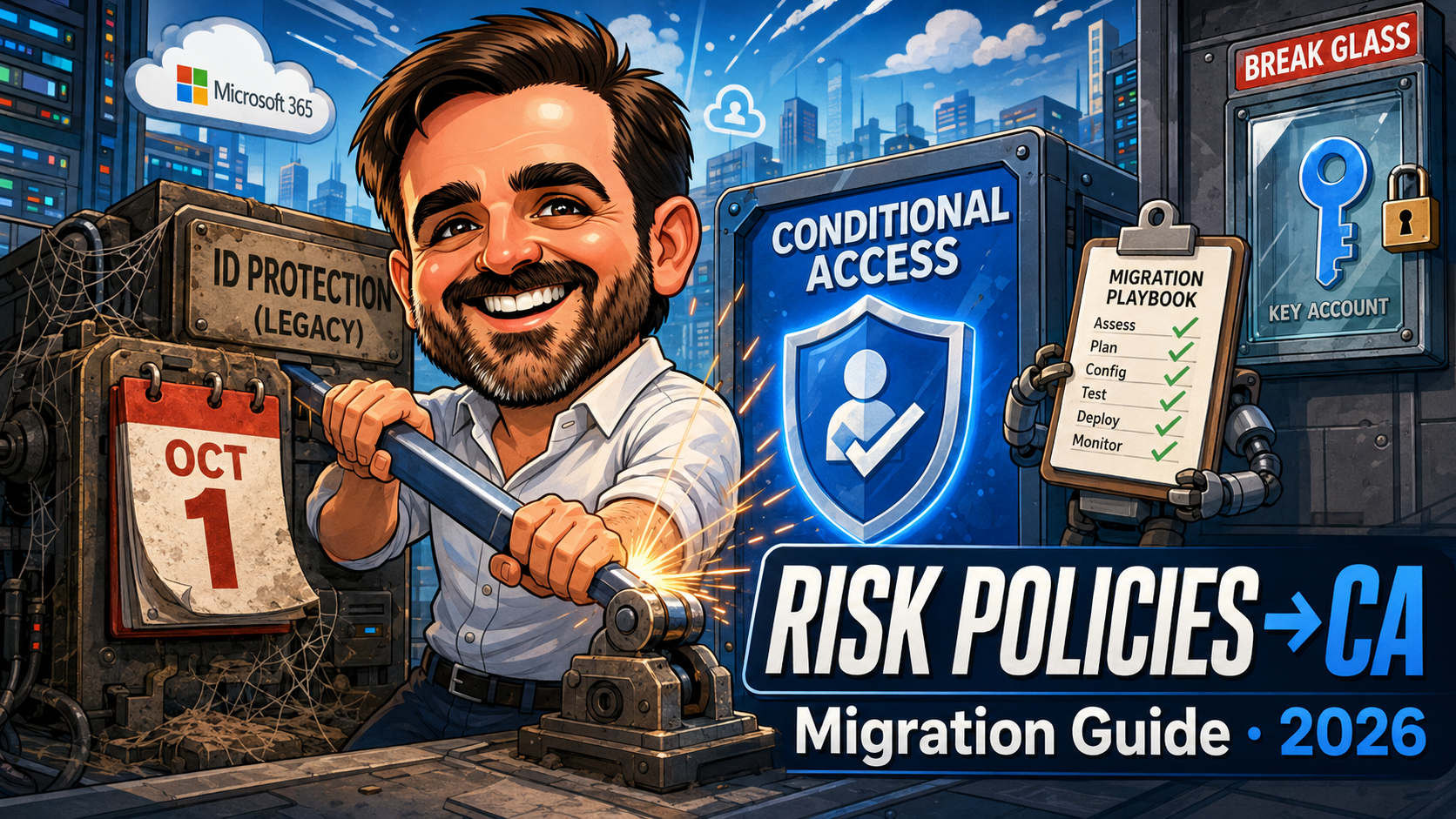
Entra ID Protection Risk Policies Retire in October: The Conditional Access Migration Guide (2026)
The legacy risk policies retire on 1 October 2026 with no automatic migration. The Conditional Access rebuild, the gotchas, and a printable playbook PDF.
Phishing-Resistant MFA with Authentication Strengths: 2026 Rollout Guide
Practical 2026 guide to phishing-resistant MFA in Microsoft Entra: the three built-in strengths, the TAP bootstrap, the role-based rollout, the configuration traps.
Token Protection in Conditional Access: 2026 Rollout and Troubleshooting Guide
Token Protection binds sign-in tokens to the device, stopping token replay. Practical 2026 guide: compatibility, configuration traps, sign-in log codes.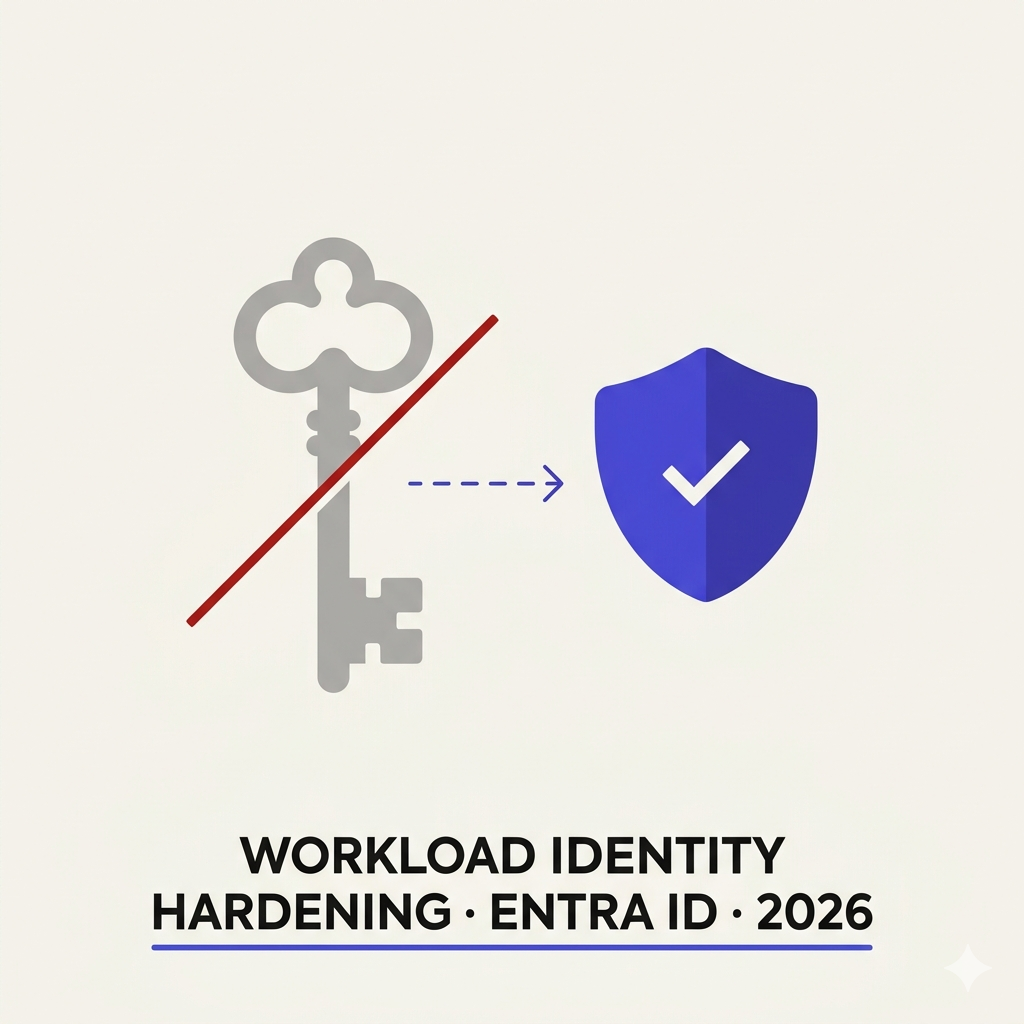
Hardening Workload Identities in Microsoft Entra ID - Secrets, Service Principals & Secretless Auth
Most tenants have dozens of app registrations with long-lived secrets, no Conditional Access coverage, and zero monitoring. This article covers the full hardening path: credential inventory via Graph, migration from secrets to certificates to workload identity federation (with a decision table by scenario), Conditional Access for service principals, ID Protection risk detections, governance lifecycle, the March 2026 service-principal-less authentication deadline, common hardening mistakes, an SMB quick-start priority list, and an auditor evidence checklist.
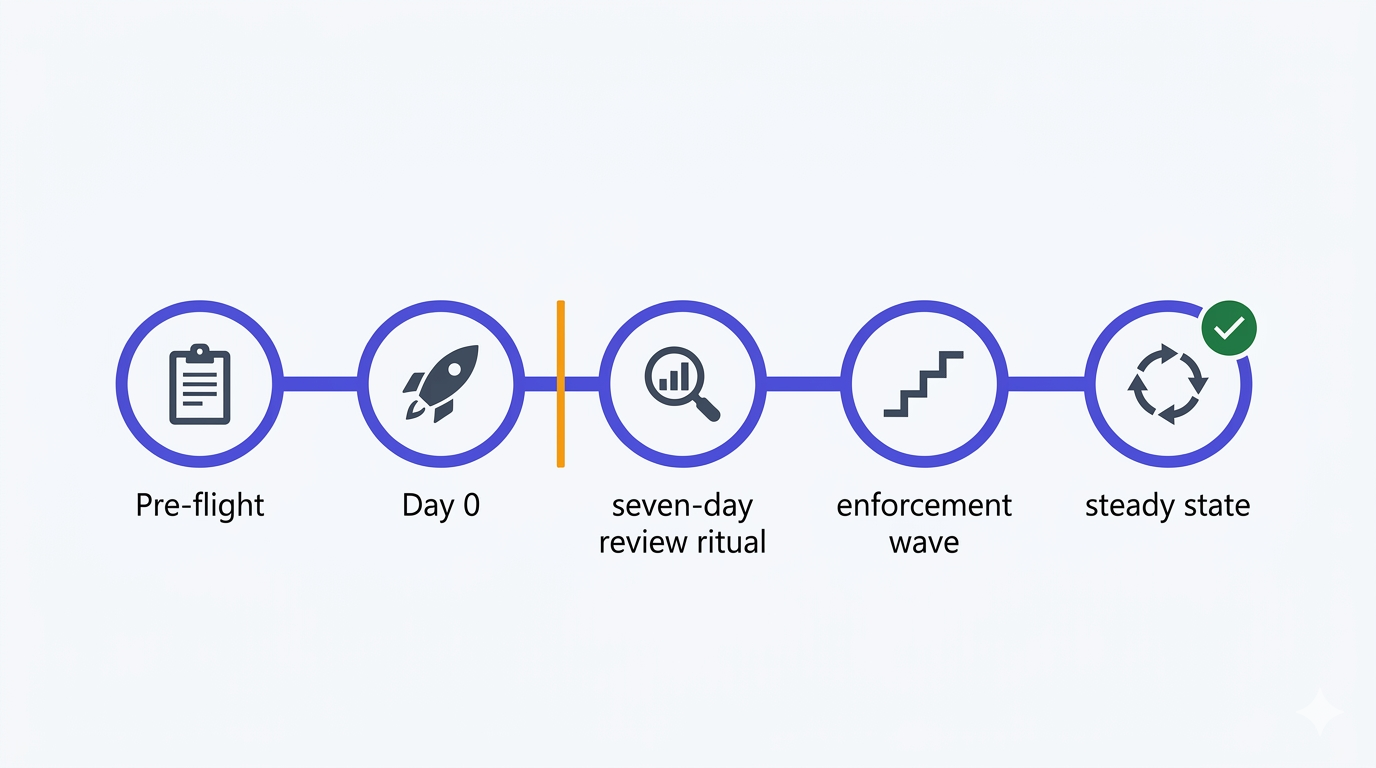
Report-only rollout & troubleshooting - the disciplined path from Report-only to Enabled
Part 4 and closing chapter of the Conditional Access baseline series. The disciplined rollout cadence for moving all eight policies from Report-only to Enabled without incidents — pre-flight checks, Day 0 deployment, the seven-day review ritual, a worked What If scenario, a compact KQL triage set, the communication templates that make users feel informed instead of ambushed, and the specific failure patterns that only show up once you hit Enabled.
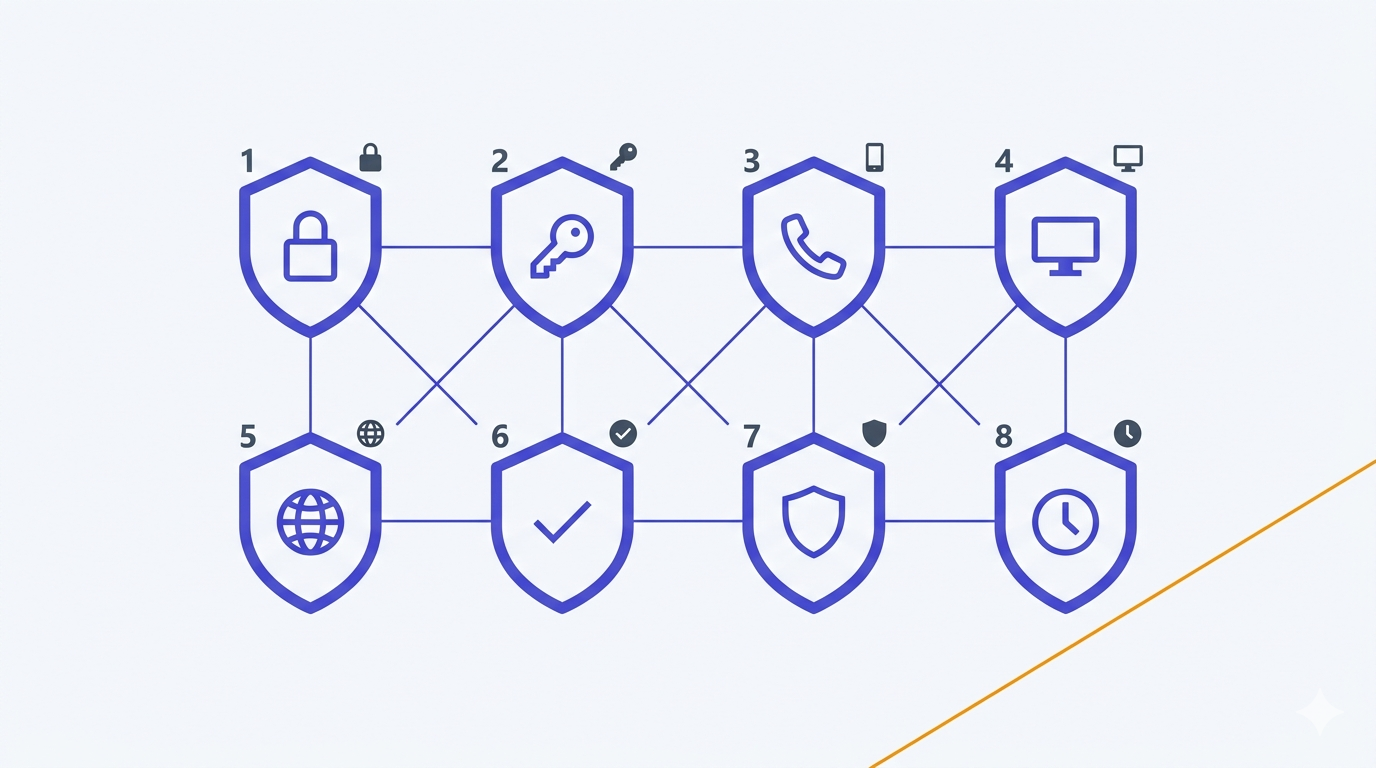
The eight Conditional Access policies — a deep implementation guide
Part 3 of the Conditional Access baseline series. Every baseline policy walked end to end: the exact UI path, precise include/exclude scope, grant vs session choice with the real trade-offs, the common false positives and how to triage them in the sign-in logs, and the rollback pattern for each one — plus a Graph PowerShell appendix and two KQL queries that cover 80% of Report-only triage.

Conditional Access foundations: break-glass accounts, exclusion groups, and the logging you want before any policy
Before deploying a single Conditional Access policy, three things have to be in place: two break-glass accounts with FIDO2 keys, a clean exclusion group pattern, and sign-in logs wired to alerts. Part 2 of the series — the foundations that stop a misconfigured policy from becoming a business-hours incident.
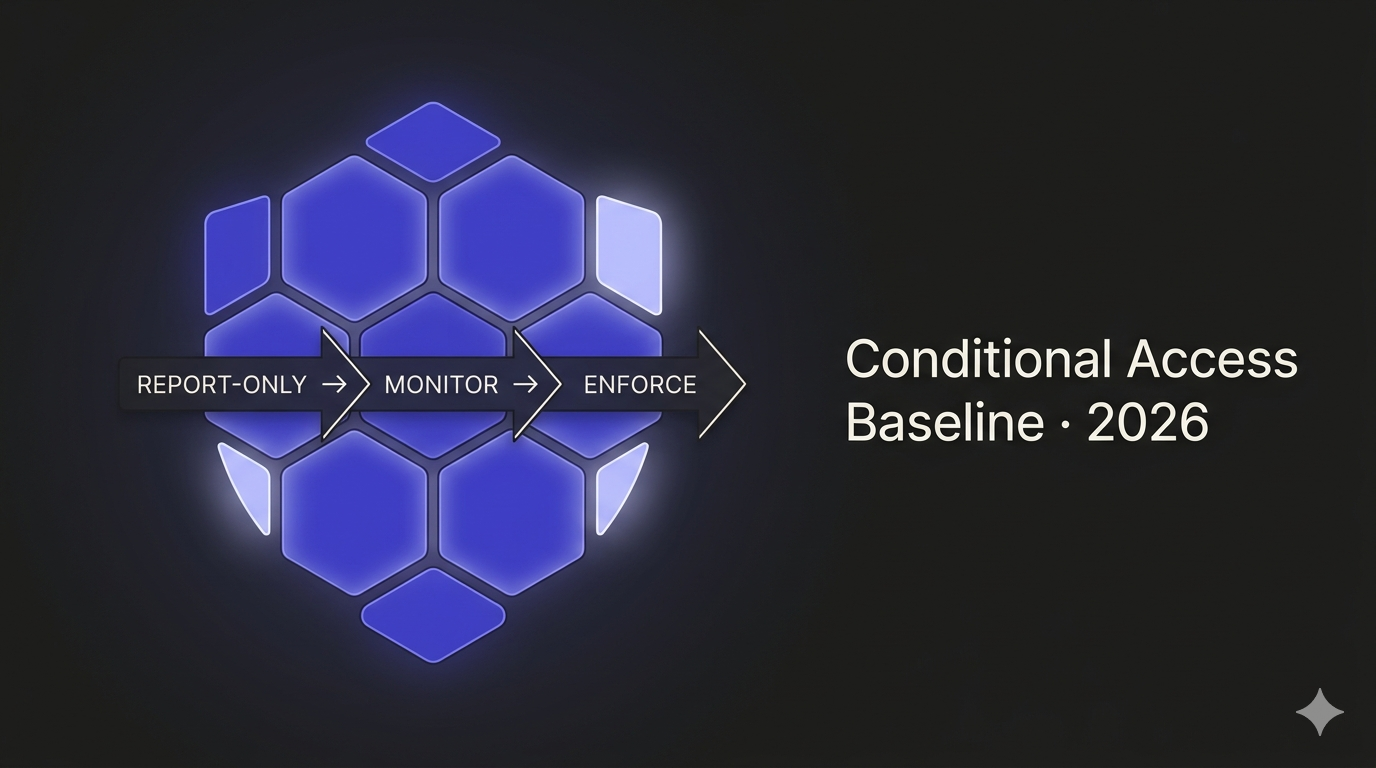
Conditional Access baseline for small and mid-sized Microsoft 365 tenants in 2026
The opinionated Conditional Access baseline I deploy on every SMB Microsoft 365 tenant in 2026 — 8 policies split into a core and extended set, report-only rollout, break-glass done right, and the mistakes that lock admins out.
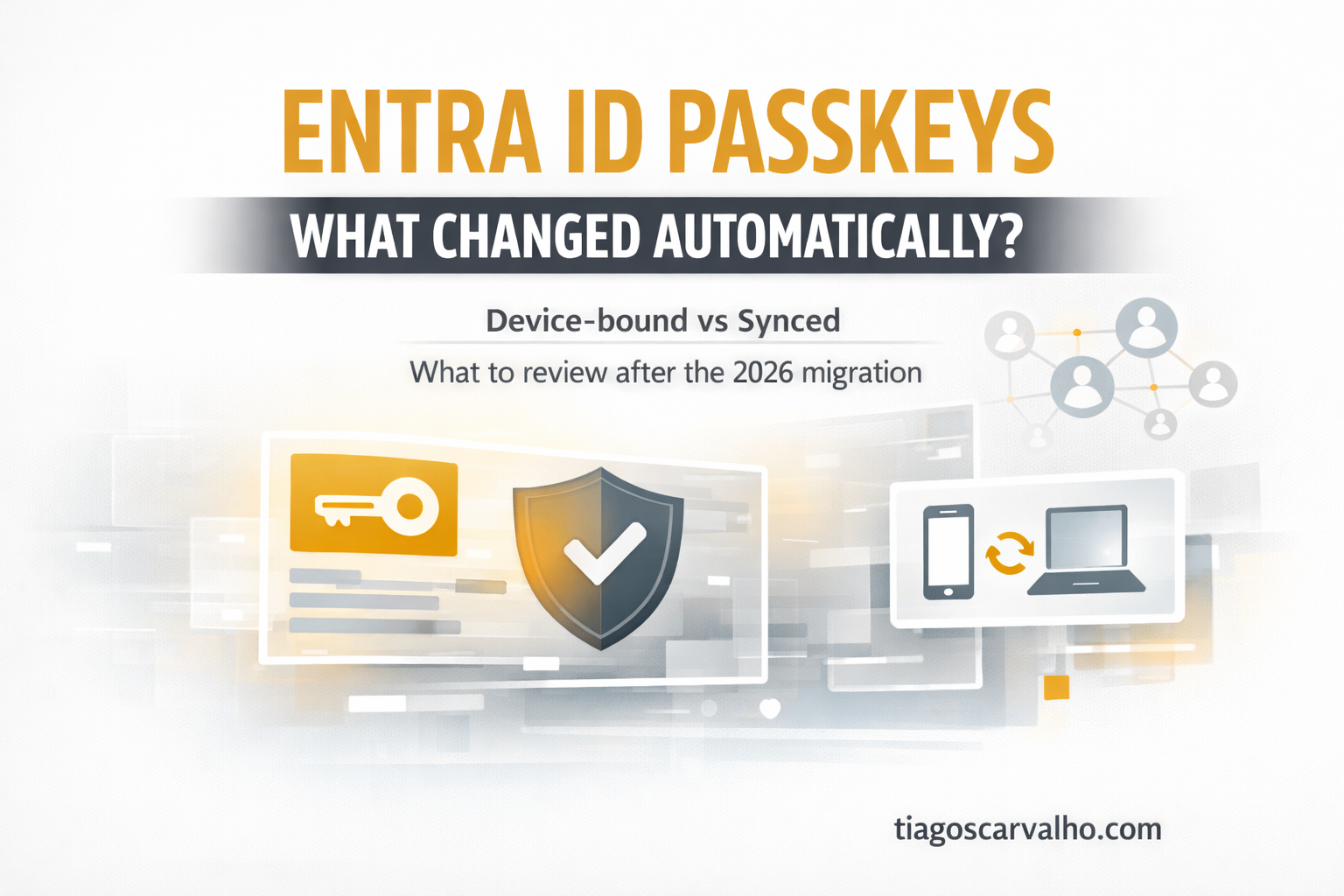
Your Entra ID Passkeys May Have Changed Automatically: What to Check After the 2026 Migration
Microsoft Entra ID passkey profiles reached GA in 2026, and tenants with FIDO2 already enabled may have been migrated automatically. This article explains what changed, how device-bound and synced passkeys differ, and the key settings to review now.
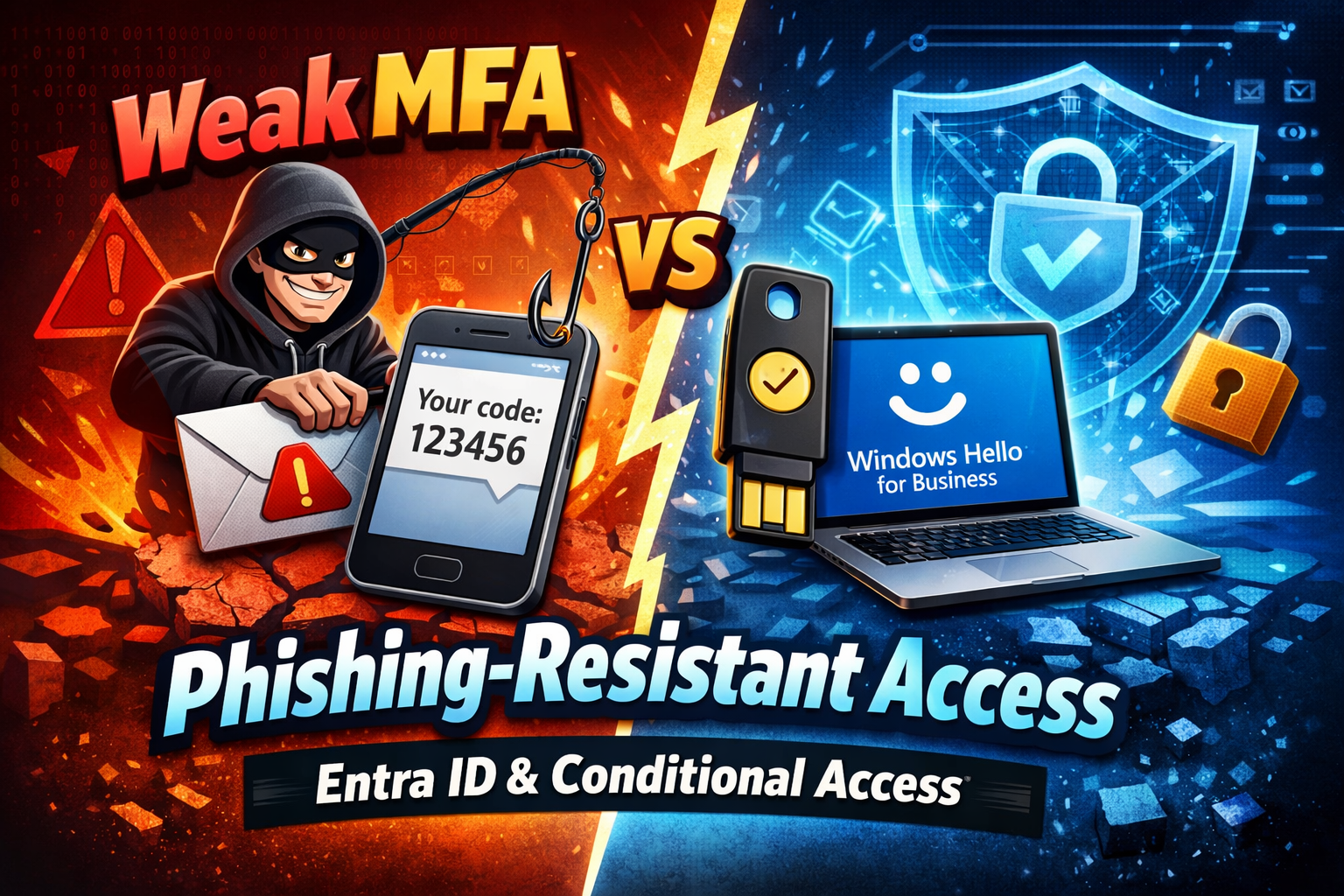
Why Traditional MFA Fails: Enforcing Phishing-Resistant Access with Entra ID & Conditional Access
MFA enabled does not equal identity protected. Learn how to design phishing-resistant access using Microsoft Entra ID, Authentication Strengths, and Conditional Access to defend against AiTM and MFA fatigue attacks.
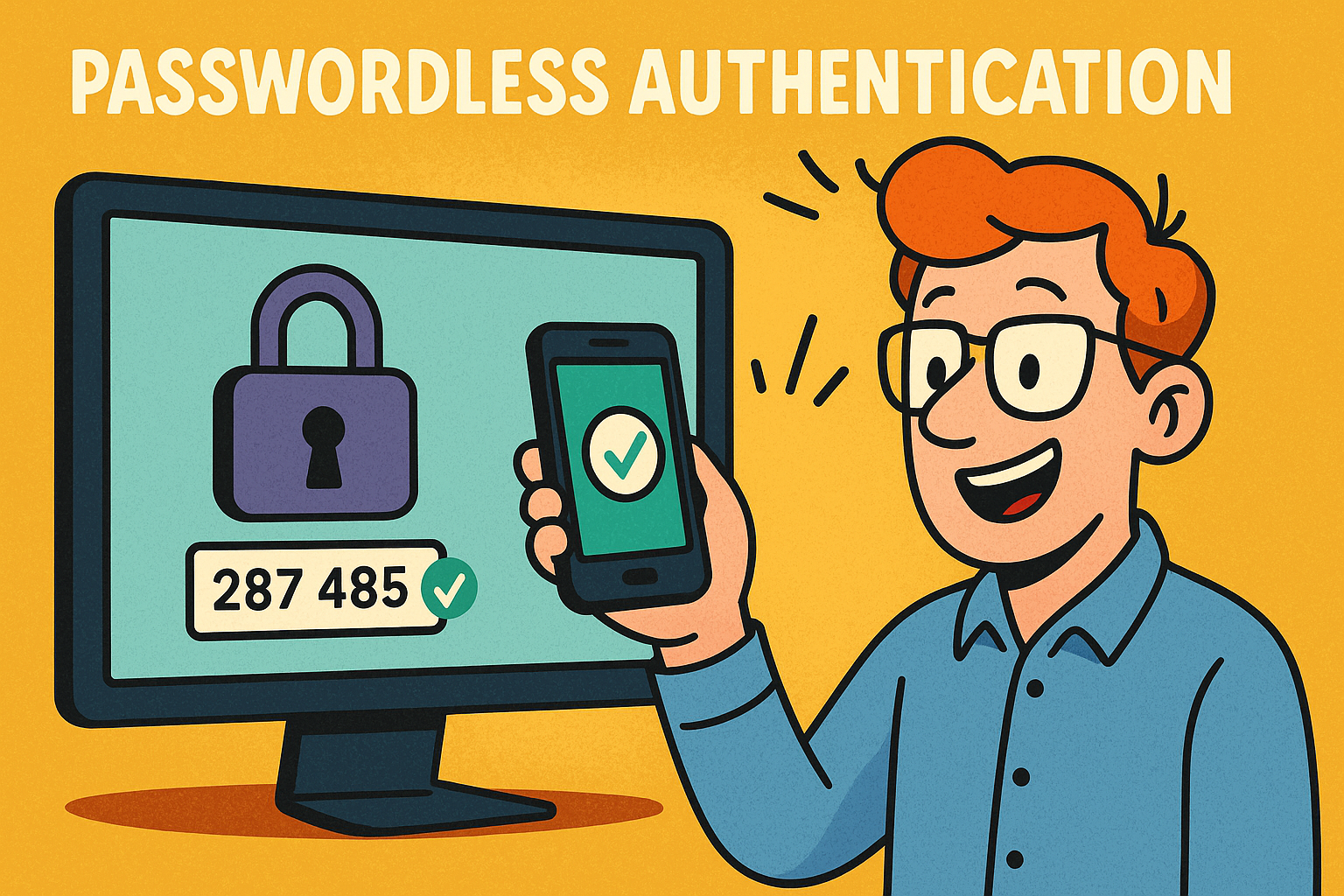
Going Passwordless with Microsoft Entra: A Practical Guide for SMEs
A practical, step-by-step guide to implementing passwordless authentication with Microsoft Entra. Learn how to replace passwords with secure modern methods like Microsoft Authenticator, number matching, and Conditional Access policies improving security, reducing phishing risk, and simplifying user experience for SMEs
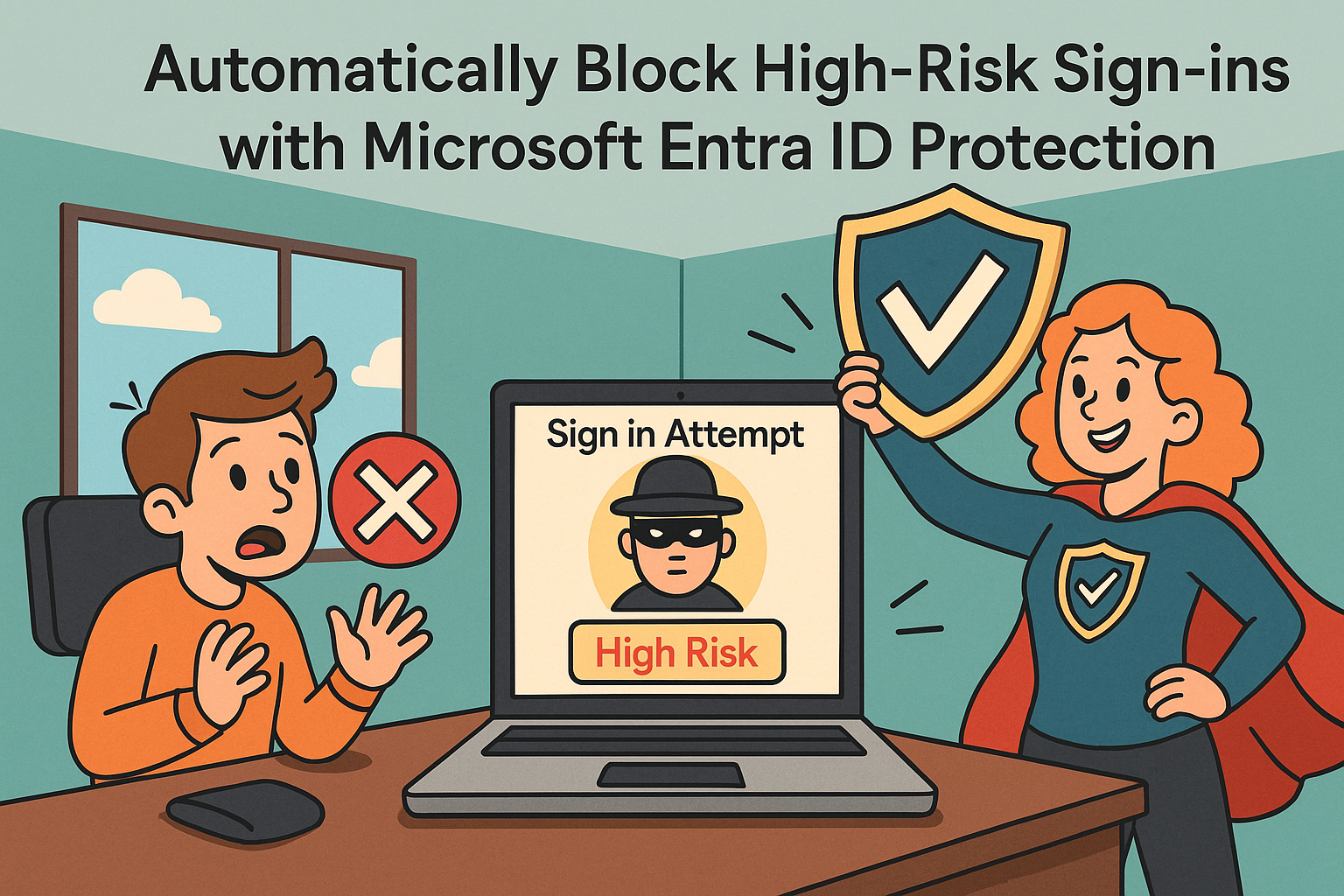
How to Automatically Block High-Risk Sign-ins with Microsoft Entra ID Protection: A Zero Trust Approach
Automatically block high-risk sign-ins using Microsoft Entra ID Protection with a simple Conditional Access policy. A practical step-by-step guide for IT admins implementing Zero Trust identity protection.

How to Configure Privileged Identity Management (PIM) for Microsoft Entra Roles
A practical step-by-step guide to configuring Microsoft Entra PIM to secure privileged roles, apply just-in-time access, and eliminate standing permissions.
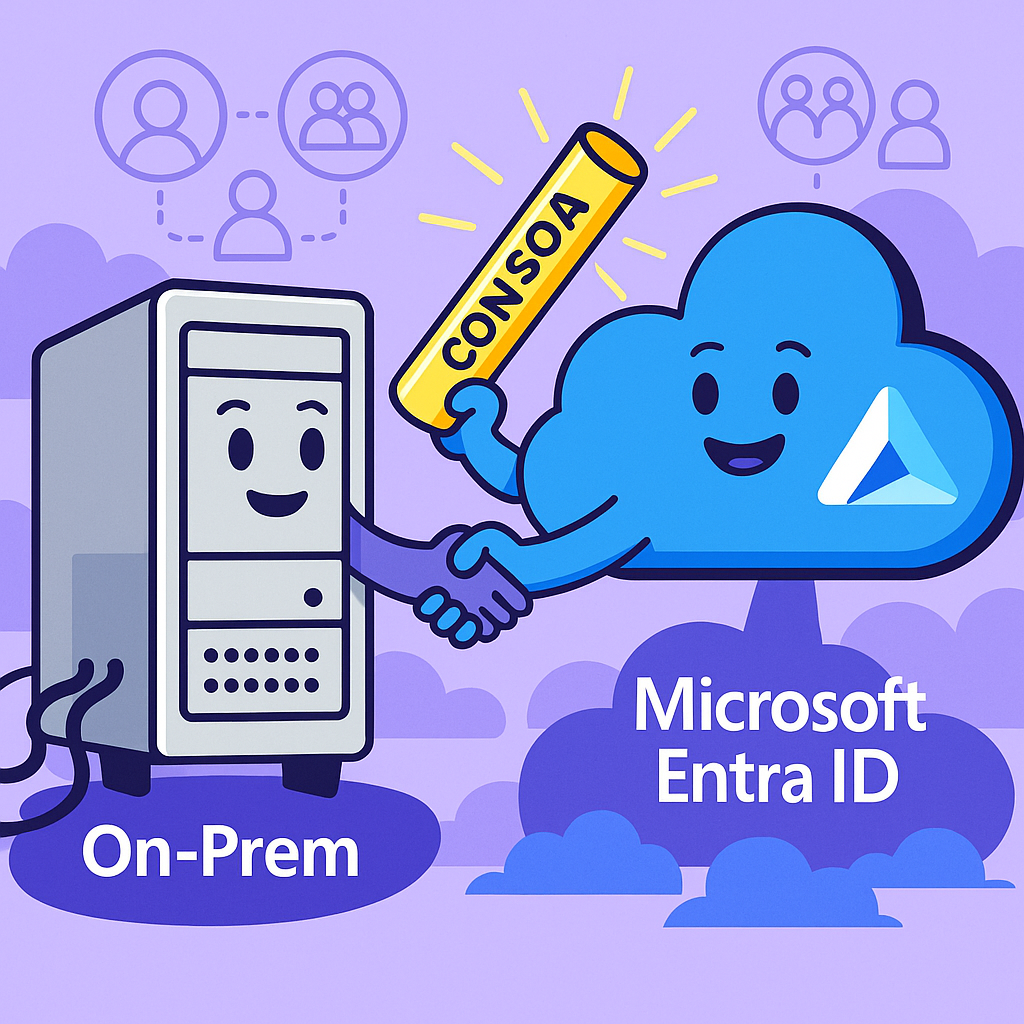
Microsoft Entra ID: The Hybrid Identity Revolution with Source of Authority (SOA) Conversion
Microsoft Entra ID introduces Source of Authority (SOA) Conversion a breakthrough that lets organizations move user and group management to the cloud while maintaining on-premises compatibility. Learn how this redefines hybrid identity management.