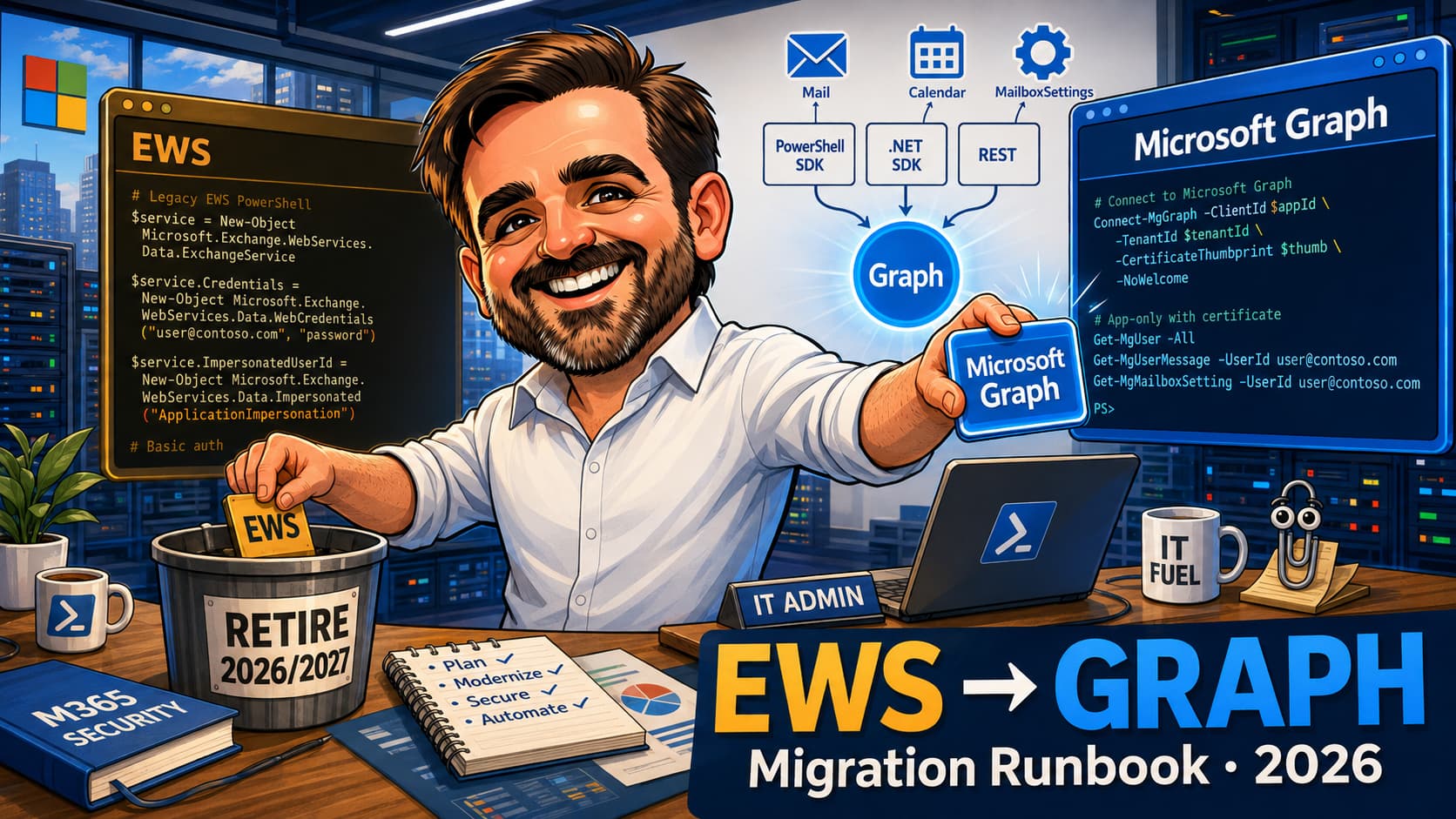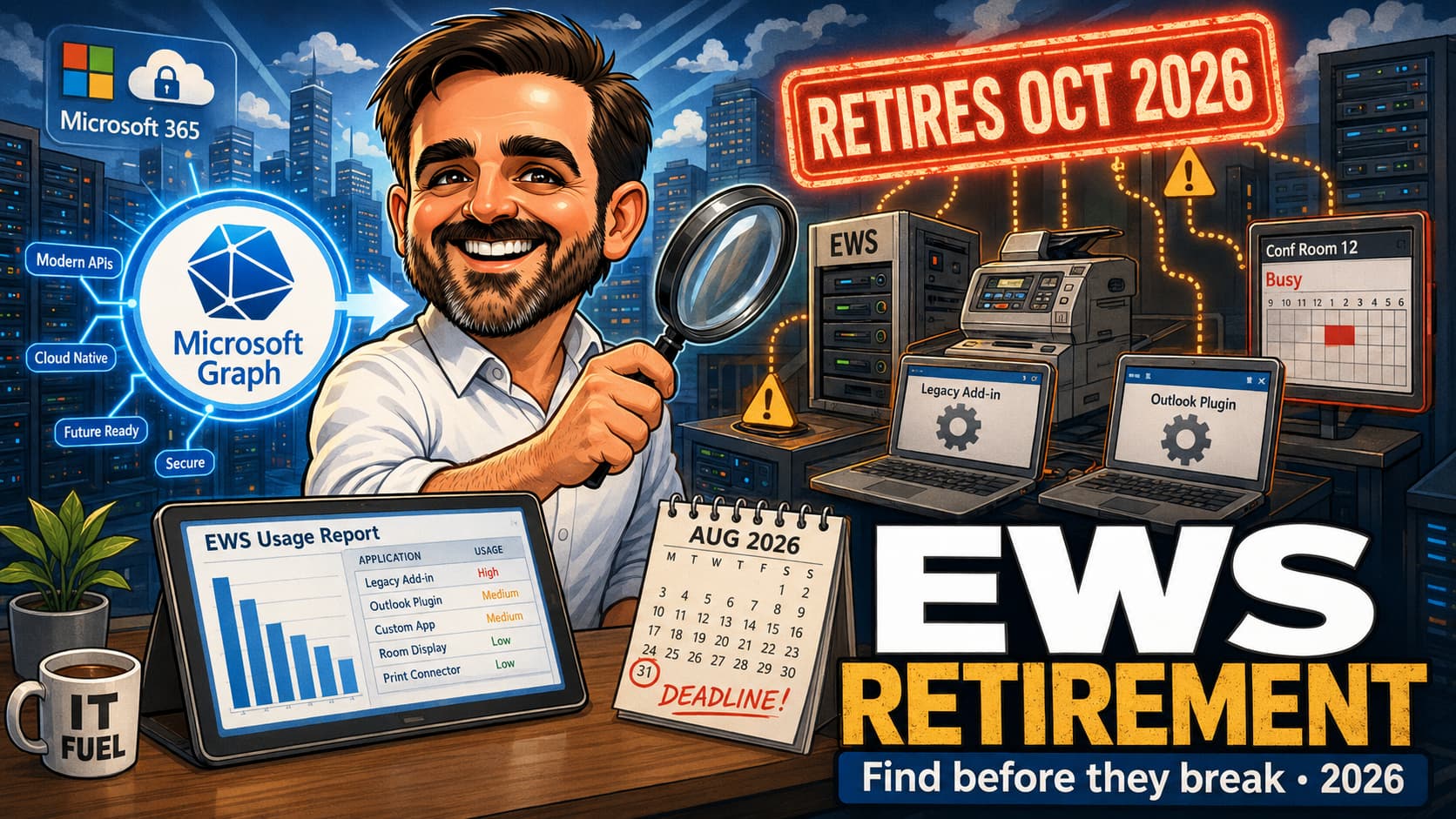
Exchange Web Services has been on borrowed time since 2018 when Microsoft announced it would stop active development. The retirement dates are now in the calendar: a phased disablement begins on 1 October 2026, with full shutdown landing on 1 April 2027. There is a control mechanism that buys time for tenants that need it — EWSEnabled together with an AppID Allow List — but the deadline to configure that mechanism falls at the end of August 2026. In other words: by the time you read this, you have weeks, not months, to find every EWS-based integration in your tenant, decide what to do with it, and either migrate it to Microsoft Graph or add it to the Allow List. This article is the practical playbook for the discovery and decision work that the next two months demand. Validate the current tenant-specific guidance in Microsoft Learn and the Microsoft 365 Message Center before quoting these dates in customer communications.
EWSEnabled = True and populate an AppID Allow List to be excluded from the 1 October 2026 default change. 1 October 2026: Microsoft starts blocking EWS requests for tenants that did not configure the Allow List. 1 April 2027: EWS fully disabled in Exchange Online. Validate the current published dates on Microsoft Learn and the Microsoft 365 Message Center before quoting in customer communications — Microsoft has previously adjusted the timeline.EWSEnabled = True and adding application IDs to the Allow List is the official mechanism to keep specific apps working past 1 October 2026 while a migration is in flight. It is not a way to opt out of the retirement. Apps on the Allow List still need a migration plan that lands before the currently documented 1 April 2027 full shutdown.EwsAccess, the Microsoft Entra ID sign-in logs filtered for the EWS resource, and an inventory of app registrations with EWS-relevant permissions.1. Starting from zero: read top to bottom; the discovery methods and the pre-October checklist capture the work.
2. Already have an inventory: jump to the migration playbook and the Allow List configuration sections.
3. Responding to a vendor question: jump to the timeline and the categorisation section to frame the response.
The 2026 EWS timeline
Microsoft first announced the EWS retirement in 2018 and reconfirmed the schedule in 2023 with a phased plan landing the active changes in 2026 and the final shutdown in 2027. The timeline below reflects the published guidance at the time of writing; Microsoft has adjusted dates before, so validate against Microsoft Learn and the Microsoft 365 Message Center before relying on a date in a customer communication.
| Date | Event | What it means for admins |
|---|---|---|
| End of June 2026 | Microsoft begins blocking EWS access for users without licence rights to EWS — including affected Kiosk / Frontline Worker scenarios where the assigned SKU does not include EWS rights. | Tenants with Kiosk / F-SKU populations using EWS-based tools should expect failures. Validate which user populations are in scope on Microsoft Learn. |
| End of August 2026 | Deadline to proactively configure EWSEnabled = True together with an AppID Allow List to be excluded from the 1 October 2026 default change. |
Tenants that complete this step before the deadline keep specific apps working past 1 October. Tenants that miss the deadline are switched to EWSEnabled = False by Microsoft, which blocks EWS for all apps by default. |
| 1 October 2026 | Microsoft starts blocking EWS requests in Exchange Online for tenants that did not configure the Allow List in time. Phased disablement begins. | This is the date most teams treat as the operational cut-off. Apps that have not migrated or been added to the Allow List stop working on or after this date. |
| April 2027 | EWS fully disabled in Exchange Online (currently published target: 1 April 2027). Validate against Microsoft Learn and the Microsoft 365 Message Center for your tenant. | Apps still on the Allow List in early 2027 enter the final migration window. The Allow List is not a long-term capability and stops working when the final shutdown is reached. |
| 2018 — ongoing | Microsoft has not actively developed EWS since 2018. Security and certain non-security updates continue; product design and features do not. | If your integration is still on EWS in 2026, it is on a code path that has been frozen for years. The migration is overdue regardless of the retirement date. |
EWSEnabled = False arrives on 1 October. Start the discovery work immediately.
The new control surface: EWSEnabled + AppID Allow List
Microsoft introduced a tenant-level control to manage EWS access during the retirement window. The control has two parts.
EWSEnabled— a tenant-wide switch that gates whether EWS requests are accepted. Default behaviour shifts on 1 October 2026: tenants that did not proactively setEWSEnabled = Trueby the end of August 2026 are switched toFalse.- AppID Allow List — a list of Microsoft Entra ID application identifiers that are permitted to use EWS when
EWSEnabled = True. Applications not on the list are blocked even when the tenant-level switch is on.
The mechanism gives admins the ability to keep specific apps working past 1 October 2026 while a migration plan is delivered, without leaving EWS open to every app in the tenant. The configuration is done via Exchange Online PowerShell at the time of writing; expect a portal experience to follow.
Discovery: four methods to find EWS usage in your tenant
The discovery work has four sources. Each one tells you something the others miss. Use them together rather than picking one.
Method 1 — EWS Usage Report in the Microsoft 365 admin center
Microsoft shipped a built-in EWS Usage Report in the Microsoft 365 admin center in 2025. It is the primary discovery source for 2026.
- Sign in to the Microsoft 365 admin center at
admin.microsoft.com. - Go to Reports → Usage.
- Select the Exchange Web Services (EWS) usage report.
- Review SOAP actions, active applications by name and AppID, call volume per application, and the user population making the calls.
- Export the report for a documented snapshot before any remediation work begins.
The report's strength is that it identifies applications by AppID, which is the exact identifier you will need for the Allow List or for the migration ticket. Some operational characteristics matter for how you use it:
- The report currently supports 7-day, 30-day and 90-day filters in the Microsoft 365 admin center.
- Data is collected and aggregated weekly, not daily. The report does not reflect activity in real time; recent calls may not appear immediately in the report.
- The report is a starting point, not a full historical inventory. Applications active outside the 90-day window do not appear; applications configured but currently idle do not appear. Combine with the audit log, sign-in logs and app registration inventory to assemble a complete view.
Method 2 — Unified Audit Log: EwsAccess activity
The Unified Audit Log captures EWS access events under the activity name EwsAccess. The audit log's strength is granularity and time depth (retention depends on licensing; E5 / advanced auditing covers up to a year by default).
- Sign in to the Microsoft Purview portal or the Microsoft 365 admin center.
- Open Audit and search for the activity
EwsAccessover the longest window your licence allows. - Group results by application name, AppID and source IP to identify the calling applications.
- Pair with the EWS Usage Report — the audit log adds applications that have called EWS at any point in the retention window, even if they are quiet today.
Method 3 — Microsoft Entra ID sign-in logs filtered for EWS
Microsoft Entra ID sign-in logs record application authentications, including the resource the application is calling. Filtering for the EWS resource surfaces every application that authenticated to EWS in the log window.
- Sign in to the Microsoft Entra admin center.
- Go to Monitoring & health → Sign-in logs.
- Apply filters for the resource that EWS uses (
Office 365 Exchange Online) and review the application column. - Cross-reference application IDs against the EWS Usage Report and the audit log.
Method 4 — App registrations with EWS-relevant permissions
The final source is the static configuration: which applications in the tenant have been granted EWS-relevant permissions on the Office 365 Exchange Online service principal, regardless of whether they have called EWS recently. The right query is over assigned permissions, not over what the resource service principal exposes.
Connect-MgGraph -Scopes "Application.Read.All","Directory.Read.All","AppRoleAssignment.Read.All"

# Identify the Office 365 Exchange Online resource service principal
$exo = Get-MgServicePrincipal -Filter "displayName eq 'Office 365 Exchange Online'" |
       Select-Object -First 1

# Resolve the EWS app-only role IDs on the EXO resource SP
# (validate the EWS-relevant identifiers against Microsoft Learn before
# relying on the output as a complete classification)
$ewsAppRoleIds = $exo.AppRoles |
  Where-Object { $_.Value -in @("full_access_as_app") } |
  Select-Object -ExpandProperty Id

# Iterate over every client service principal in the tenant and check
# its app role assignments against the EXO resource SP and the EWS roles
$appOnlyGrants = foreach ($sp in Get-MgServicePrincipal -All) {
  Get-MgServicePrincipalAppRoleAssignment -ServicePrincipalId $sp.Id -ErrorAction SilentlyContinue |
    Where-Object { $_.ResourceId -eq $exo.Id -and $ewsAppRoleIds -contains $_.AppRoleId } |
    Select-Object @{Name="ClientDisplayName";Expression={$sp.DisplayName}}, `
                  @{Name="ClientAppId";Expression={$sp.AppId}}, `
                  AppRoleId, ResourceDisplayName
}

# Apps granted EWS delegated permissions on the EXO resource
$delegatedGrants = Get-MgOauth2PermissionGrant -All |
  Where-Object {
    $_.ResourceId -eq $exo.Id -and
    ($_.Scope -split " " | Where-Object { $_ -eq "EWS.AccessAsUser.All" }).Count -gt 0
  } |
  Select-Object ClientId, ConsentType, Scope

# Output both sets
$appOnlyGrants
$delegatedGrantsfull_access_as_app or EWS.AccessAsUser.All and never call EWS; an application can call EWS through a permission shape this query does not catch. The four discovery methods are complementary; no single one is canonical.
The exact permission identifiers to look for on the Office 365 Exchange Online service principal are the EWS-relevant app role full_access_as_app (app-only access where EWS is the intended path) and the delegated scope EWS.AccessAsUser.All (delegated EWS access). Resolve the corresponding AppRoleId values and delegated Scope values on the EXO service principal, then enumerate per-client-SP app role assignments and OAuth2 permission grants where the resource is the EXO service principal. Combine the four methods to assemble a complete inventory.
Code-side discovery: EWS Analyzer and EWS-to-Graph mapping
The four methods above cover the runtime side of discovery: what is calling EWS in your tenant right now or recently. They do not cover the code side: repositories, scheduled tasks, and old binaries that may still contain EWS calls but have not run within the audit window. For a complete inventory, runtime discovery needs to be paired with code analysis.
Microsoft has published guidance and tooling to help with the code side. Specifically:
- EWS Analyzer — a Microsoft-provided tool that scans codebases for EWS usage and identifies migration targets. Useful for in-house repositories where the source code is available.
- EWS-to-Graph mapping guidance — Microsoft Learn documentation that maps common EWS operations to their Graph equivalents, with the gotchas called out per operation.
- AI-assisted code analysis and refactoring — Microsoft has published tutorials covering use of AI tooling to accelerate the EWS-to-Graph migration in source code, particularly for larger or older codebases where manual review is impractical.
The practical pattern: use the runtime methods for the inventory (who is calling, what AppID, how often), then use the code-side tooling for the migration work itself (what to change, in which file, with what Graph equivalent). The two halves of the discovery are complementary, not interchangeable.
Inventory output: the deliverable of the discovery phase
The discovery work converges into a single artefact: the EWS inventory. The structure below is the practical deliverable of the discovery phase. It is the document that is reviewed in change-control meetings, referenced when migration decisions are taken, and updated as items move from "Allow List" through to "migrated" and finally "decommissioned". Maintain it in a place under source control or shared documentation, not a personal spreadsheet on a single admin's machine.
| Field | What it captures |
|---|---|
| App display name | The human-readable name of the application as it appears in Microsoft Entra ID and the EWS Usage Report. |
| AppID | The Microsoft Entra ID application identifier (GUID). The exact value needed for the Allow List entry and for migration tickets. |
| Owner | A named person in the organisation (not a vendor name). The owner is accountable for the migration decision and for keeping the entry up to date. |
| Vendor / custom | Classification: Microsoft first-party, third-party vendor SaaS, custom in-house. Determines the migration path and the remediation owner. |
| Last seen | The most recent date the application was observed calling EWS, from the Usage Report or the audit log. Used to triage dormant apps. |
| Call volume | Approximate call volume per day or per week, from the Usage Report. Used to size the migration effort and to rank priorities. |
| SOAP actions | The set of EWS SOAP actions the application uses (e.g. FindItem, GetItem, CreateItem, Subscribe). Determines which Graph operations need to map across. |
| Permission model | App-only via full_access_as_app, delegated via EWS.AccessAsUser.All, or impersonation via EWS-specific patterns. Drives the Graph permission redesign. |
| Users / mailboxes touched | Approximate user or mailbox population the application accesses. Useful for scoping Application Access Policies or Application RBAC on the Graph side, depending on the current recommended model for the tenant. |
| Decision | One of: migrate to Microsoft Graph, replace with vendor Graph version, decommission, Allow List as stopgap. Documented with rationale. |
| Target date | Deadline for the decision to be delivered. Allow List entries should have a date earlier than April 2027; migration projects should land before October 2026 where possible. |
Categorising what you find
An EWS inventory is rarely homogeneous. The applications calling EWS typically fall into one of five categories, each of which has a different migration path.
| Category | Typical examples | Migration path |
|---|---|---|
| Backup, archiving, eDiscovery | Veeam Backup for M365, AvePoint Cloud Backup, Quest On Demand Migration, third-party journaling. | Vendor migration to Graph. Most major vendors have shipped Graph-based versions; check vendor release notes and upgrade. |
| Mailbox migration tools | BitTitan MigrationWiz, Quest On Demand Migration, Microsoft's own native cross-tenant tooling. | Vendor version that uses Microsoft's Cross-Tenant User Data Migration add-on or Graph-based mailbox access. |
| Signature and template management | Exclaimer, CodeTwo, Symprex, in-house signature scripts. | Vendor versions that use Graph or transport rules. Some in-house signature scripts may already be obsolete and removable. |
| Meeting room and resource calendar tools | Robin, Joan, Condeco, Skedda, room-display kiosks. | Vendor version using Graph calendar APIs. Confirm the vendor supports Graph and which permission scopes are required. |
| Custom in-house apps | PowerShell scripts run on a scheduled task. ASP.NET web apps written in 2014. Console apps that send notifications. | Rewrite to Microsoft Graph. The simplest scripts can move in a day; older web apps may need more work. Some custom apps will turn out to be no longer used — remove them. |
For each item in the inventory, capture: owner (someone in the organisation, not a vendor name), business criticality, migration vendor / version status, planned migration date, fallback (Allow List or accept service interruption), and the date the decision was last reviewed.
Microsoft Graph as the replacement: fit, gaps, exceptions
Microsoft Graph is the strategic replacement for most EWS scenarios, but not every EWS workload is a one-to-one migration. Some scenarios port directly to Graph with comparable or better APIs. Some require redesign because EWS exposed a model (impersonation, extended properties, streaming notifications) that Graph addresses differently. A few scenarios are genuinely thin in Graph coverage today and either need careful validation or a workaround.
Graph migration fit per scenario
| EWS scenario | Graph fit | Notes |
|---|---|---|
| Mail read / send / search / move / delete | Strong | Outlook mail API in Graph covers the standard mail operations cleanly with delegated and application permissions. |
| Calendar and contacts | Strong | Validate recurrence handling and delegate access patterns against your specific use case. Most cases port cleanly; a few delegated recurrence edge cases need testing. |
| Attachments (small and large) | Strong | Use Graph upload sessions for large attachments. Small attachments port directly. |
| Notifications (push / streaming) | Good, with redesign | Redesign from EWS streaming / push notifications to Graph subscriptions and change notifications. Not a one-to-one swap; the model is different (webhook-based, with explicit subscription lifecycle). |
| Public folder operations | Weak — validate carefully | Microsoft is steering customers off public folders generally. Some legacy operations may not have a clean Graph equivalent. Evaluate whether the use case can move to modern alternatives (groups, shared mailboxes, Teams). |
| Archive mailbox scenarios | Validate carefully | Some archive-specific operations need scenario-by-scenario validation. Confirm Graph coverage for your specific archive workflow before committing to migration. |
| Import / export mailbox operations | Gap or preview — depending on scenario | Bulk import / export patterns historically used by migration tools have gaps in current Graph coverage. Some equivalents are in preview. For mailbox migration vendors, this is the main reason a Graph-based version of their tool may have shipped later than other workloads. |
| EWS impersonation model | Redesign required | Graph does not replicate EWS impersonation. Redesign to Graph application permissions with consented scopes and explicit access to specific mailboxes where required (for example via Application Access Policies or Application RBAC, depending on the current recommended model for the tenant). |
| EWS extended properties | Redesign required | No direct Graph equivalent. Use Graph open extensions where the schema needs to be carried over, but in most cases a clean redesign is the better outcome. |
Migration playbook per category
The migration work breaks into parallel tracks by category. Each track has its own ownership, its own validation criteria, and its own deadline.
Vendor SaaS (backup, archive, signature, meeting rooms)
The fastest path. The vendor has already shipped a Graph-based version; your work is to upgrade and re-validate. The migration ticket is: confirm the vendor supports Graph, confirm the version that does, plan the upgrade, validate against a pilot before tenant-wide cutover.
Mailbox migration tools
If a migration is in flight on the day EWS is blocked, the migration breaks. Check the tool's vendor for Graph-based migration support. Microsoft's own Cross-Tenant User Data Migration add-on (covered in a separate article in this blog) is the native path for tenant-to-tenant scenarios going forward.
Custom in-house apps
The slowest path because each app is bespoke. For each app, the migration is a small project: register an Entra ID app with the right Graph permissions, rewrite the calls (the Microsoft Graph SDKs cover most major languages), validate against the same test mailboxes the original was built against, then cut over.
Three patterns repeat for the in-house apps:
- It is no longer used. Confirm with the owner, document, and decommission. This is the cheapest outcome.
- It is simple and has a clear Graph equivalent. The script that reads mailboxes and sends a report can typically be ported in a day, sometimes faster. A junior developer with the Microsoft Graph PowerShell SDK can deliver this.
- It is complex, business-critical and the original author has left. This is the case where the Allow List buys time. Put the app on the Allow List, raise a project to migrate or replace it, then remove from the Allow List once the project lands.
Configuring the Allow List for continued access
The Allow List is the stopgap mechanism for apps that cannot be migrated before the 1 October 2026 default change. The configuration is via Exchange Online PowerShell at the time of writing. The conceptual flow is:
- Connect to Exchange Online PowerShell.
- Set the tenant-level
EWSEnabledswitch toTrueviaSet-OrganizationConfig. - Configure the AppID Allow List with the application identifiers that should retain EWS access.
- Verify the configuration with the corresponding
Get-OrganizationConfigoutput.
EwsApplicationAccessPolicy, EwsAllowList and EwsBlockList that pre-date the 2026 retirement. The retirement-specific AppID-based Allow List may use different cmdlet shapes, parameter names and behaviour from those legacy controls. Patterns documented in older blog posts (including some that look superficially correct) may be the legacy controls, not the new retirement Allow List, and may not deliver the intended effect. Validate the exact cmdlet, parameter name and current behaviour against Microsoft Learn and the Microsoft 365 Message Center before running anything in production. Treat any sample you find as conceptual until you have confirmed the syntax against current Microsoft documentation.
Operational practices for the Allow List:
- Inventory the Allow List in source-controlled documentation. Each entry should record AppID, app display name, owner, the reason it is on the Allow List, the planned migration date and the date the entry was last reviewed.
- Review the Allow List monthly. Each entry should have a deadline; when the deadline arrives, the entry is either removed (because the migration landed) or has the deadline renewed with a documented reason.
- Treat additions as change-controlled. Adding an AppID grants meaningful access; it should not be a casual operation.
Pre-October 2026 validation checklist
The checklist below captures the highest-impact actions for the next eight weeks. Most of the work is discovery and decision-making; the technical configuration is a small fraction of the total effort.
- Run the EWS Usage Report in the Microsoft 365 admin center.Export the report for a documented snapshot. Capture SOAP actions, applications by AppID, call volume and user population.
- Query the Unified Audit Log for
EwsAccessover the longest window your licence allows.Group by application name and AppID. Pair with the EWS Usage Report to catch applications that have been active in the retention window but are quiet today. - Query Microsoft Entra sign-in logs filtered for the EWS resource.Filter for the
Office 365 Exchange Onlineresource and review the calling applications. Cross-reference with the Usage Report and audit log. - Inventory Entra ID app registrations with EWS-relevant permissions.Identify applications registered with EWS app roles or delegated scopes regardless of recent activity. Some apps may be configured but not currently calling.
- Build the consolidated inventory with owner per item.Merge the outputs of the four discovery methods. For each application, capture AppID, app display name, vendor or in-house, business owner, criticality, and current call volume.
- Categorise each item.Vendor backup/archive, mailbox migration, signature/template, meeting room, custom in-house. Categorisation determines the migration path.
- Contact each vendor for the Graph-based version status.Confirm the version that supports Graph, the upgrade path, prerequisites and known migration gotchas. Record the vendor reference number for the conversation.
- Triage custom in-house apps.For each: is it still in use? If not, plan decommission. If yes, identify the owner, estimate the migration effort, and assign it as a small project with a deadline before October 2026.
- Decide which apps need the Allow List.The Allow List is for apps that cannot reasonably migrate before 1 October 2026. Document the reason and the planned migration date for each Allow List entry.
- Configure
EWSEnabled = Trueand populate the Allow List by end of August 2026.Validate cmdlet syntax against current Microsoft Learn. Verify the configuration withGet-OrganizationConfig. Capture the configuration in source-controlled tenant documentation. - Validate that Allow-Listed apps still work after the 1 October change.Monitor the EWS Usage Report and the audit log in the first weeks of October to confirm Allow-Listed apps continue to call successfully and that nothing else is.
- Plan the migration of Allow-Listed apps before full shutdown.Each Allow List entry has a deadline. Track migrations in flight, remove entries as projects land, escalate if a deadline slips. The Allow List should be shrinking, not growing, until April 2027 when EWS is fully disabled.
Common mistakes
- Treating the Allow List as a strategy.The Allow List buys time; it does not opt the tenant out of the retirement. Apps on the Allow List still need a migration plan that lands before the April 2027 full shutdown currently documented by Microsoft. Adding an app to the Allow List and walking away is deferring the same problem to next year.
- Relying on one discovery method.The EWS Usage Report misses dormant apps. The audit log is bounded by retention. Sign-in logs miss the static configuration. App registration inventory misses the unauthenticated edge cases. Use all four, paired with code-side analysis for repositories and old binaries.
- Assuming the vendor already migrated.Several major vendors have shipped Graph-based versions, but not every tenant is on the version that supports Graph. The vendor name on the inventory is not enough; confirm the version and the upgrade plan.
- Forgetting Kiosk and Frontline Worker populations.Microsoft is blocking EWS access for users without licence rights from end of June 2026, including affected Kiosk / Frontline Worker scenarios where the assigned SKU does not include EWS rights. Tenants with kiosk-based workflows or frontline workforces may experience selective failures before the broader October change.
- Confusing EWS retirement with Exchange Server retirement.The EWS retirement applies to Exchange Online only. Exchange Server on-premises is not affected at the time of writing. Hybrid tenants need to distinguish which side an EWS dependency runs against.
- Underestimating the in-house app inventory.The hardest discoveries are the PowerShell script someone scheduled in 2017 and the ASP.NET app that lives on a server in the second data centre. The audit log catches them; the personal knowledge in the team often does not. Pair runtime discovery with code analysis tools like the EWS Analyzer for codebases under your control.
- Migrating to Graph without scope rationalisation.EWS permission models were broad. Graph migrations are an opportunity to scope permissions tightly. Reusing the broad EWS permission shape in Graph is a missed security improvement.
- Missing the August 2026 deadline.If the Allow List is not populated and
EWSEnabledset to True by the end of August, Microsoft switches the tenant toEWSEnabled = Falseon 1 October. Every app then fails until the configuration is recovered. Plan ahead of the deadline, not after.
References & further reading
- Microsoft Learn — Deprecation of Exchange Web Services in Exchange Online
- Microsoft Learn — Exchange Web Services (EWS) usage report
- Microsoft Tech Community — Retirement of EWS in Exchange Online (2023 announcement)
- Microsoft Tech Community — Exchange Online EWS, Your Time is Almost Up
- Microsoft Tech Community — Introducing EWS Usage Reports in M365 Admin Center
- Microsoft Tech Community — Notes from the Field: Finding and Remediating EWS App Usage
- Microsoft Learn — Microsoft Graph overview
- Microsoft Learn — Microsoft Graph Outlook mail API
- Microsoft Learn — Microsoft Graph Outlook calendar API
- Microsoft Learn — Migrate Exchange Web Services apps to Microsoft Graph
- Microsoft Learn — EWS to Microsoft Graph API mappings
- Microsoft Learn — Microsoft Graph change notifications (subscriptions)
- Microsoft Learn — Role Based Access Control for Applications in Exchange Online
Need to turn EWS usage into a clean migration register?
If you need to turn EWS usage into a clean migration register before the October 2026 disablement window, I can help you identify active integrations, classify vendor versus custom dependencies, prepare the Allow List fallback and map each workload to Microsoft Graph.
Get in touch