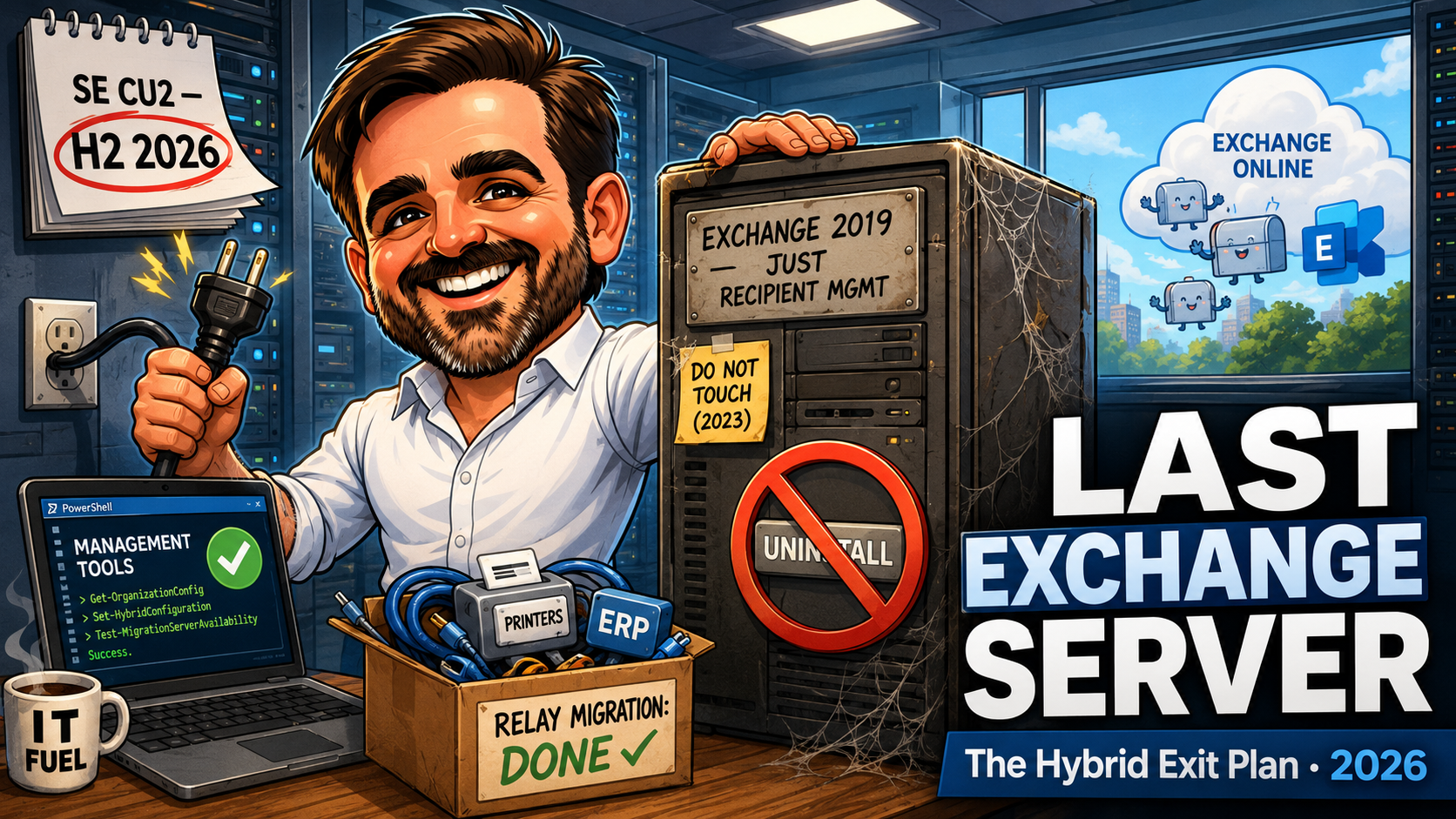
Decommissioning Your Last Exchange Server in 2026: The SE CU2 Deadline and the Hybrid Exit Plan
The paid ESU bridge ends in October and SE CU2 blocks coexistence. The hybrid exit: Management Tools with no server, SOA, and the warning you cannot undo.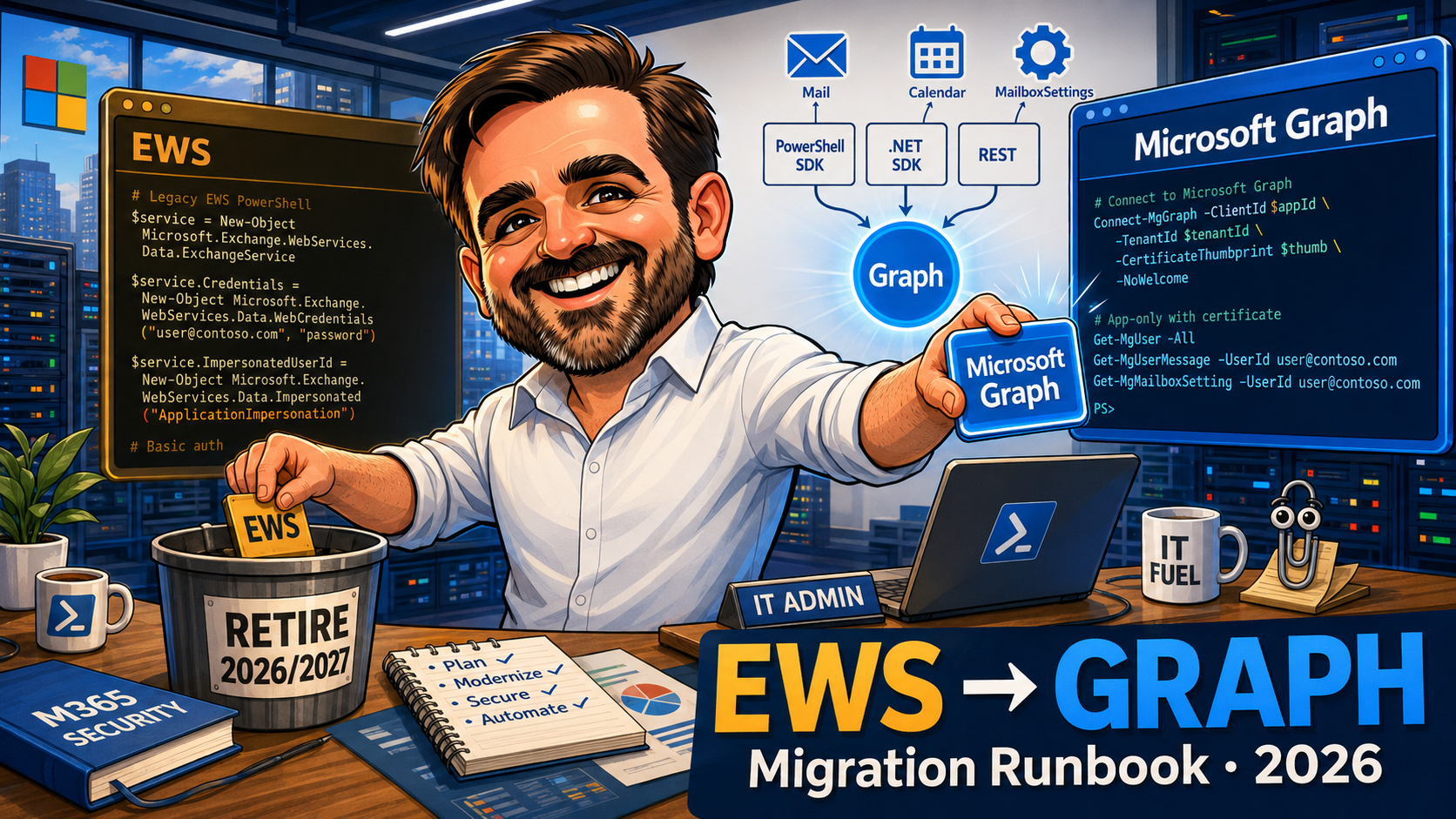
Graph API Migration for Exchange Admins: Replacing Legacy EWS Scripts (2026)
Migrate legacy EWS scripts to Microsoft Graph in 2026: three Graph surfaces, OAuth + app permissions, RBAC for Apps, EWS to Graph cookbook + side-by-side examples.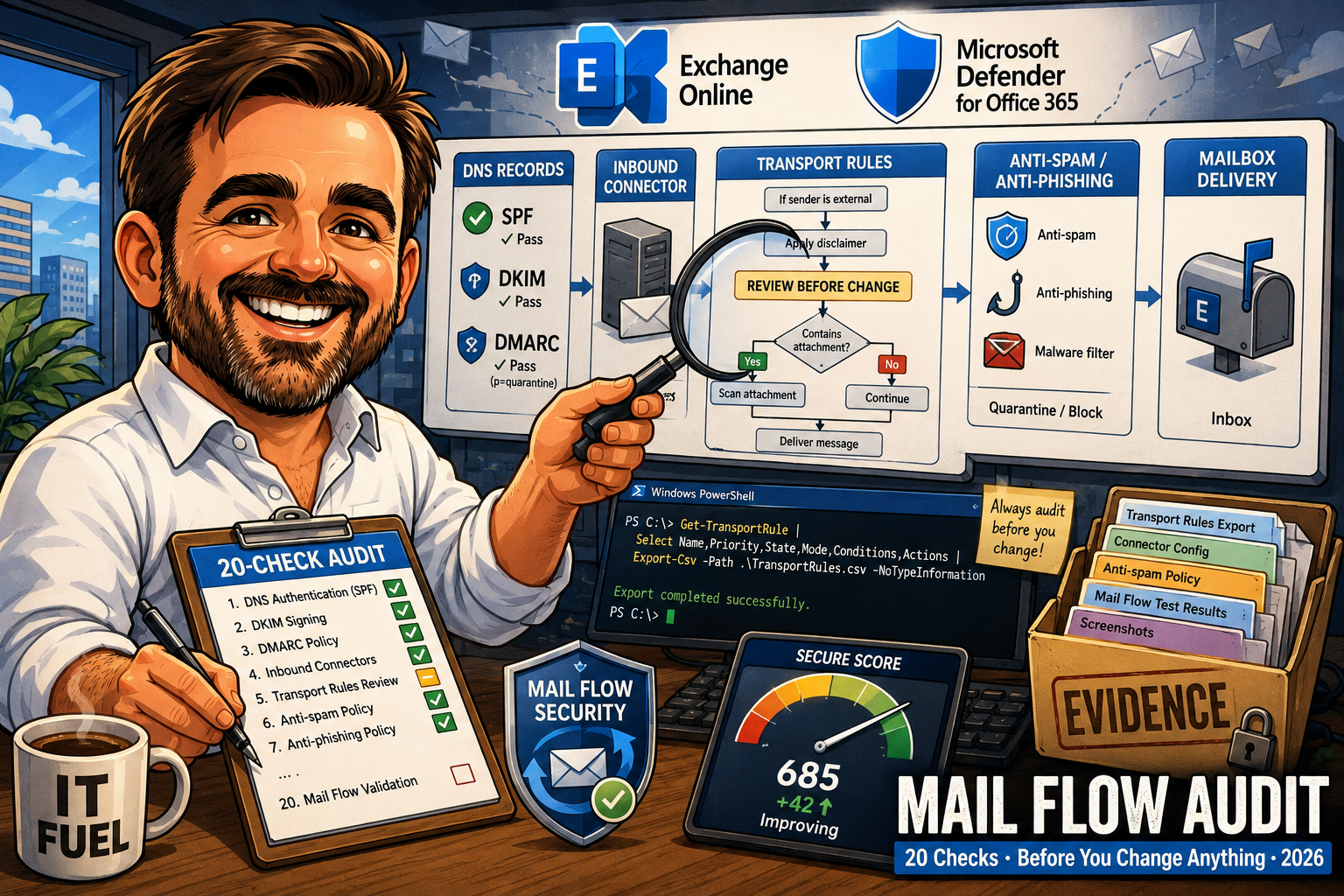
Exchange Online Mail Flow Audit Checklist: 32 Checks Before You Change Anything (2026)
The 20 checks I run on Exchange Online mail flow before any change: SPF / DKIM / DMARC, connectors, transport rules, anti-spam, SMTP AUTH, Message Trace baseline.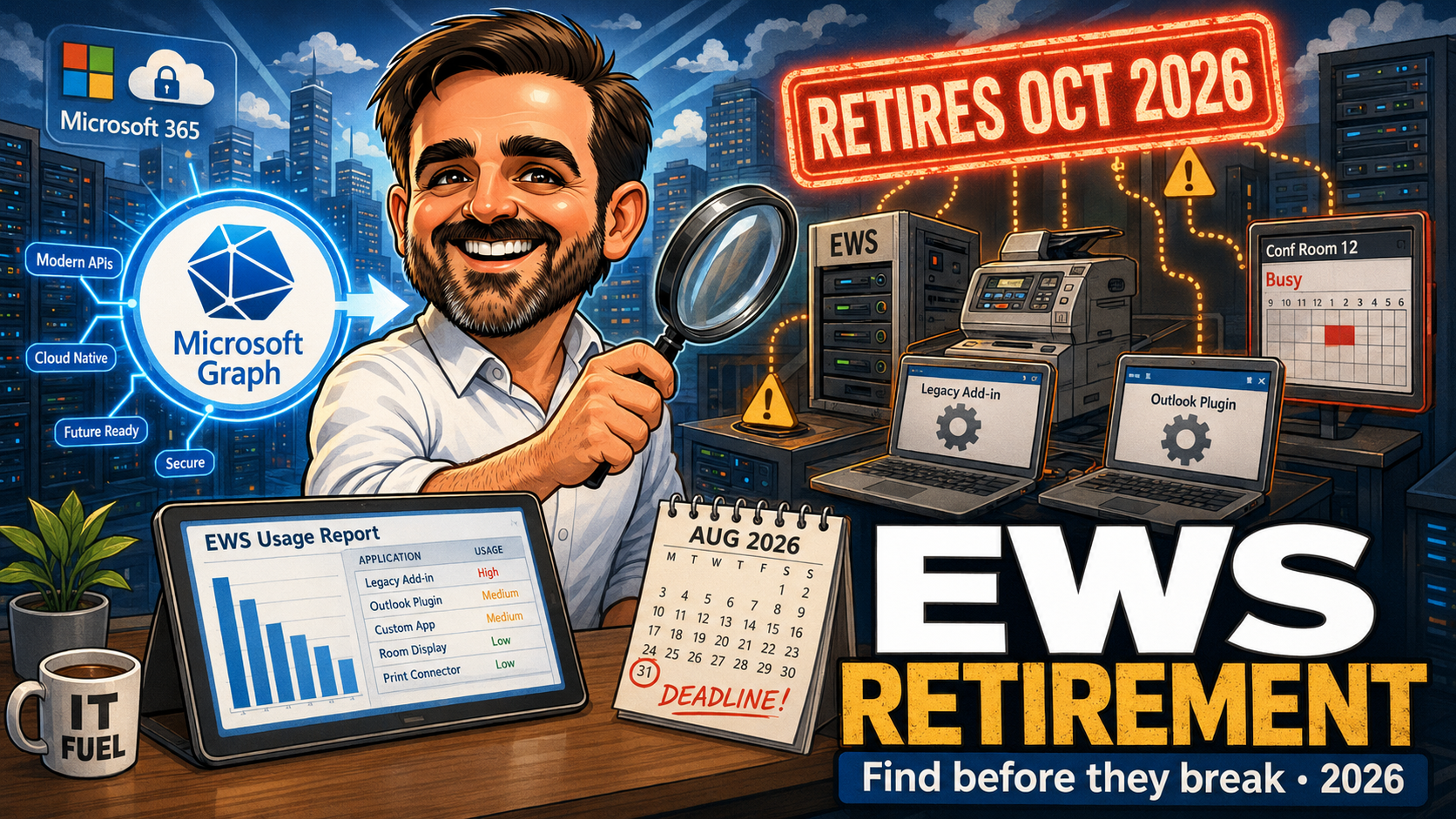
EWS Retirement 2026: How to Find Legacy Exchange Integrations Before They Break
Practical playbook to discover, categorise and migrate EWS-based integrations in Exchange Online before the October 2026 phased disablement and the 2027 full shutdown.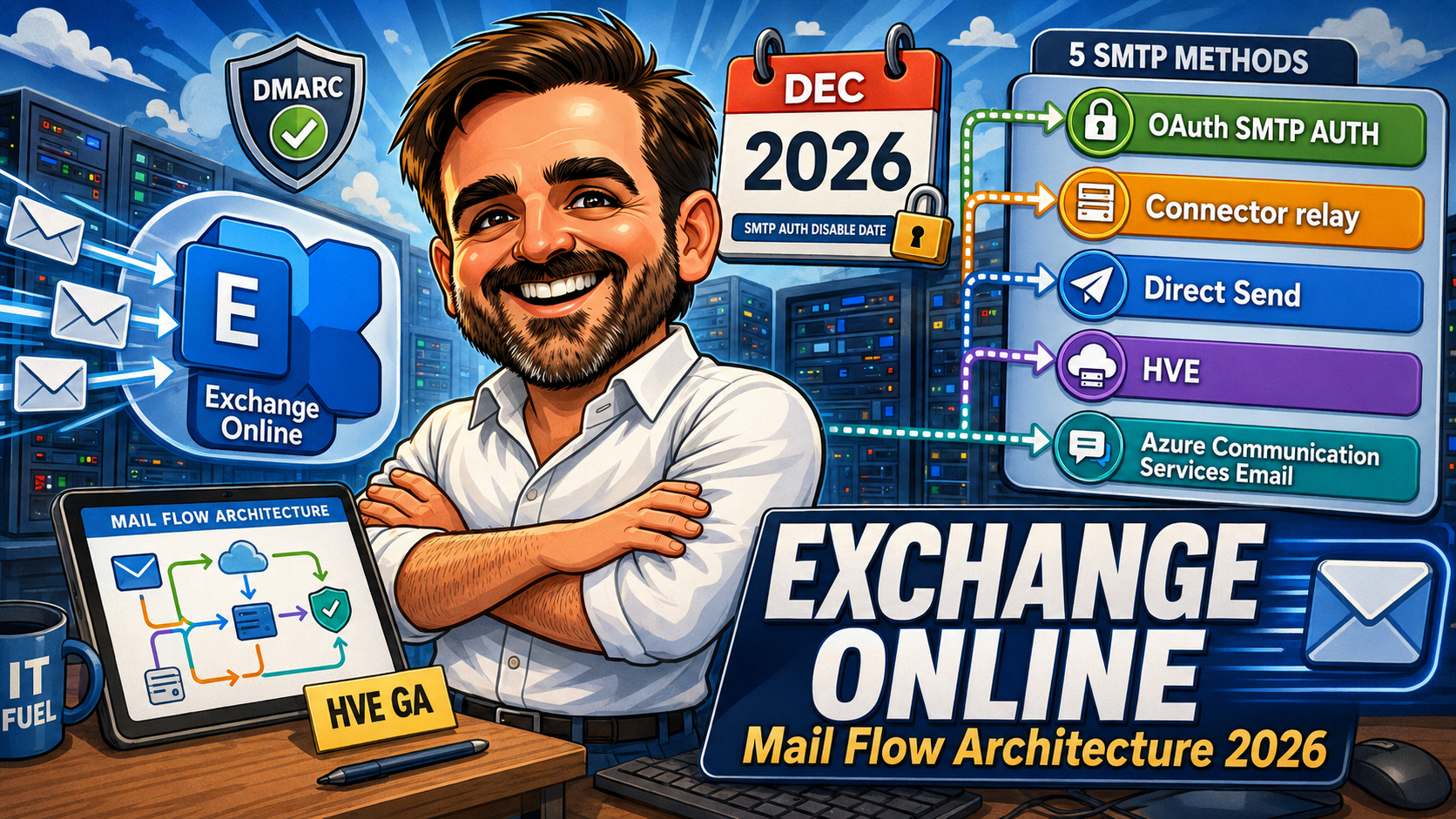
Exchange Online Mail Flow Architecture 2026: HVE, SMTP AUTH retirement, and the modern connector playbook
2026 Exchange Online playbook: HVE GA, SMTP AUTH Basic Auth retirement timeline, DMARC enforcement, connector architecture, transport rules and Defender for Office 365 baseline.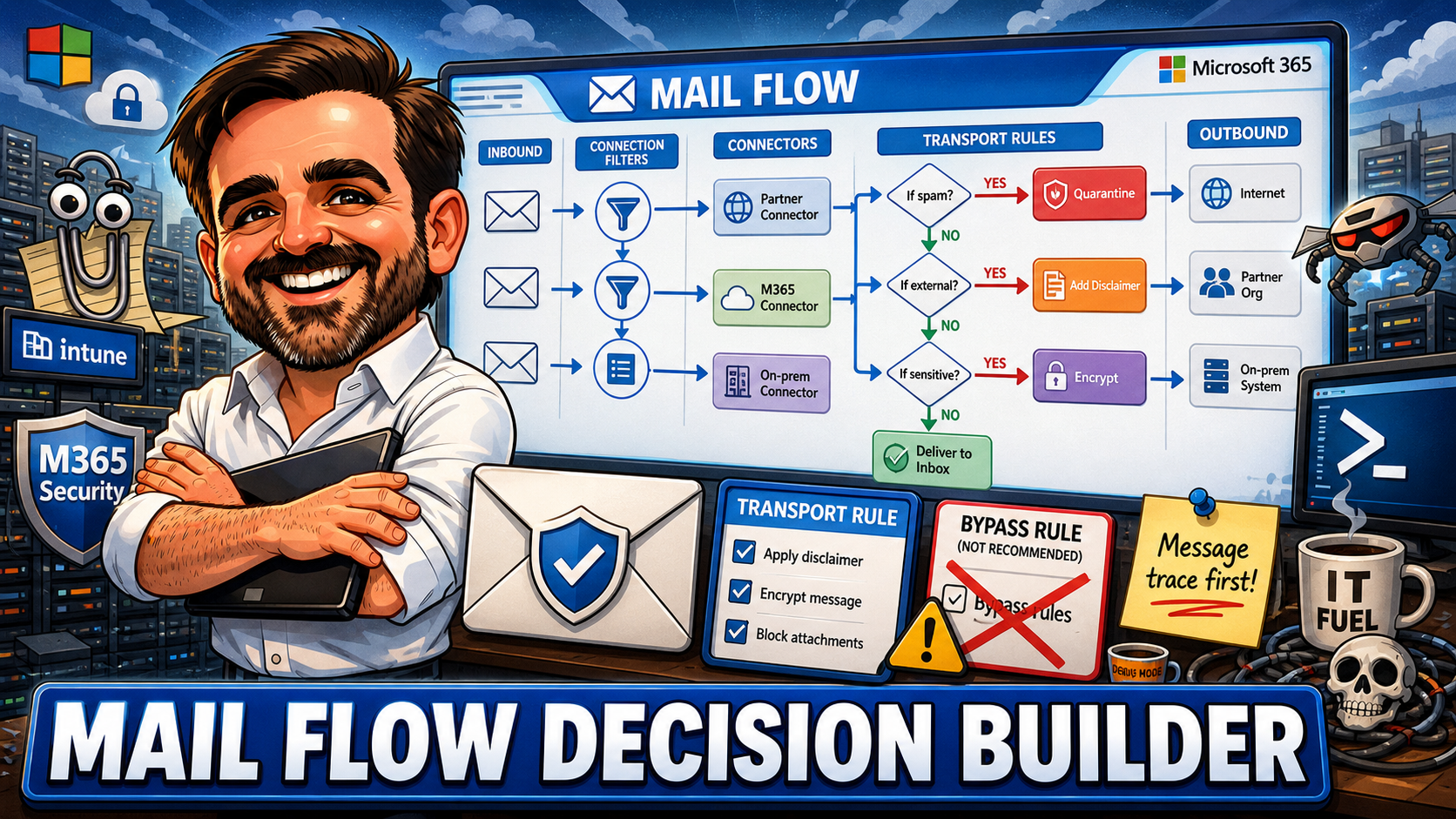
Exchange Online Mail Flow Decision Builder: Rules, Connectors and Sending Patterns for 2026
Exchange Online mail flow is not just about making email work. It is about deciding which messages should be trusted, blocked, routed, modified, quarantined or inspected. This guide gives you an interactive decision builder, recommended patterns for 16 real-world scenarios, a practical SMTP AUTH / HVE / Graph / ACS comparison, dangerous bypass rules to fix, connector review checklists, and the operational advice I use when reviewing mail flow in production tenants.
Exchange Online Transport Rules: Real-World Patterns That Actually Work in Production
Transport rules have been in Exchange since the on-prem days. Microsoft keeps adding newer policy engines, but mail flow rules remain the workhorse for anything those engines do not cover. This article covers the baseline rules most tenants need, external sender tagging (custom vs native), disclaimers, security-focused patterns, encryption triggers, the AND/OR condition logic trap, rule priority and stop processing, where transport rules overlap with Purview DLP and Defender, PowerShell management patterns, limits and constraints, and a 14-point audit checklist.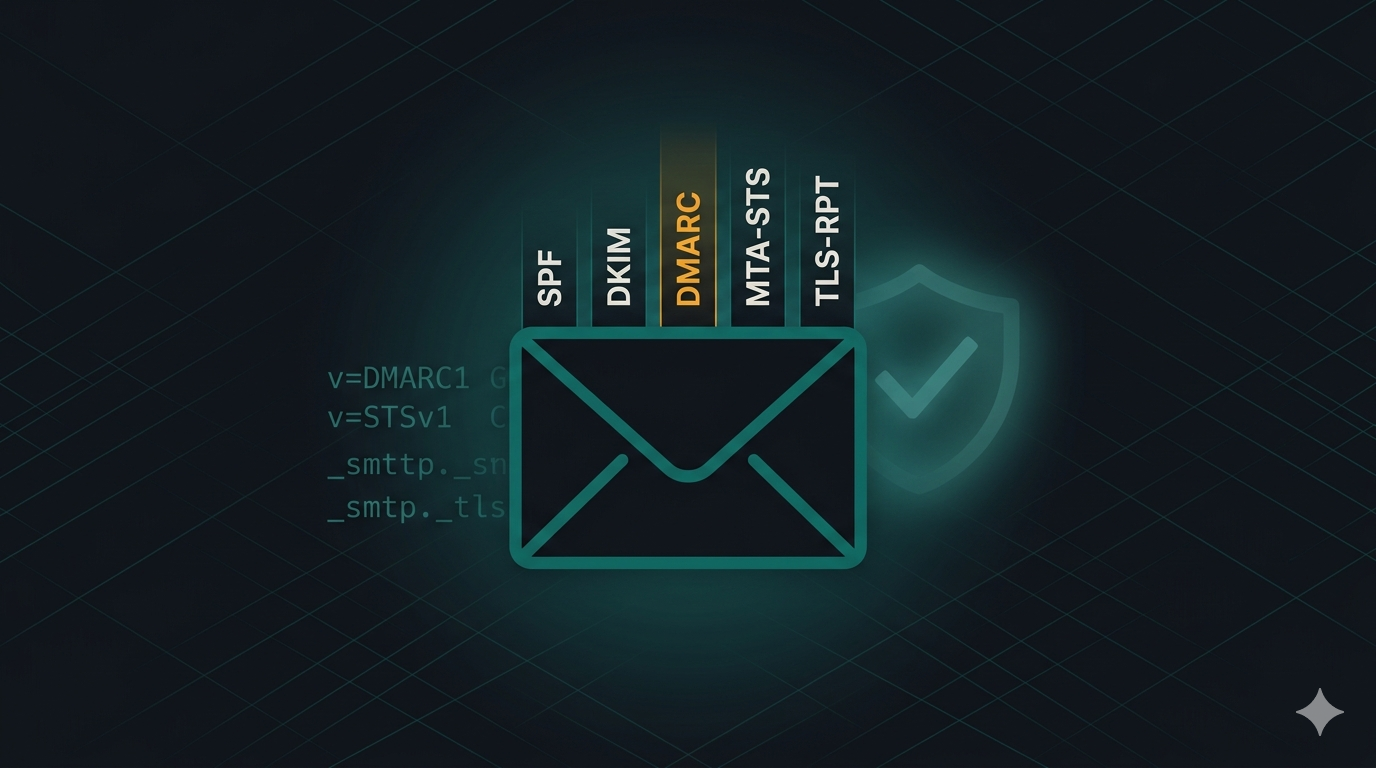
Email authentication in Exchange Online in 2026: SPF, DKIM, DMARC, MTA-STS and TLS-RPT done right
SPF, DKIM, DMARC, MTA-STS and TLS-RPT done properly for Exchange Online — the order of operations, the Exchange Online-specific gotchas, and how to get to DMARC p=reject without breaking mail flow.
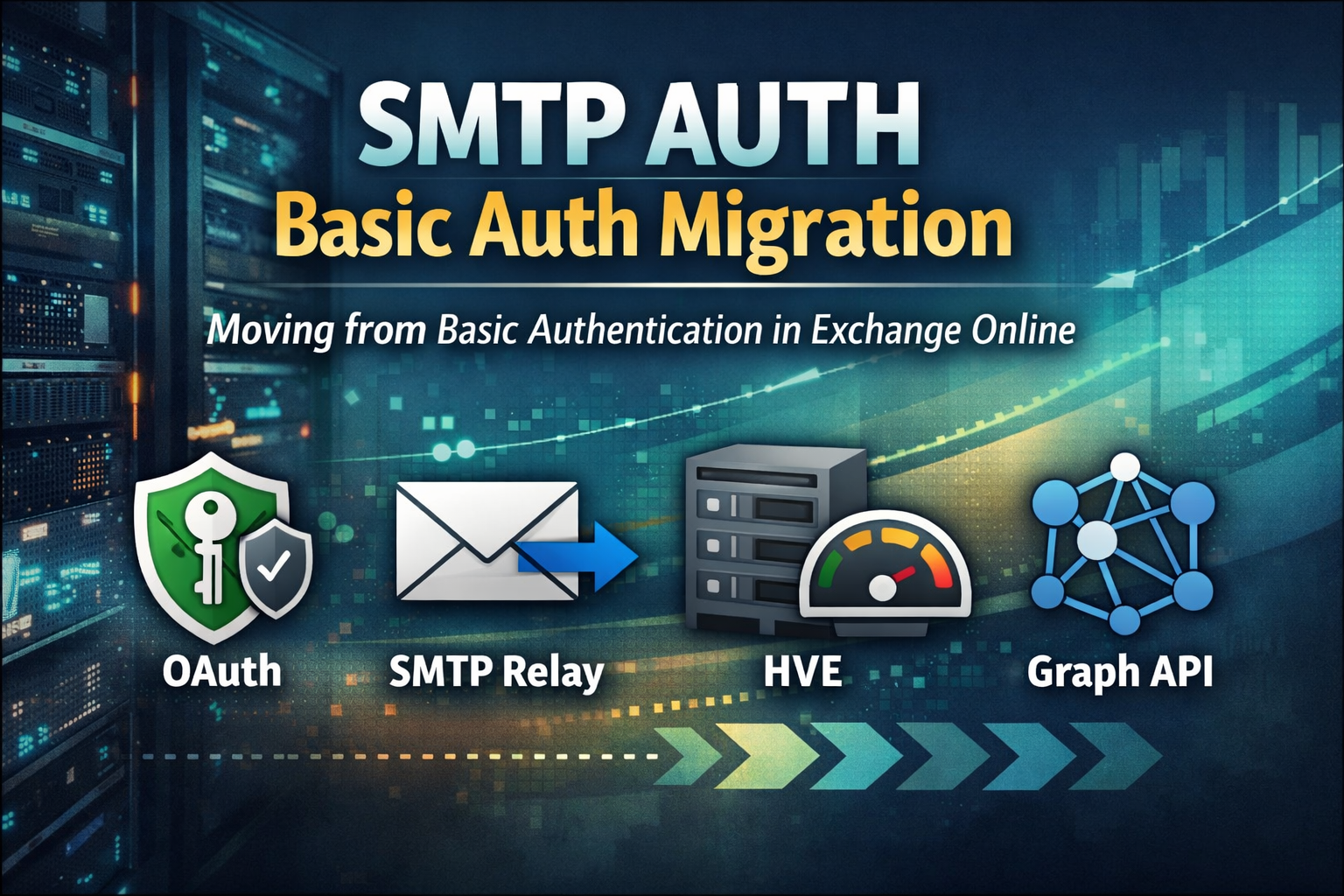
Exchange Online: Migrate SMTP AUTH from Basic Auth Before It Breaks
SMTP AUTH Basic Authentication in Exchange Online is being phased out. This guide shows how to find every sender still using it, choose the right migration path, and move to OAuth, SMTP Relay, HVE, or Graph API before it breaks production.
Exchange Online High Volume Email (HVE): Configure for Internal Notifications Without Breaking Mail Flow
Exchange Online High Volume Email (HVE) helps organisations send large volumes of internal notifications without hitting standard mailbox limits. This article explains how to configure HVE correctly, avoid common authentication and Conditional Access issues, and keep mail flow under control.
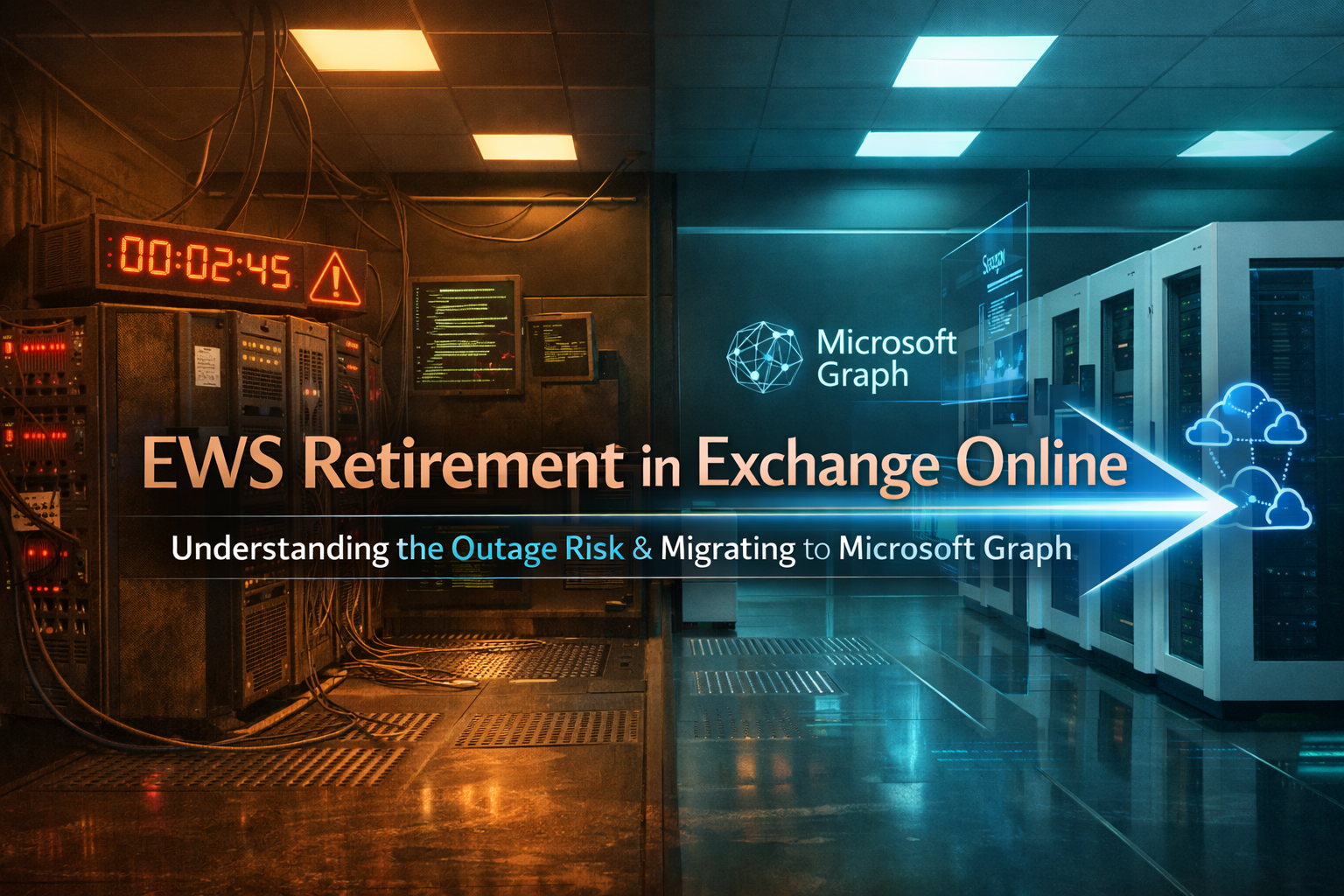
EWS Retirement in Exchange Online: The Hidden Outage Risk and How to Migrate to Microsoft Graph
Exchange Web Services (EWS) is being retired in Exchange Online. Many organizations still rely on legacy integrations that could silently break. This article explains the outage risks and provides a practical migration strategy to Microsoft Graph.
Exchange Online Mailbox Auditing: A Practical Guide for IT Administrators
A complete, practical guide to mastering Exchange Online Mailbox Auditing. Learn how to verify audit status, customize audit actions, extend log retention, analyze audit logs with KQL, and apply best practices for investigations, compliance, and VIP mailbox monitoring. Includes real PowerShell examples and troubleshooting tips.

How to Master Shared Mailboxes in Exchange Online: A Step-by-Step Guide
A practical, step-by-step guide to mastering Shared Mailboxes in Exchange Online. Learn how to create, manage, and secure shared mailboxes using EAC and PowerShell understanding permissions, avoiding common mistakes, and applying best practices.