The first thirty days after a Microsoft 365 Copilot go-live look like a victory lap. The pilot worked, leadership got their demo, the licences are deployed, the change comms went out. Then somewhere between week six and week ten, a user asks Copilot something innocent. Maybe the CEO. Maybe a new joiner. The answer comes back grounded on a document nobody intended them to see — a salary draft, a re-org spreadsheet, a vendor settlement. And then the question lands on the admin's desk, in a tone that says "we thought you had this covered."
That is the moment most Copilot rollouts discover that the configuration was the easy part. The operating model — who actually owns permissions, labels, DLP, oversharing and agent lifecycle after the rollout is "done" — was never written down. This article is the operating model conversation, from the side of the person who has had to redraw the RACI in a hurry. The patterns are mine; the trade-offs are real; the names of the Microsoft features in this space change quickly and should be validated against current Microsoft Learn before turning any of this into a policy.
The week-six problem
I have lost count of how many times a variant of this conversation has happened, almost always between six and ten weeks after Copilot rolls out to a broad user base:
"Someone in Finance found a draft of the new sales commission plan through Copilot. It was on a SharePoint site that was supposedly only shared with the comp committee. We need to know who owns this — SharePoint admin, Security, Compliance, or the business?"
The technical answer to that question is usually clear in an hour. Someone over-shared a site three years ago, the inheritance got messy, Restricted Content Discovery was not applied, the sensitivity label was not enforcing access, the user's permissions were broader than anyone realised. Pick any combination of those five.
The operating-model answer to the same question takes much longer to resolve, because it is the question nobody wrote down before the rollout: who is supposed to own this kind of decision, and on what cadence, and using which evidence? When the answer is "we will figure it out together", every subsequent incident lands on a different team's desk, depending on who shouted loudest the previous week. This article is the conversation about how to avoid that pattern.
Three observations frame the rest of the article. None of them are universal — they are what I have seen consistently enough that I now design for them by default.
First, the first three months after Copilot go-live are dominated by oversharing remediation, not by Copilot configuration. The SharePoint estate accumulated seven years of "share with everyone in the org to make it easy" before Copilot Search made that decision visible to every user. The team that owns the remediation has to be named before the rollout, not after the first incident.
Second, the operating model has to live in five domains. Trying to write a single RACI for "Microsoft 365 Copilot governance" produces a fifteen-row table that nobody uses. Five domain-specific tables, each with its own accountable role and decision rights, are what people actually reach for.
Third, decision rights matter more than the org chart. Who approves a new sensitivity label? Who decides that a Copilot Studio agent is allowed to read finance data? Who has the authority to put a DLP policy into block mode? The clean answer is "the steering committee". The actual answer is "the person who can sign off without going to the steering committee, because the steering committee meets monthly and the maker wants to ship next Tuesday."
The five governance domains
The five domains below cover, in my experience, every meaningful Copilot governance question. They map roughly to: who can see what data (permissions), how the data is classified (labels), what controls fire when data moves (DLP), what Copilot can ground on (oversharing controls), and what AI workloads are allowed in production (agent lifecycle).
For each one, I have written what is in scope, where ownership tends to land, where it goes wrong, and the decision the operating model has to make. The "tends to" matters — these are observed patterns, not prescriptions.
Domain 1 — Permissions and access
In scope. SharePoint site collection ownership, Teams ownership, group membership lifecycle, guest access governance, conditional access enforcement on Copilot endpoints, app consent for Copilot-extensible apps.
Where ownership tends to land. Site-level ownership stays with the business unit; tooling and exception process live with central IT or M365 admin team; conditional access stays with identity / security. Trying to centralise site-level ownership has failed in every organisation I have seen it tried. The BU knows who should have access. Central IT does not.
Where it goes wrong. The exception process. A site owner needs to grant guest access for a project, the central process takes three days, the site owner clicks "share with everyone in the company" because it is faster. Three years of that pattern is what Copilot Search lights up on day one.
Decision the operating model has to make. Who can approve a sharing exception within twenty-four hours, and who handles the audit trail afterwards. Without an answer that is faster than the workaround, the workaround wins.
Domain 2 — Sensitivity labels and information protection
In scope. Microsoft Purview Information Protection label taxonomy, label policies (who sees which labels), default labels, auto-labelling rules, label-based DLP integration, container labels for SharePoint and Teams.
Where ownership tends to land. The label taxonomy itself lives with Compliance, often with input from Legal and a strong opinion from the DPO. The technical publishing and enforcement lives with Security or the Information Protection team inside Security. The container labels on SharePoint sites and Teams sit in an awkward overlap between Compliance (the policy) and SharePoint admins (the operational reality).
Where it goes wrong. Two patterns, both predictable. The first is taxonomy bloat: Compliance produces twelve labels with sub-labels because the policy framework demands it, end users see twelve options in the Word ribbon, they pick the first or the last one or refuse to label anything. The second is the auto-labelling false positive cycle: an aggressive auto-labelling rule fires on a contract template, a hundred documents get labelled "Highly Confidential" overnight, the SharePoint admin spends a week explaining to Sales why they cannot share their own proposals.
Decision the operating model has to make. Who owns the trade-off between policy precision and user experience. In practice, the team that handles the help desk tickets when a label fires badly is the team that ends up owning the trade-off, regardless of what the RACI says.
Domain 3 — Data Loss Prevention
In scope. Microsoft Purview DLP policies for Exchange, SharePoint, OneDrive, Teams and Endpoint; Microsoft Purview controls for Copilot and AI interactions where licensed and supported; DLP policy lifecycle (simulation, audit, block with override, block); incident and exception management.
Where ownership tends to land. Security owns the policy design; Information Protection or Compliance owns the data classifications the policies depend on; the help desk inherits the false positives. The team that decides when a policy moves from Simulation to Block is the team that owns DLP in practice, regardless of who designed it.
Where it goes wrong. Simulation mode lasts longer than budgeted. Always. Plans I have written that allocated two weeks for Simulation have, without exception, run four to six. The Block decision becomes political because every false positive blocked is a user emailing their manager that "the security policy is broken." Without a documented exception process that turns around in hours, the Block decision keeps getting deferred.
Decision the operating model has to make. Who has authority to push a DLP policy from Simulation to Block, and what the exception process looks like for the inevitable cases that the policy was right but the business need was real. If the answer is "Security approves all Block transitions" with a weekly meeting, the policy will be in Simulation for six months. If the answer is "Security can move to Block once the false positive rate is below a documented threshold for two weeks", the policy will be in Block by end of quarter.
Domain 4 — Oversharing and content discovery controls
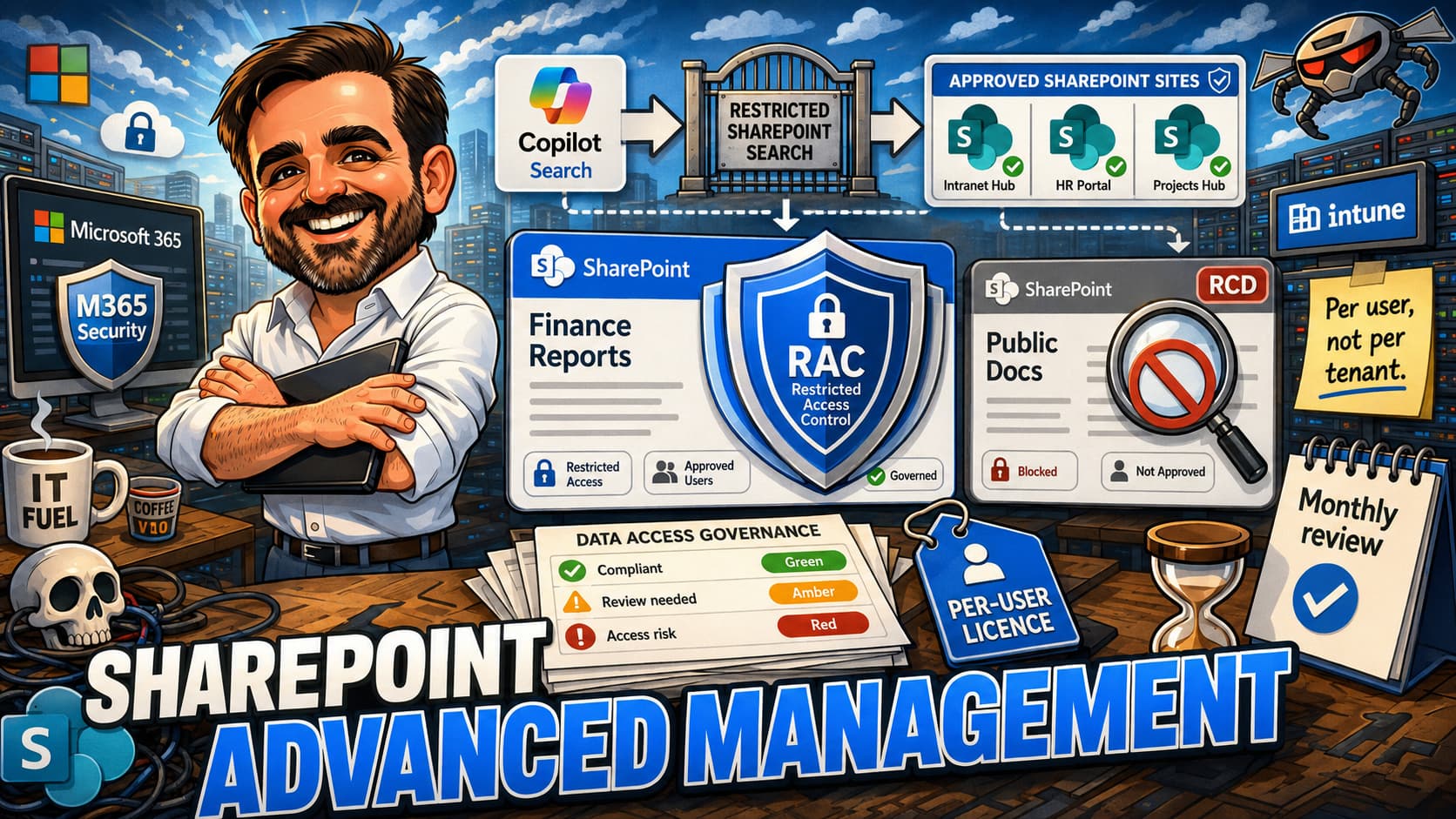
In scope. SharePoint Advanced Management site-level controls (where licensed and enabled), Restricted Content Discovery, Restricted SharePoint Search, site sensitivity reviews, sharing policy at tenant and site level, end-user oversharing nudges, governance of Copilot's discoverability surface.
Where ownership tends to land. This is the domain with the least clean ownership. SharePoint admins own the tooling. Security owns the risk framing. Compliance owns the policy framing. The site owner owns the actual decision (whether this site should be discoverable). In practice, no one owns the whole thing — which is why the first big Copilot oversharing incident usually lands on the M365 admin lead's desk regardless of the RACI.
Where it goes wrong. Two specific patterns. First, the confusion between Restricted Content Discovery and Restricted SharePoint Search. They sound similar, they do related but different things, and admins regularly think enabling one is enabling the other. Restricted Content Discovery reduces discoverability in Copilot and organisation-wide search without fixing the underlying permissions; Restricted SharePoint Search changes the search scope; neither replaces permission remediation. Validate the current naming and behaviour against Microsoft Learn before designing the operating model around either one. Second, the assumption that scoping Copilot to "Restricted Search" is a solution. It is a partial control. The underlying SharePoint sprawl is still there; you have just made Copilot worse at finding it. The remediation work is the work.
Decision the operating model has to make. Who runs the site sensitivity review programme, on what cadence, with which BU stakeholders. This is a people problem disguised as a tooling problem. The tooling helps surface the inventory; the conversation with the BU about "do we still need this site, do we still want it discoverable, who should own it" is the actual operating-model deliverable.
Domain 5 — Agent lifecycle
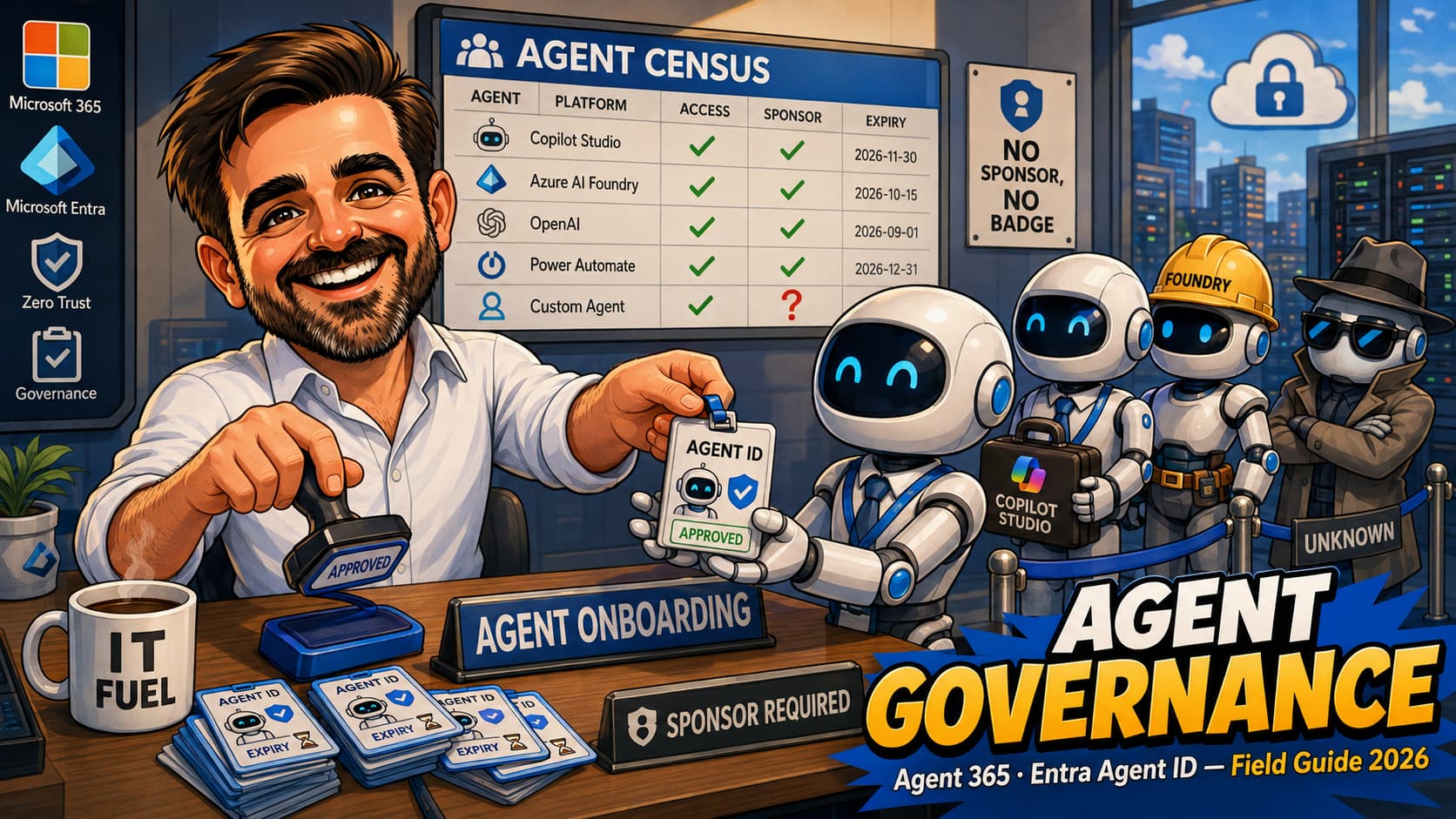
In scope. Custom agents built in Copilot Studio, agents extending Microsoft 365 Copilot, agents onboarded through the Agent Registry in the Microsoft 365 admin centre, the approval workflow for new agents touching tenant data, lifecycle and retirement, monitoring of agent activity.
Where ownership tends to land. This is the newest domain and the one with the least settled ownership. Security wants a strong approval gate. Business sponsors want fast turnaround. Compliance wants documented data flows. The IT operations team is now in the position of asking "do I own this thing?" about workloads that did not exist eighteen months ago. The pattern that holds: an AI Governance Committee with representation from Security, Compliance, Information Protection and the business, meeting on a published cadence, with a light-touch approval process for low-risk agents and a deeper process for high-risk ones.
Where it goes wrong. Heavy-touch approval kills the maker community. If every agent needs a thirty-day review, makers route around the process — either by hosting the workload outside the tenant or by mis-classifying the agent's data scope. Light-touch approval with no enforcement produces an unmanaged agent estate that surfaces during an audit. The middle path is a tiered process based on data sensitivity, where the maker self-declares the scope and the committee samples for verification.
Decision the operating model has to make. What is the smallest, fastest approval gate that still produces enough evidence to satisfy an auditor. The Agent Registry in the Microsoft 365 admin centre is the operational tool that gives the committee something to govern; without it, the committee is reviewing PowerPoint slides instead of an actual agent estate.
The RACI matrix, with the realistic caveats
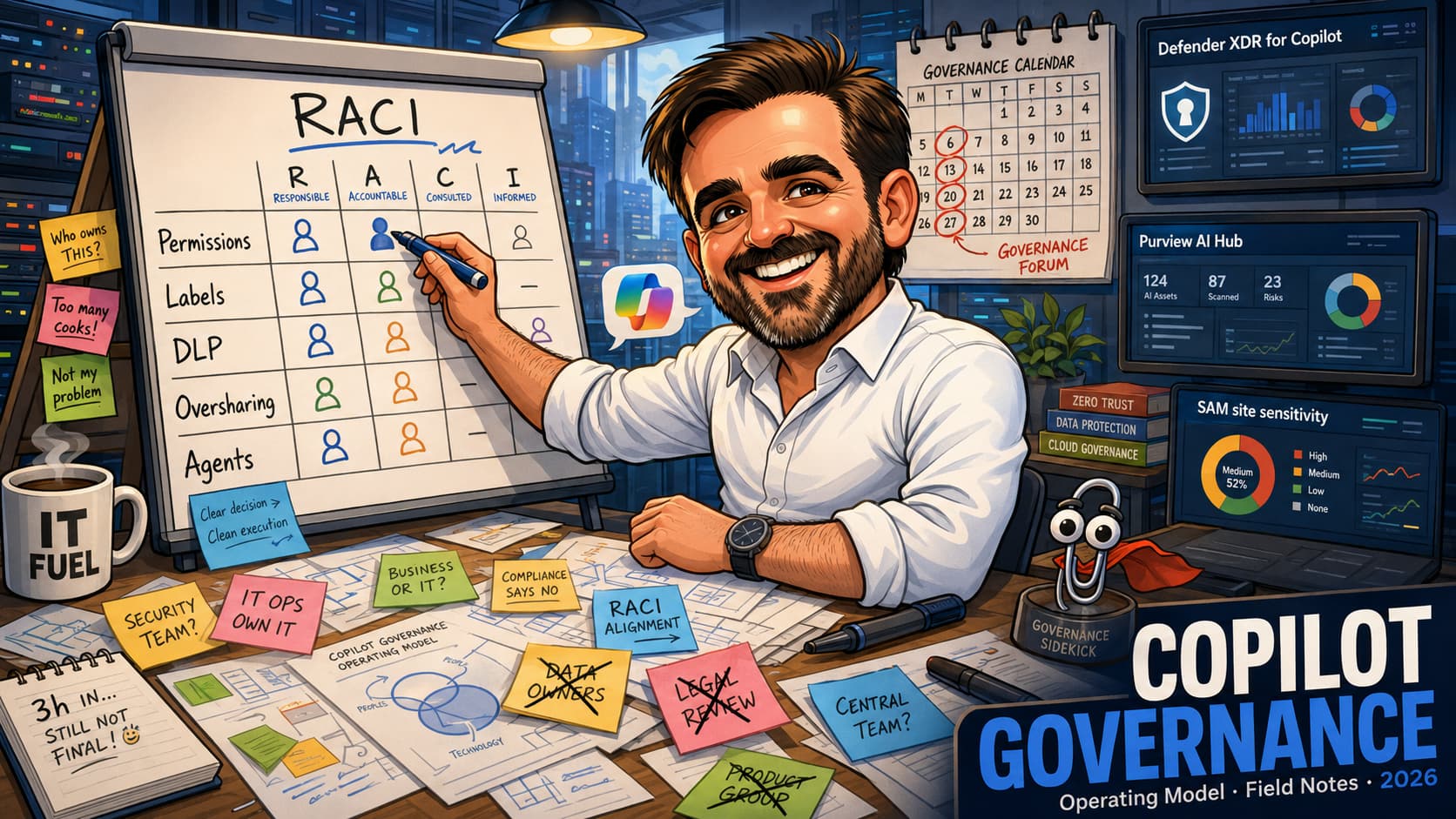
A RACI is useful. It is a starting point that gets the conversation moving. What I would not do is print it, frame it, and assume the operating model is done. The matrix below is the one I produce as a first draft in workshops — the rows are the five domains, the columns are the four classical RACI roles, and the cells are the patterns I have seen hold most often in mid-sized organisations. Smaller organisations collapse rows; larger organisations split them. Treat it as the shape of the conversation, not the conclusion.
| Domain | Accountable (single) | Responsible (does the work) | Consulted | Informed |
|---|---|---|---|---|
| Permissions & access | M365 admin lead | SharePoint / Teams admin team, identity team for conditional access | Security, Compliance, BU site owners | End users (training, change comms) |
| Sensitivity labels | Compliance / DPO | Information Protection / Security team | Security, Legal, Records, BU sponsors | End users (label policy comms) |
| DLP | Security lead | Security policy team for design; help desk for exception triage | Compliance, Information Protection, BU sponsors | End users (policy tips, override messaging) |
| Oversharing & content discovery | M365 admin lead (with explicit shared accountability to BU site owners) | SharePoint admin team; BU site owners for remediation decisions | Security, Compliance, Information Protection | End users (oversharing nudges, training) |
| Agent lifecycle | AI Governance Committee (chaired by Security or M365 admin lead) | Makers (build); Security and Compliance reviewers (approval) | Information Protection, Legal where regulatory, business sponsor | End users (capability disclosure) |
Three operating model archetypes
Microsoft 365 governance does not look the same in a 150-user SMB as it does in a 30,000-user federated enterprise. The same five domains apply, but the ownership patterns shift. The three archetypes below cover most of what I have worked with.
Archetype A — SMB or small-mid (10-300 users)
Most Copilot governance domains collapse into one or two people. The M365 admin lead frequently wears the SharePoint, Teams, identity, security and information protection hats. Compliance, where it exists at all, is a part-time hat for the office manager or an external partner. There is no AI Governance Committee — there is the admin lead, the senior leader they report to, and a third person who has an opinion on data classification.
What works in this archetype: a single governance document, reviewed quarterly, with light-touch process for everything except agent approval. Heavy process kills the operating model in a small org. The discipline that matters is the cadence — even a thirty-minute quarterly review is worth more than a forty-page policy that no one reads.
What goes wrong: the admin lead is a single point of failure. When they leave or move sideways, the operating model walks out with them unless the documentation is genuinely current. The Microsoft 365 Business Premium baseline document is the practical anchor; pair it with a short Copilot operating model addendum that names the people and the cadence.
Archetype B — Central-IT mid-market (300-3,000 users)
This is where most Copilot governance work I have done lives. There is a recognisable Security team, a recognisable Compliance function, an M365 admin team. The five domains have at least nominal owners. The AI Governance Committee can exist meaningfully because there are enough people with enough seniority to fill the seats.
What works: monthly Copilot governance forum, clear domain accountability, decision rights documented at the domain level, and a SharePoint site sensitivity review programme running in parallel to the rollout. The first three months of the operating model are mostly about the oversharing remediation programme — once the SharePoint estate is in a defensible state, the rest of the operating model becomes lighter.
What goes wrong: turf wars between Compliance and Security on label ownership. The Information Protection conversation is the one where both teams have strong, internally-consistent views, and neither will yield without a steering decision. The resolution that holds is putting the label taxonomy decision with Compliance and the publishing and enforcement decision with Security — explicitly written down, so the next argument has a documented answer.
Archetype C — Federated enterprise (3,000+ users)
Multiple business units, often multiple regions, sometimes multiple tenants stitched together. Central IT runs the tenant; BUs run their own SharePoint estates. The governance challenge is not figuring out who has authority — it is keeping the BUs aligned on a shared set of practices without slowing them down.
What works: a central operating model document that defines the minimum bar, and BU-specific addenda that say how each BU implements the bar. The central document covers the labels, the DLP policy framework, the agent approval process and the cadence. The BU documents cover the site sensitivity reviews, the BU-specific exception processes and the BU-specific training rhythm. Both layers are needed; trying to do this with only the central document produces revolts and trying to do it with only BU documents produces inconsistency.
What goes wrong: the central team becomes a gatekeeper. Every decision routes through the central AI Governance Committee, which meets monthly, and the throughput chokes. The fix is to push more decision rights down to the BU level for low-risk cases, and reserve the central committee for cross-BU or high-risk decisions. In practice this means writing a tier list: tier 1 (BU-level decision), tier 2 (central review with delegated approval), tier 3 (central committee approval). The committee throughput problem is the operating model's silent killer.
The five ownership wars
Every Copilot rollout I have been involved with has fought all five of the arguments below. The faster they get named and resolved, the faster the operating model stabilises. The patterns below are what I have seen work, not what the textbook says.
War 1 — Sensitivity labels: Compliance or Security?
The argument is real and the answer is not "both". The pattern that holds in practice is to split it: Compliance owns the taxonomy and the policy intent; Security owns the publishing, enforcement and integration with DLP. Compliance decides that there should be a "Highly Confidential" label and what it means; Security decides whether that label encrypts the document, whether it applies a watermark and how the auto-labelling rule fires. This works because both teams retain genuine authority within their domain, and the boundary is clear enough to litigate when a specific case crosses it.
What does not work: a joint sub-committee that decides everything together. Joint decision rights produce slow decisions, which produce a workaround culture, which produces unmanaged labels.
War 2 — DLP tuning: Security or help desk?
Security designs the policies; the help desk handles the false positives. The argument is over who has the authority to tune the policies down when the false positive rate is high. If Security keeps that authority centrally, the policies stay strict and the help desk drowns. If the help desk has unilateral authority to tune, the policies decay over time and the original intent gets lost.
The pattern that holds: Security owns the policy intent and the threshold; the help desk has documented authority to flag for tuning when the false positive rate exceeds the threshold for a defined period (usually two weeks). The tuning itself goes back to Security with a two-business-day turnaround. The combination produces a feedback loop that converges; either half on its own does not.
War 3 — Oversharing remediation: SharePoint admins or BU site owners?
Neither side wants the ownership. SharePoint admins have the tooling and the visibility; site owners have the context. The pattern that holds: SharePoint admins own the inventory, the dashboards and the escalation; site owners own the decision (keep the site, archive it, restrict it). The operating model document spells out the cadence (monthly review per BU) and the SLA for the decision (the site owner has fourteen days to respond, after which the default is to apply the more restrictive option and inform the BU lead).
What does not work: SharePoint admins making the decisions on the BU's behalf. They do not have the context, they do not have the authority, and the BU resents the decision. The operating model has to keep the decision with the BU but force the cadence.
War 4 — Agent approval: Security or AI Governance Committee?
If approval lives only with Security, the assessment is technical-risk-heavy and business-context-light, and the rejection rate is high. If approval lives with a committee chaired by the business, the assessment becomes a rubber stamp. The pattern that holds: a two-tier process where Security has a technical risk assessment with a published scoring framework, and the committee has authority to override Security's recommendation in either direction (approve over a Security objection if the business case warrants it, or reject over a Security pass if the cumulative agent estate concern justifies it). The override is documented and reviewed.
The unspoken corollary: the committee has to meet often enough to be useful. Quarterly committees become irrelevant; monthly committees with an "escalations only" agenda hold up.
War 5 — End-user Copilot training: HR, IT, or business?
The argument that surprised me most is that there is no clean answer here, and the wrong answer is "IT runs it because Copilot is a Microsoft product". End users do not want a Microsoft-feature deep dive; they want to know how to do their job better with the tool. The training that lands is role-specific, runs through the business unit's normal cadence, and has IT as a back-stop for technical questions and HR as a back-stop for acceptable-use questions. Trying to centralise training in a single team produces a generic curriculum that gets low engagement.
The under-discussed item: Copilot training has to include the governance side. Users need to know which labels to apply, what DLP will block, why some prompts return less than they expected, and how to report an oversharing concern. Without that piece, the governance work is invisible and the user assumes the tool is broken.
The cadence that holds
The operating model lives or dies on the cadence. The framework below is the one I have seen hold across multiple rollouts. The specifics of who attends and what they review are less important than the discipline of running the cadence consistently and with data on the screen rather than slides.
| Cadence | Forum | What is reviewed | Decisions made |
|---|---|---|---|
| Weekly | Operational stand-up | DLP alert trend, top help desk themes, oversharing remediation pipeline, agent approval queue. | Triage. Anything that needs an actual decision rolls to monthly. |
| Monthly | Copilot governance forum | Microsoft Defender and Security Copilot signals where available, Microsoft Purview AI Hub / DSPM for AI dashboards, SharePoint Advanced Management site sensitivity report, label distribution, DLP policy status (Simulation / Audit / Block), Agent Registry changes. | Policy moves between modes; label additions / changes; agent approvals at tier 3; cross-BU policy decisions; cadence changes. |
| Quarterly | AI / Copilot governance steering | Operating model document review; trend across the five domains; budget and licensing implications; regulatory developments (NIS2, sector-specific); upcoming Microsoft platform changes affecting governance. | Operating model document amendments; investment decisions; escalations from the monthly forum. |
| Annually | Operating model refresh | Full re-review of the RACI, the archetype, the decision rights, the cadence itself. | Whether the operating model still fits the organisation. Often it does not, because the org has grown or restructured during the year. |
Pre-rollout checklist (the twelve items I wish I had insisted on before go-live)
These are the twelve items that, in my experience, make the difference between a rollout where the operating model is in place by week six and a rollout where the operating model is being negotiated under pressure after the first incident. They are not exhaustive. They are the twelve I have ended up wishing I had pushed harder on.
- The five domain owners named in writing. Not the RACI, the names. A specific person is accountable for each of the five domains, and that person has been told they are accountable.
- The AI Governance Committee chaired and scheduled. First meeting on the calendar before Copilot is broadly enabled. Skipping the first meeting because "there is nothing to discuss yet" is the most reliable way to never establish the cadence.
- SharePoint site sensitivity review programme running. Started at least eight weeks before broad Copilot enablement. Without this, the first three months post-go-live are spent doing the remediation under pressure instead of in advance.
- Label taxonomy published and small. Three to five labels in production, default label set, training shipped. Not the eventually-correct taxonomy — a small taxonomy that can evolve.
- DLP policies in Simulation, not Audit, not Block. Simulation gives the team the false positive trend without disrupting users. Plan for four to six weeks of Simulation per policy family. The plan that says two weeks is wrong.
- Microsoft Defender / Security Copilot, Microsoft Purview AI Hub / DSPM for AI and SharePoint Advanced Management dashboards bookmarked by the governance forum. The forum will not look at them unless they are on the agenda. Put them on the agenda.
- Agent approval process documented — one page, not ten. A long agent approval process is ignored. A one-page process that names the data sensitivity tiers, the approver per tier and the SLA gets followed.
- Help desk runbook for Copilot incidents. What to do when a user reports oversharing through Copilot. What to do when a DLP policy blocks a legitimate workflow. What to do when an agent surfaces in an unexpected place. Without the runbook, the help desk improvises and the operating model gets dragged into operational firefighting.
- End-user comms shipped with the governance angle. Not "Copilot is here, enjoy". Something that explains labels, why some answers are restricted, how to flag oversharing, who to ask.
- Exception process for sharing requests has a published SLA. Twenty-four hours, ideally. If it is three days, the workaround culture wins.
- Site owners trained on what Copilot Search will surface. Most site owners have no idea what is in their sites. A short walkthrough using a sample search produces more remediation than a memo will.
- Operating model document committed to a shared location with version control. Not in the M365 admin lead's OneDrive. In a place where the next person inheriting the role can find it without asking.
Common mistakes (the eight I have made or watched others make)
- Treating Copilot as a product rollout rather than an operating-model change.The product rollout takes weeks. The operating model takes months. Plan for the second, not the first, and the first will land smoothly inside the second.
- Publishing a twelve-label sensitivity taxonomy on day one.The argument for completeness is real, but a taxonomy that users do not adopt is worse than a small taxonomy that they do. Start with three to five labels; let the taxonomy grow against actual policy needs.
- Budgeting two weeks for DLP Simulation.It will take four to six. Every time. Either plan for the longer window or accept that the policy will move to Block prematurely and the help desk will absorb the cost.
- Assuming Restricted Content Discovery is the oversharing answer.It is a tool, not a solution. The underlying SharePoint sprawl is the problem. Restricted Content Discovery, Restricted SharePoint Search and the SharePoint Advanced Management controls are useful surfaces; the remediation work behind them is the actual job. Confirm the current naming and behaviour of these features against Microsoft Learn before designing the operating model around either one.
- Putting agent approval entirely with Security.Security is necessary but not sufficient. The business sponsor has context Security does not. The right pattern is a two-tier process with documented override rights.
- Running the monthly governance forum without live data on screen.A forum that reviews slides becomes a status update. A forum that reviews dashboards becomes a decision-making body. The forum that decays into status updates is the forum that gets cancelled.
- Centralising end-user training in IT.Users do not engage with Microsoft-feature training. They engage with role-specific training delivered through their BU's normal channels. IT is the back-stop, not the front line.
- Writing the operating model and never revising it.The operating model that was right in month two is rarely right in month twelve. The annual refresh is non-negotiable, and the monthly forum is where the inputs to that refresh come from.
FAQ
How long does it take to put a Copilot governance operating model in place?
In most mid-sized organisations, the workshop and the first-draft document take two to three weeks. The first ninety days post-go-live are where the operating model actually gets stress-tested and refined. By month four, the cadence is either holding or it has decayed. By month six, the operating model is either an asset or a draft document in someone's OneDrive. The discipline of the monthly forum is what decides which.
Who should chair the AI Governance Committee?
The chair I have seen work most reliably is the M365 admin lead, with a Security co-chair. The M365 admin lead has the platform context, the operational visibility and the relationship with the BUs. Security has the risk framing and the regulatory anchor. Chairing by either one alone tilts the committee in a predictable direction; the co-chair keeps it balanced.
Do small organisations really need this much structure?
No. The five domains and the five ownership wars apply, but the structure compresses. A 100-user organisation does not need an AI Governance Committee; it needs the M365 admin lead, the senior leader they report to, and a quarterly half-hour review. The operating model document for that size is three pages, not thirty. What does not change is the five domains — even a small organisation has to answer the questions in each of them.
What is the single highest-leverage thing to get right before go-live?
The SharePoint site sensitivity review programme, started at least eight weeks before broad Copilot enablement. Most other governance decisions can be made fast and adjusted; the SharePoint remediation work is slow and has to be done in the open with BU stakeholders. Starting it late guarantees that the first three months post-go-live are reactive instead of designed.
How does this interact with NIS2 or other regulatory frameworks?
The operating model is part of the answer when an auditor asks how the organisation governs AI workloads touching sensitive data. The five domains map cleanly onto the questions a NIS2 Article 21 assessment is likely to ask: access control, information protection, monitoring, incident response, governance and oversight. The operating model document is the artefact that demonstrates the answer. For the broader regulatory framing, see the companion NIS2 + Microsoft 365 checklist.
What is the most under-rated control in the operating model?
The exception process. Permissions and DLP and labels all matter, but the exception process is the surface that determines whether the rest of the operating model is followed or routed around. A fast, documented, audited exception process keeps the rest of the model intact. A slow exception process produces a workaround culture that quietly defeats every other control. Whatever the operating model says about labels and DLP, validate the exception process first.
References & further reading
- Microsoft 365 Copilot overview
- Microsoft 365 Copilot data, privacy, and security
- Microsoft 365 Copilot permissions and content access
- SharePoint Advanced Management overview
- Restricted Content Discovery in SharePoint
- Restricted SharePoint Search
- Learn about sensitivity labels
- Learn about Microsoft Purview Data Loss Prevention
- Microsoft Purview AI Hub
- DSPM for AI in Microsoft Purview
Drawing the Copilot governance operating model for your tenant?
I run governance operating model workshops with M365, Security, Compliance and business stakeholders: map the five domains, agree the RACI, document the decision rights, set the post-go-live cadence and produce the artefacts your audit and leadership teams can rely on.
Plan the governance workshop