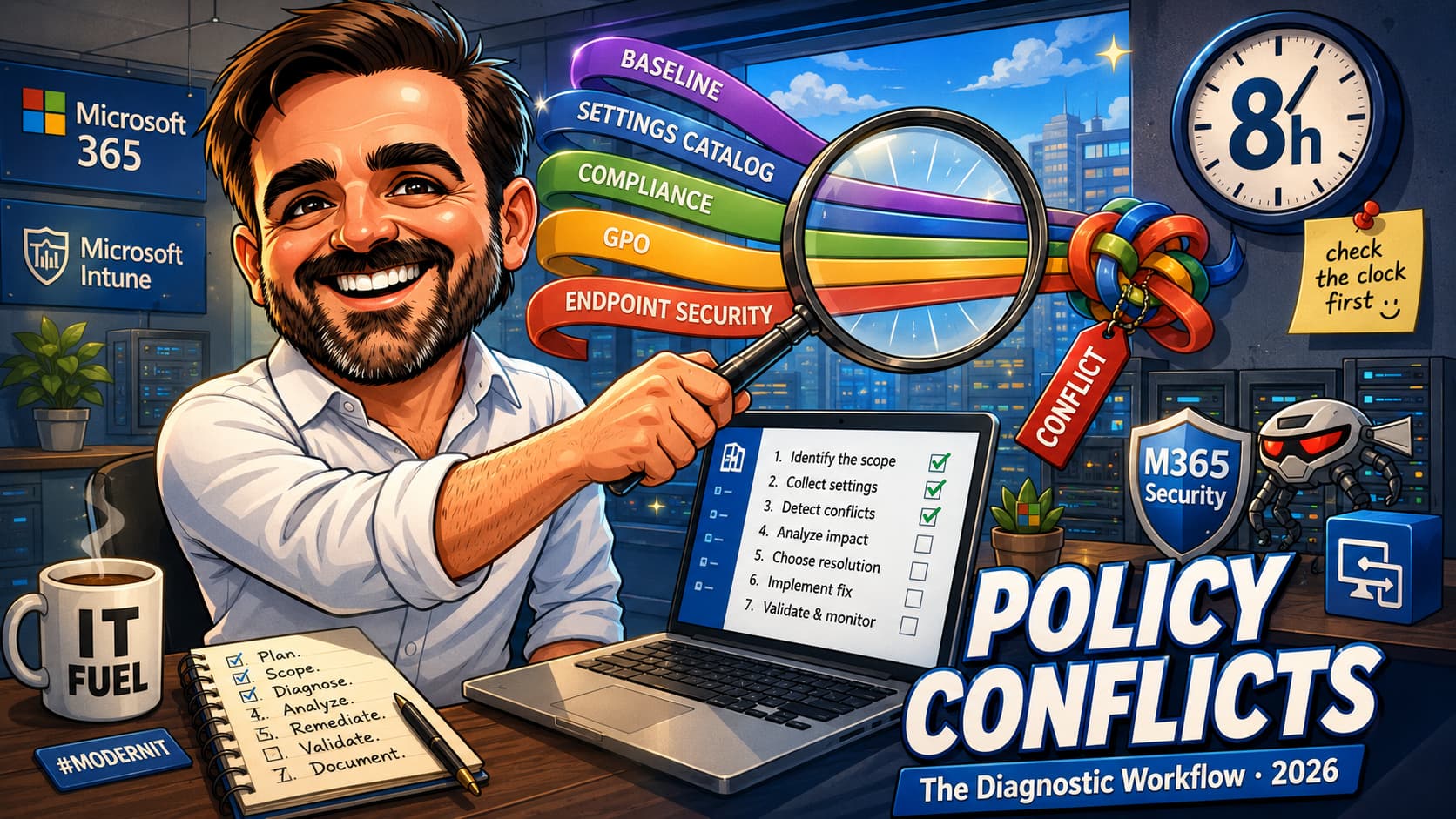
November 2025, aligned with Cybersecurity Awareness Month, has brought a series of significant updates to Microsoft Intune. Microsoft reinforces its vision that security should be an enabler, not a barrier, to productivity. The new features reflect this philosophy, focusing on automation, visibility, and granular control for IT administrators. In this article, we will explore the main new features and what they represent for endpoint management in your environment.

Proactive Visibility with the Enrollment Time Grouping Failures Report
One of the biggest challenges in provisioning devices at scale is ensuring that each one is assigned to the correct group to receive the appropriate policies and settings. Failures in this process can create security blind spots and compliance deviations. To address this issue, Microsoft has made the Enrollment Time Grouping Failures report generally available (GA).
This new report, located in Devices > Monitor > Enrollment time grouping failures, offers visibility into devices that were not added to their designated static groups during the enrollment process. With information updated within 20 minutes, IT teams can proactively identify and correct these issues, ensuring that no device is left unprotected or misconfigured. The report covers a wide range of provisioning scenarios, including:
- Windows Autopilot
- Android Enterprise devices (Fully Managed, Corporate-Owned Work Profile, and Dedicated)
| Feature | Main Benefit | Supported Platforms |
|---|---|---|
| Enrollment Time Grouping Failures Report | Proactive identification of group assignment failures | Windows Autopilot, Android Enterprise |
Smarter and More Flexible Endpoint Privilege Management (EPM)
Endpoint Privilege Management (EPM) has received two crucial updates that enhance control over privilege elevation, a pillar of the Zero Trust principle.
Elevation with the Current User's Context
The new "elevate as current user" capability allows an elevated process to run under the user's own account, instead of the default EPM virtual account. This is essential for applications that depend on the user's profile, environment variables, or registry settings to function correctly. It is now possible to grant privilege elevation without breaking the functionality of legacy or specific applications, while maintaining a complete audit trail.
New EPM Overview Dashboard
For organizations migrating from local administrator accounts to standard users, the new EPM Overview Dashboard offers a centralized and strategic view. This dashboard answers three critical questions:
- Which users are facing the most friction?
- What changes would improve the user experience based on elevation patterns?
- How to adjust policies without manual data entry?
The dashboard accelerates policy refinement, improves the security posture by removing persistent administrator rights, and reduces the burden on the helpdesk by identifying candidates for automatic approval rules.
Looking Ahead: Windows Autopilot and Security Updates
The ability to install Windows security updates during the Out-of-Box Experience (OOBE) through Windows Autopilot, initially planned for this year, has been rescheduled for January 2026. Although the configuration is already visible in the profiles, the functionality is not yet active. This decision aims to ensure a more reliable and robust provisioning experience, allowing devices to be updated from the first login and reducing the window of vulnerability.
Conclusion
The November 2025 updates for Microsoft Intune demonstrate a continued commitment to proactive security and simplified management. By providing more visibility, granular control, and intelligent automation, Microsoft empowers IT teams to strengthen their security posture without compromising end-user productivity. The implementation of these new features will enable more efficient, secure, and Zero Trust-aligned endpoint management.
References
[1] What's New in Microsoft Intune: October 2025 - Microsoft Intune Blog