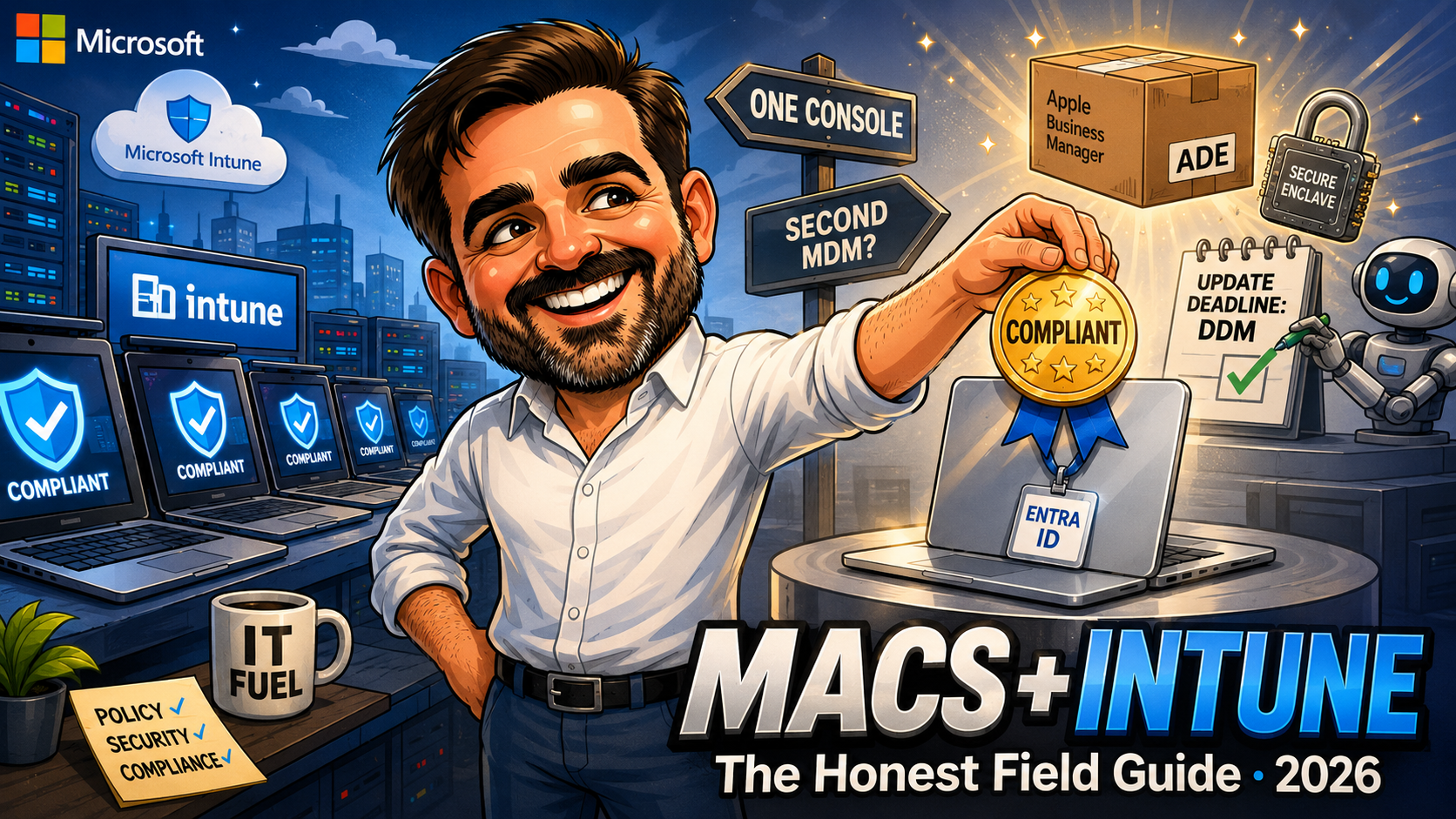
Managing Macs with Intune in 2026: Enrollment, Compliance and the Gaps Nobody Mentions
Macs arrive in Windows-first tenants through the side door. Apple Business, Platform SSO, the DDM update shift, app types, and where Intune trails Jamf.

Shadow AI on Company Devices: Detect and Control Unsanctioned AI with Intune, Defender and Purview (2026)
Your users adopted AI tools without asking. The three discovery lenses, the block/warn/allow/manage decision, and enforcement with tools you already own.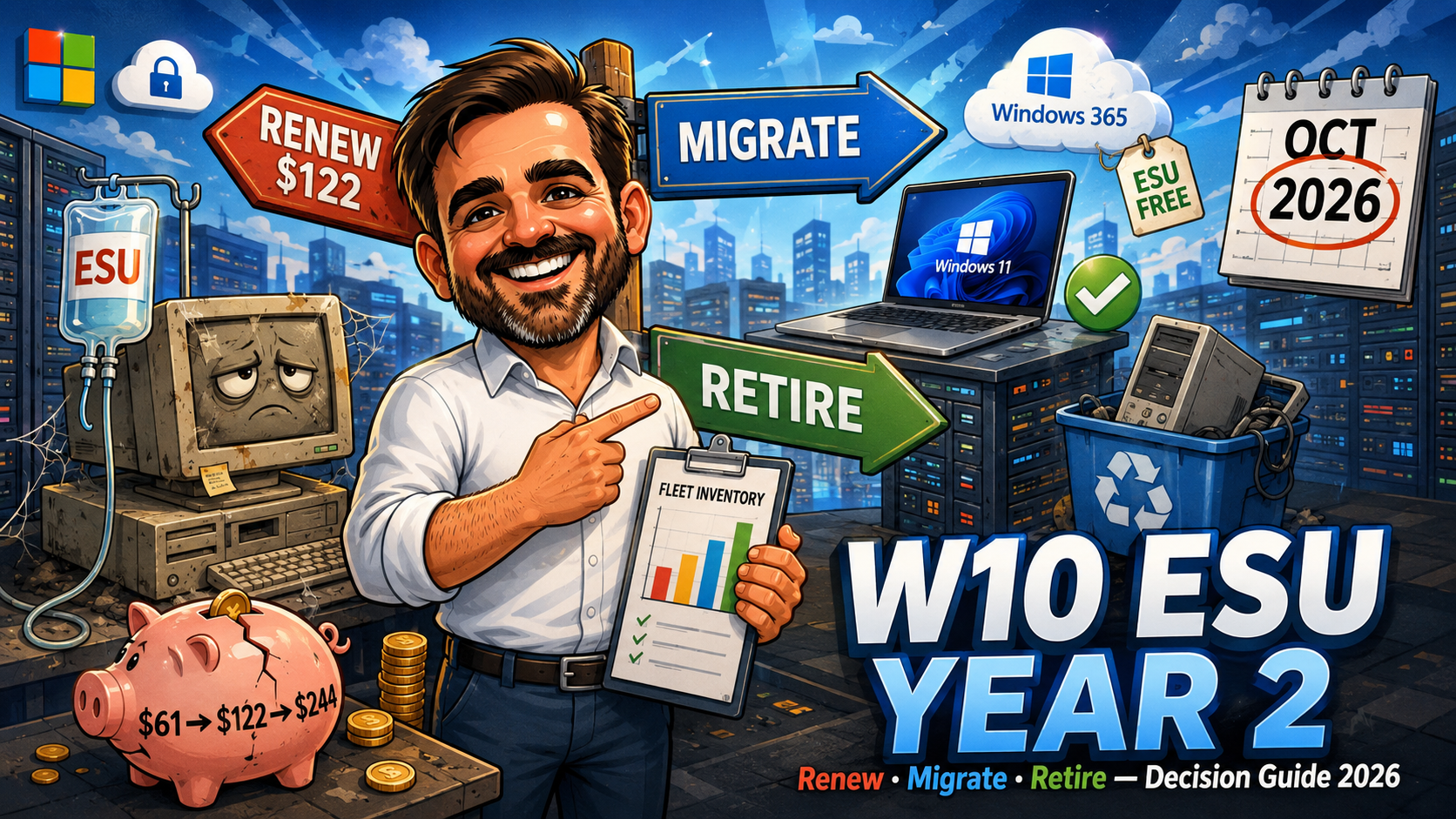
Windows 10 ESU Year Two: Renew, Migrate or Retire? The October 2026 Decision
Windows 10 ESU year two costs $122 per device from October 2026, and it is cumulative. The decision framework: renew, migrate, replace or cloud, with real maths.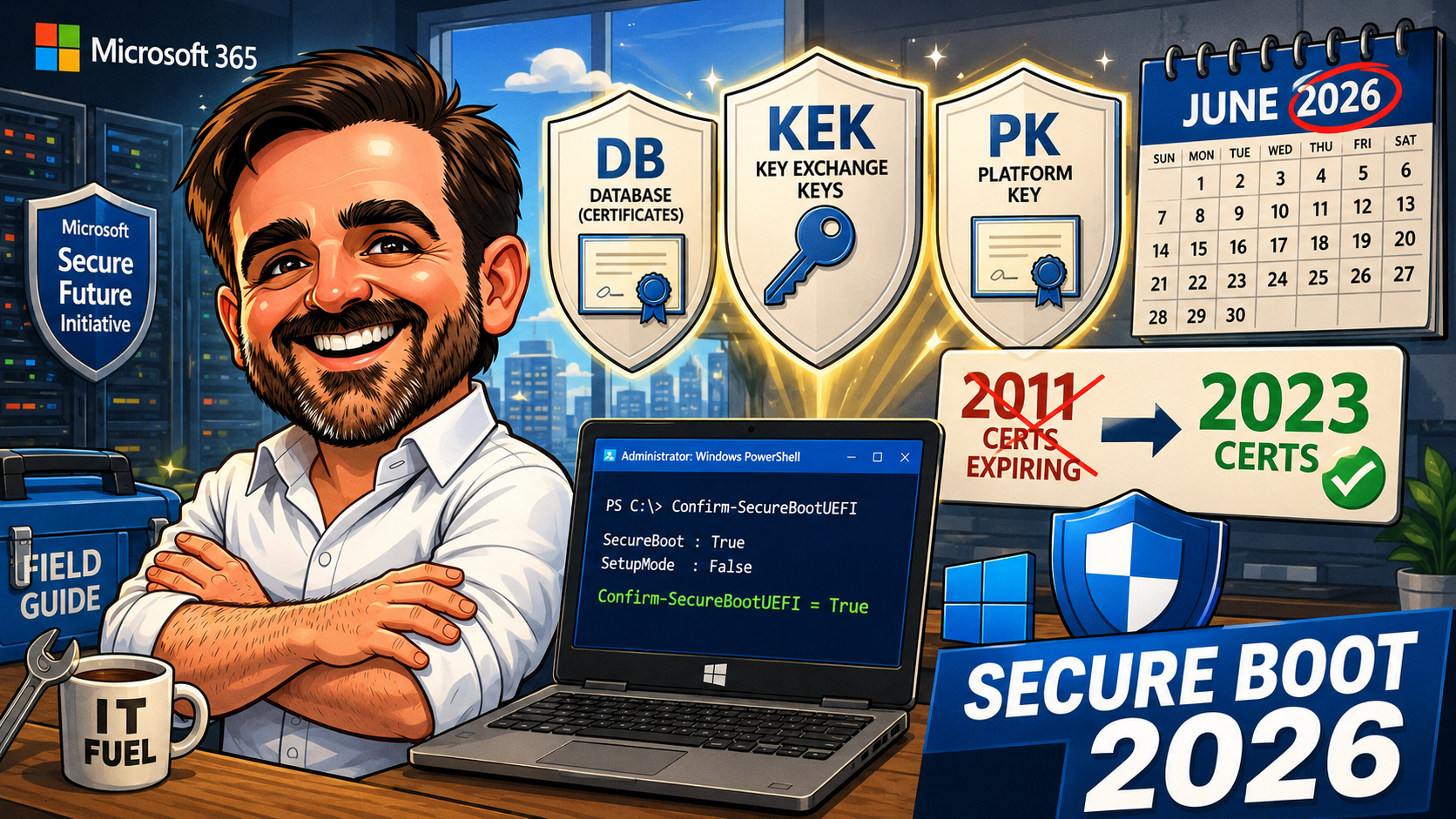
Secure Boot 2026 Certificate Transition: Field Guide for Windows IT Admins
Microsoft Secure Boot certificates from 2011 begin expiring in June 2026. Practical field guide for inventory, deployment of the 2023 family, and validation.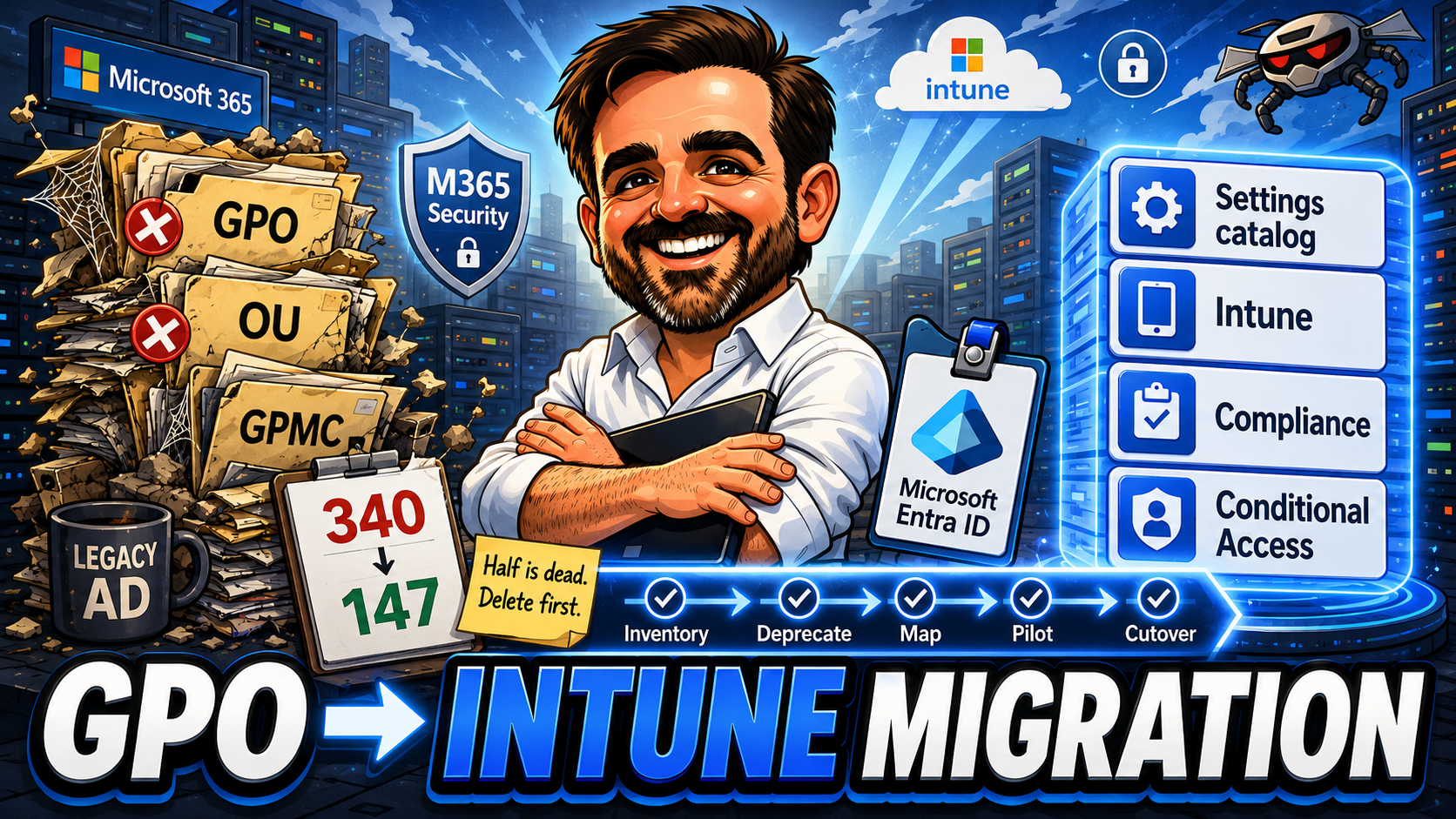
Group Policy to Intune Migration Guide 2026: Inventory, Mapping and Cutover
Migrating from Group Policy to Microsoft Intune is one of those projects that looks like a tool swap on the slide and feels like an architecture change in the room. This field guide is the realistic readiness path: inventory, analytics, mapping, the co-management vs cloud-native decision, phasing, cutover, and the operating model after the last device leaves Active Directory.
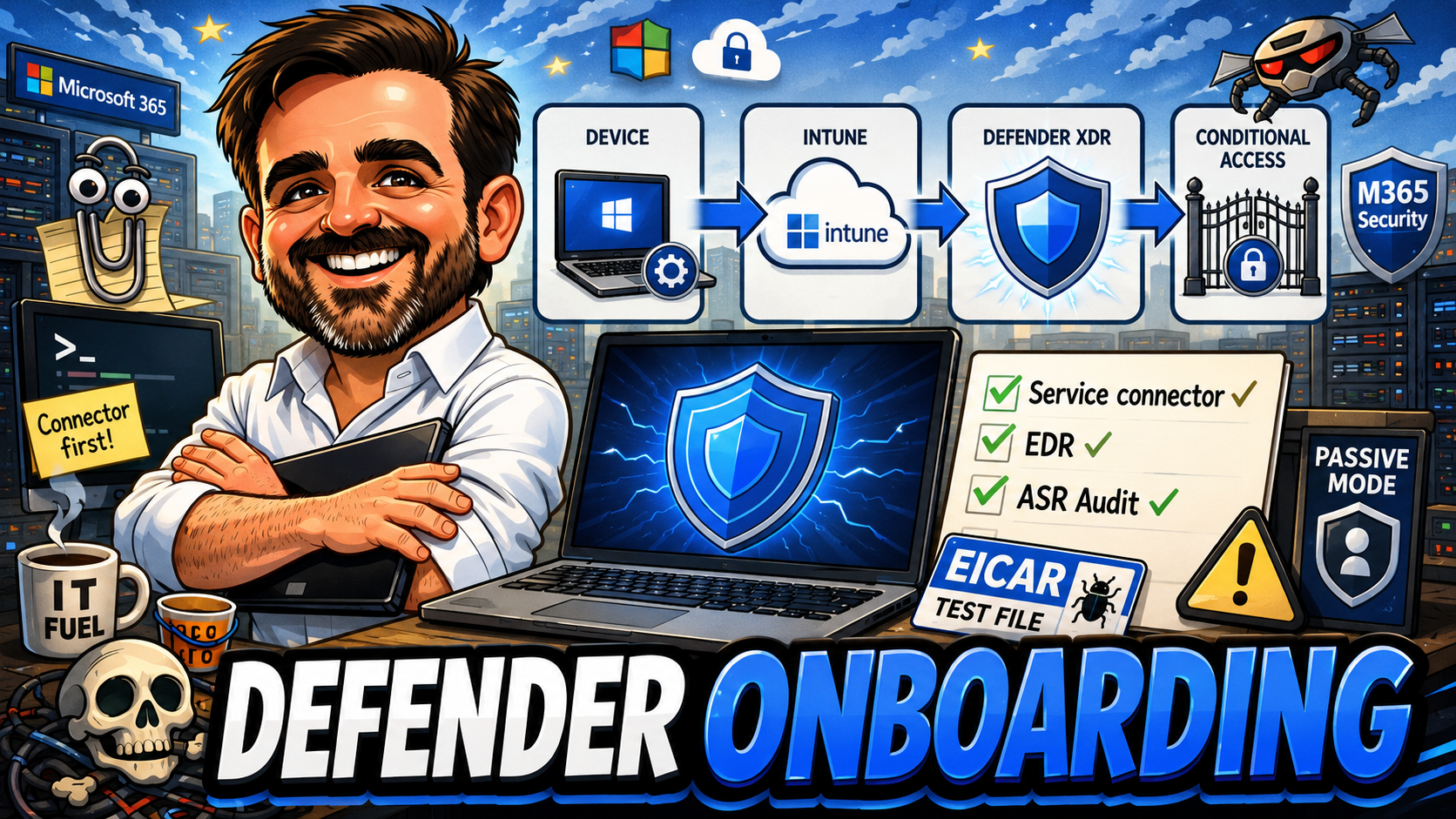
Microsoft Defender for Endpoint Onboarding with Intune 2026: Practical Field Guide
Defender for Endpoint is bought far more often than it is properly onboarded. The agent is installed, the Defender XDR portal shows green ticks, and the project is closed — six months later, an assessment finds half the platform unconfigured. This field guide is the realistic onboarding path through Microsoft Intune in 2026: licensing, the service connector, Windows and macOS, EDR in block mode, ASR, the compliance signal back into Conditional Access, validation, and the operational model after deployment.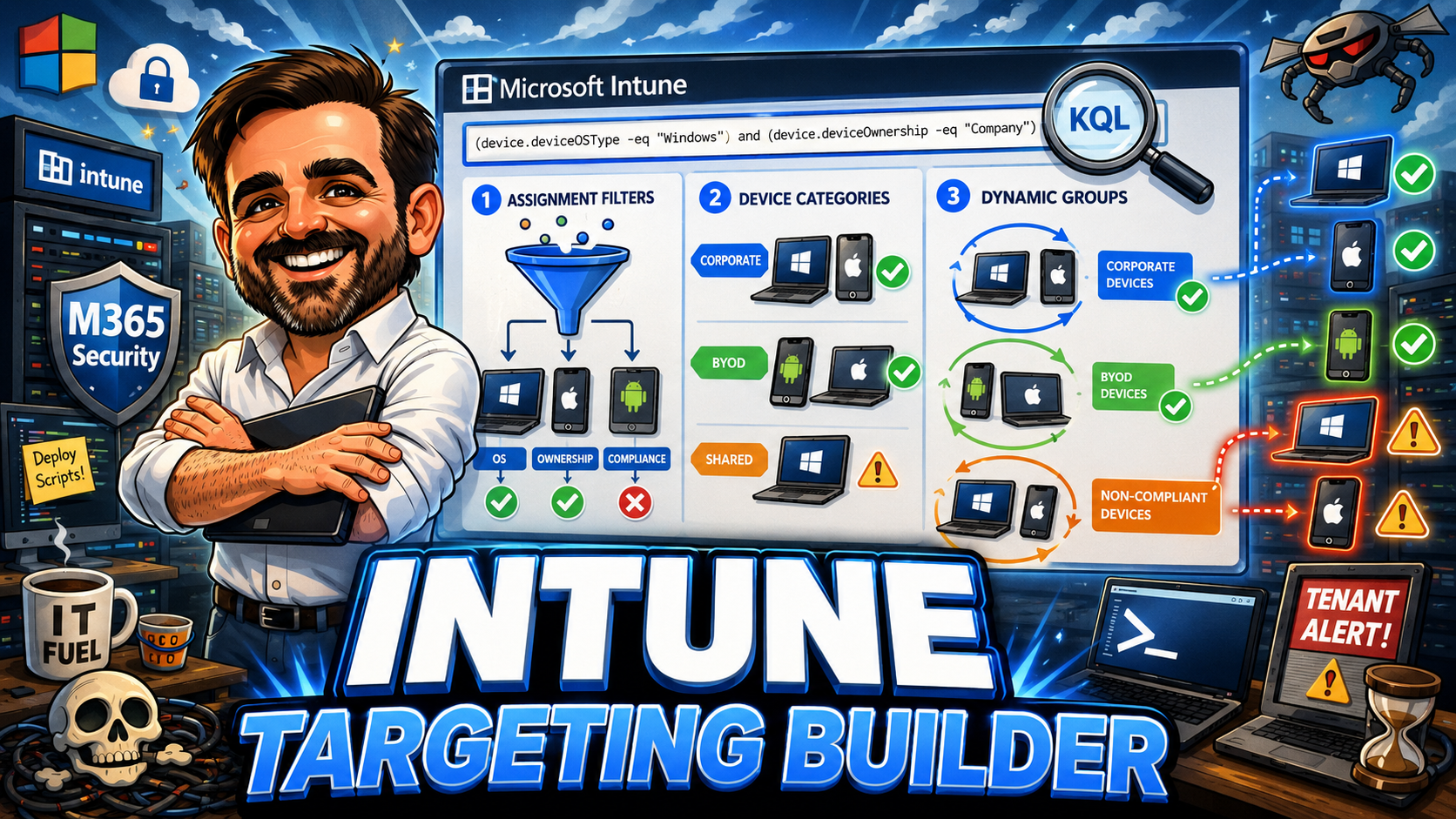
Intune Targeting Guide 2026: Assignment Filters, Device Categories and Dynamic Groups
Intune targeting is architecture. Groups define broad scope, filters refine assignments, categories classify devices and dynamic groups should be used carefully when attributes are stable. This interactive guide helps Microsoft 365 admins and Intune admins design a targeting model that is scalable, predictable and easy to troubleshoot.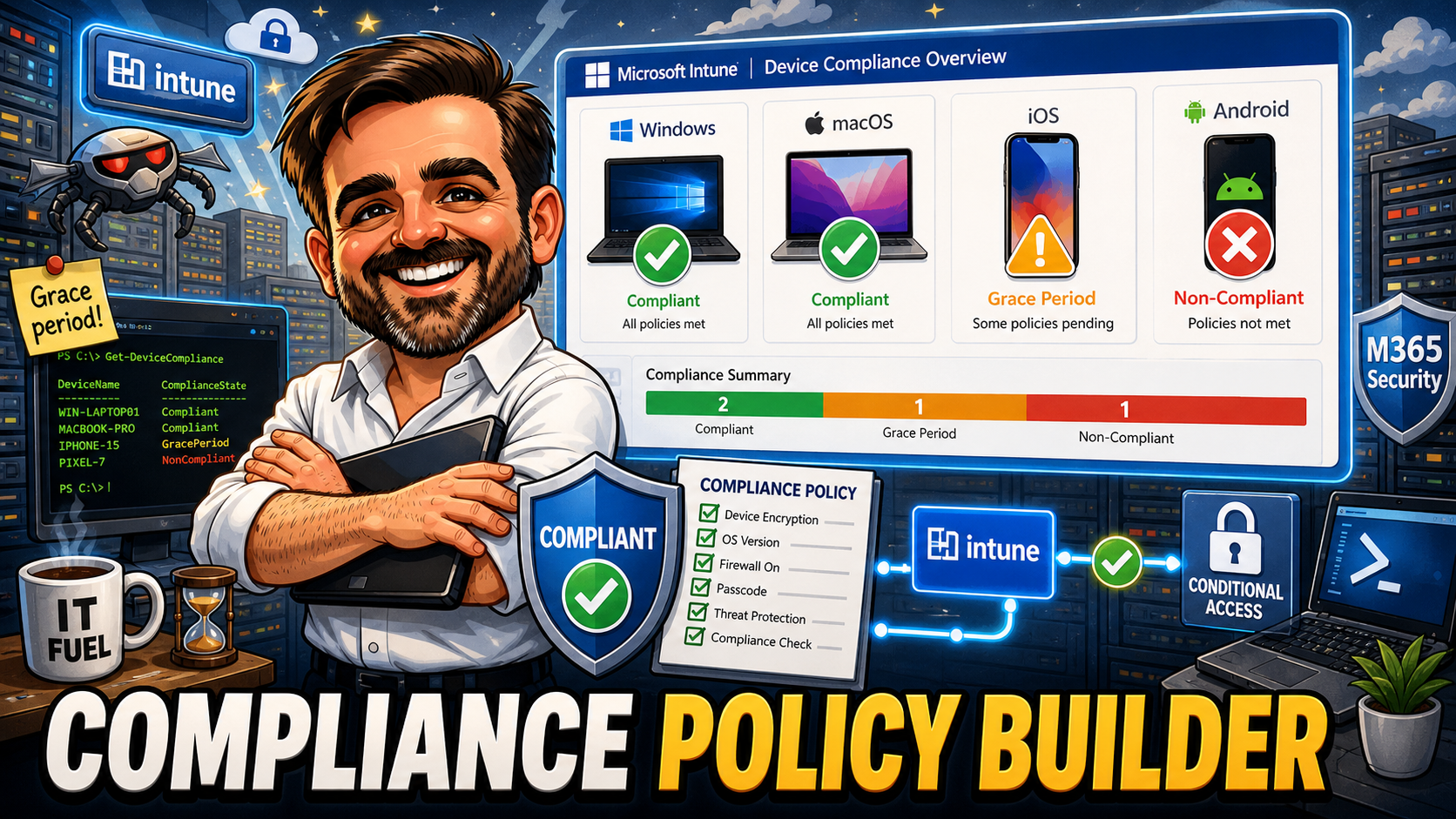
Microsoft Intune Compliance Policy Builder: A Practical Guide for 2026
Conditional Access can ask for a compliant device. Microsoft Intune defines what compliant actually means. This guide gives you an interactive builder, a ten-policy baseline, platform-specific recommendations for Windows, macOS, iOS/iPadOS and Android, a safe rollout sequence, and the operational advice I use when deploying device compliance in production. No data is sent anywhere. Everything runs in the browser.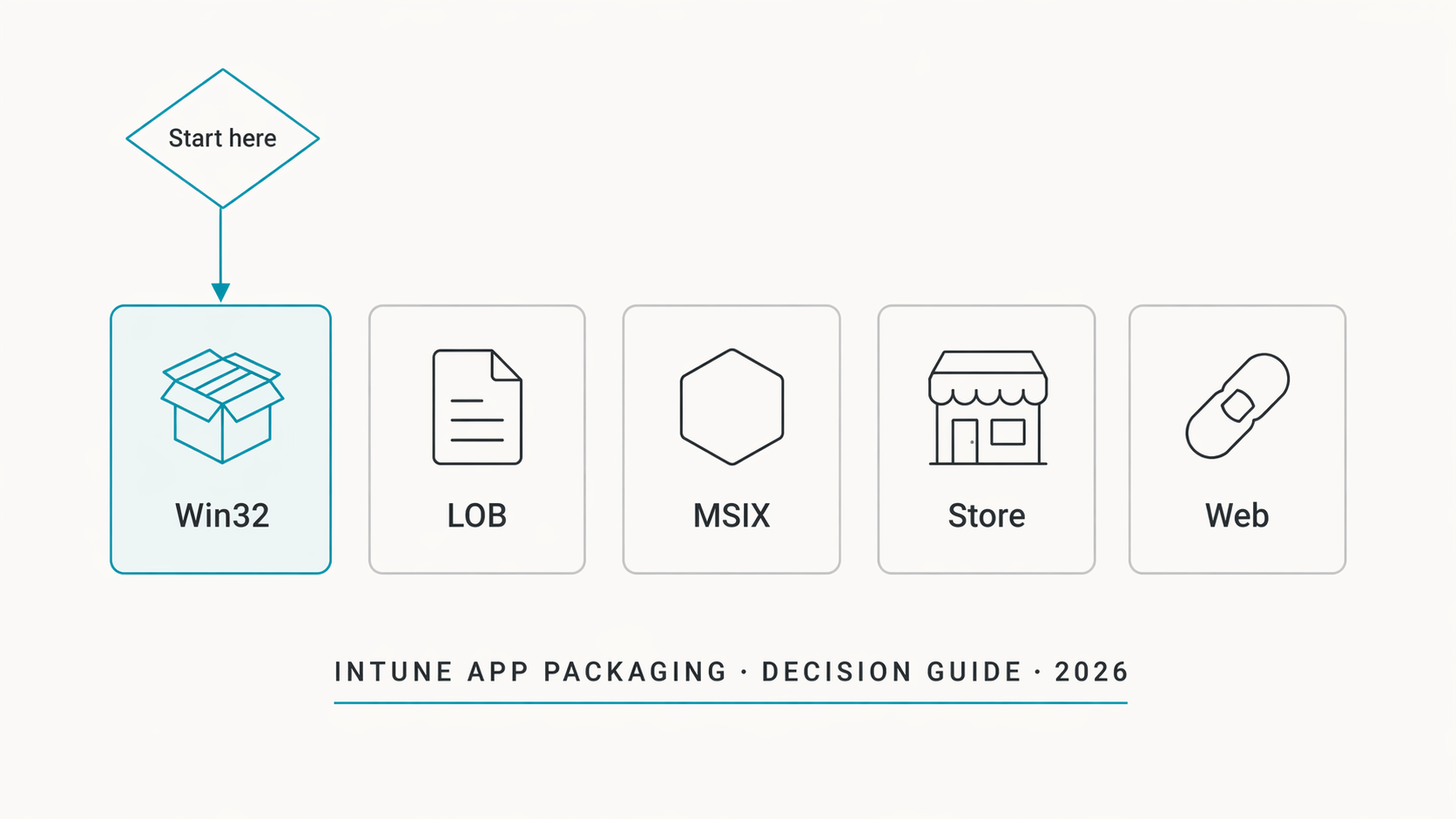
Intune App Packaging Decision Guide: Win32, LOB, MSIX, Store, and When to Use Each
Five app types in the Intune admin center and no single guide from Microsoft on when to use which one. This article covers the full app packaging decision: Win32 vs LOB vs MSIX vs Microsoft Store vs web links, a decision table mapping 10 common scenarios to the right app type, the Win32 packaging workflow with IntuneWinAppUtil, detection rules (MSI code, file version, registry, PowerShell) and why they're the number one cause of deployment confusion, supersedence and dependency chains, Microsoft Store winget integration, PSADT for complex installs, the 32-bit execution context trap, common packaging mistakes, an SMB quick-start guide, and a 12-point audit checklist.
Reporting, Remediations & Day-2 Operations
Most Intune projects fail quietly after deployment — not because the configuration is wrong, but because nobody builds an operational rhythm to keep it healthy. This final part fixes that.
Security Baselines & Defender for Business
A configured device is not a hardened device. This part layers Microsoft's pre-built security baselines on top of your configuration profiles, connects Defender for Business, and starts Attack Surface Reduction in Audit mode.
App Deployment & Company Portal
Manual software installs don't scale. This part covers deploying Microsoft 365 Apps, packaging Win32 apps with IntuneWinAppUtil, and making the Company Portal the self-service front door for your users.
Settings Catalog & Configuration Profiles
Compliance tells Intune whether a device is healthy. Configuration profiles tell the device how to behave. This part deploys five production-ready profiles — BitLocker, WHfB, OneDrive KFM, Edge hardening, and Update rings.
Compliance & Conditional Access
An enrolled device is not a trusted device — not until it meets your compliance baseline. This part builds the compliance policy and Conditional Access rules that enforce it, safely.
Licensing, Setup & First Device
Before you configure compliance or deploy software, you need the right licence, the right groups, and a device that successfully talks to Intune. This first part gets you there from a blank tenant.
Intune Enterprise Application Management: Deploy Third-Party Apps Without Packaging
The Enterprise App Catalog in Intune reduces the manual work behind common Win32 app deployment. This article explains how EAM works, how guided updates and supersedence behave, where it fits into Autopilot, and the limits you need to know before adopting it at scale.
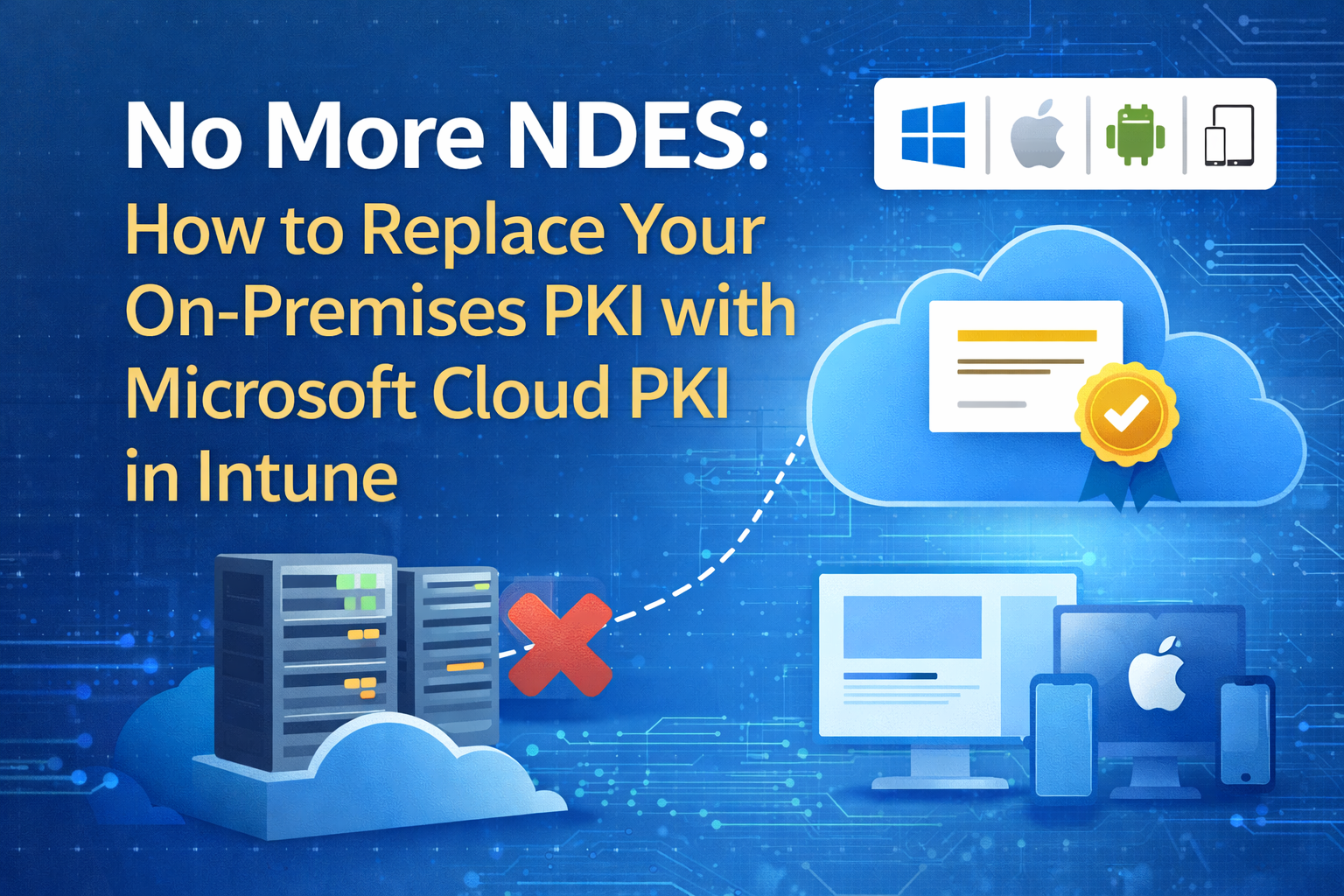
No More NDES: How to Replace Your On-Premises PKI with Microsoft Cloud PKI in Intune
Microsoft Cloud PKI in Intune replaces the traditional NDES, on-prem CA dependency, and Intune Certificate Connector path for SCEP delivery. This guide explains how to build the CA hierarchy, deploy trust and SCEP profiles, and use cloud-managed certificates for Wi-Fi and VPN authentication.

Windows Autopatch Is Enabling Hotpatch by Default in May 2026: What IT Admins Need to Do Now
Microsoft is turning hotpatch on by default in Windows Autopatch for eligible Windows 11 Enterprise 24H2 devices. This article explains the impact, the prerequisites, and the checks Intune admins should make before the change takes effect.
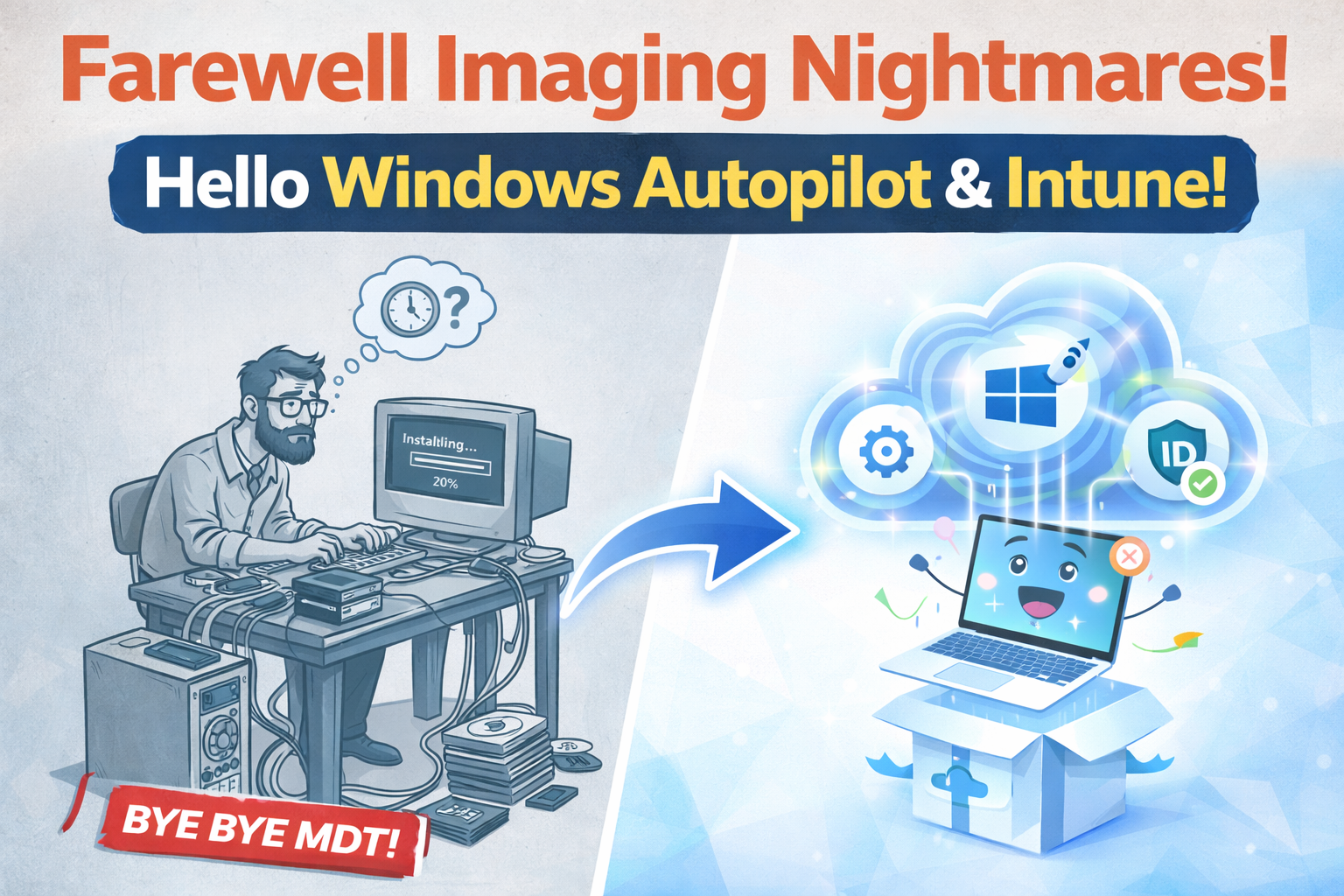
Goodbye Legacy Imaging: Windows Autopilot, Intune & Pre-Provisioning
Golden images, driver chaos, and USB deployments belong to the past. Learn how Windows Autopilot and Intune Pre-Provisioning enable a cloud-native onboarding model that is faster, safer, and built for scale.
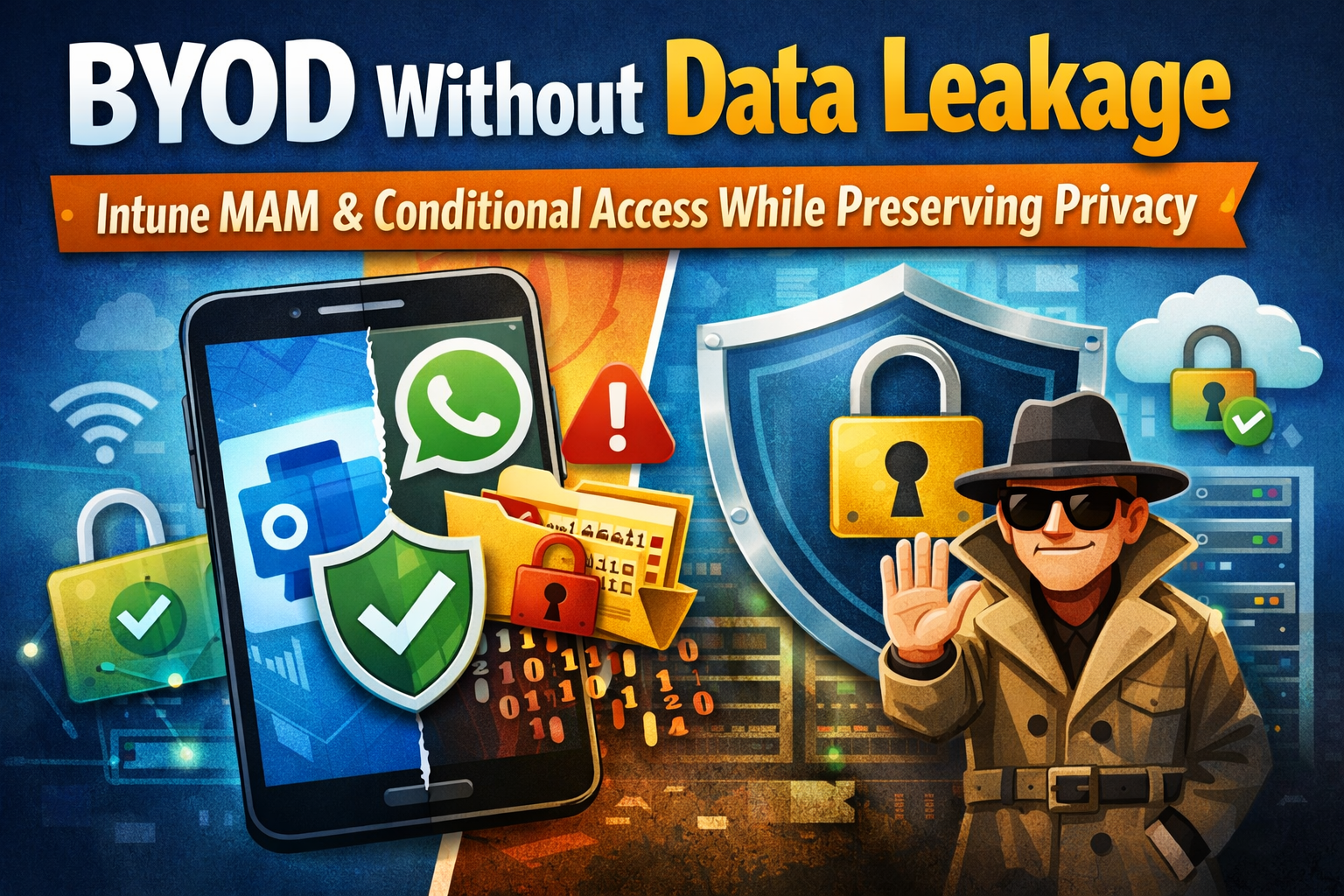
BYOD Without Data Leakage: Protecting Corporate Data with Intune MAM & Conditional Access While Preserving Privacy
BYOD doesn’t have to mean data leakage or privacy conflicts. This guide explains how to secure corporate data on unmanaged personal devices using Intune MAM (App Protection Policies) and Conditional Access — protecting company data without managing the employee’s device.