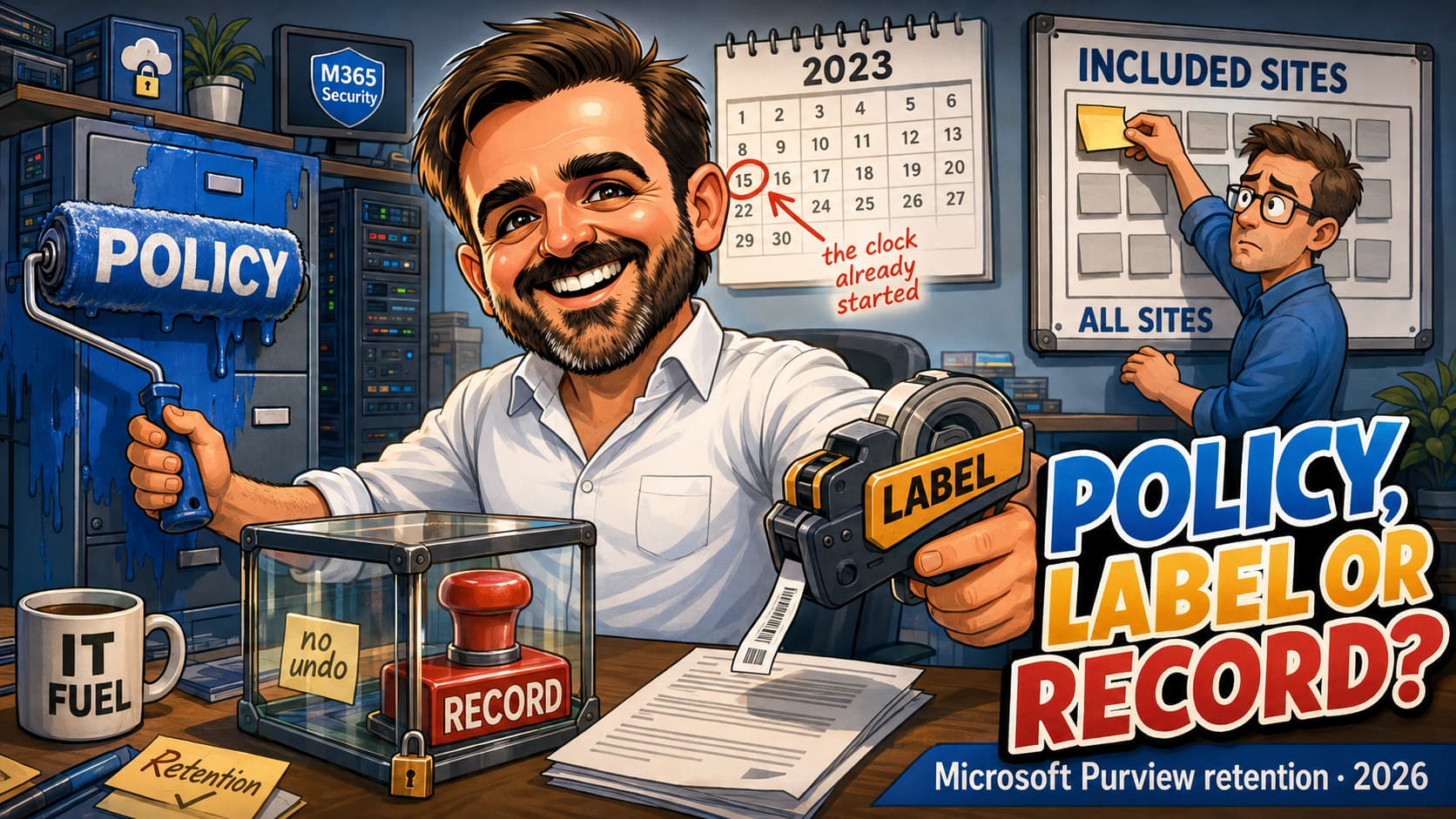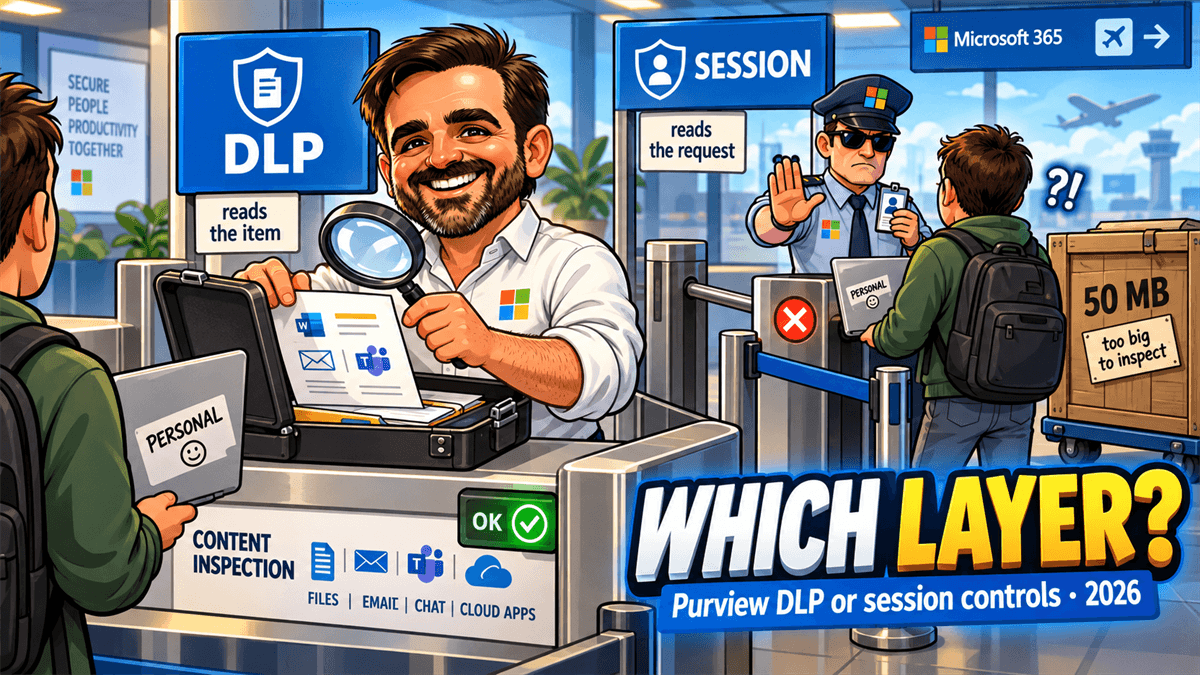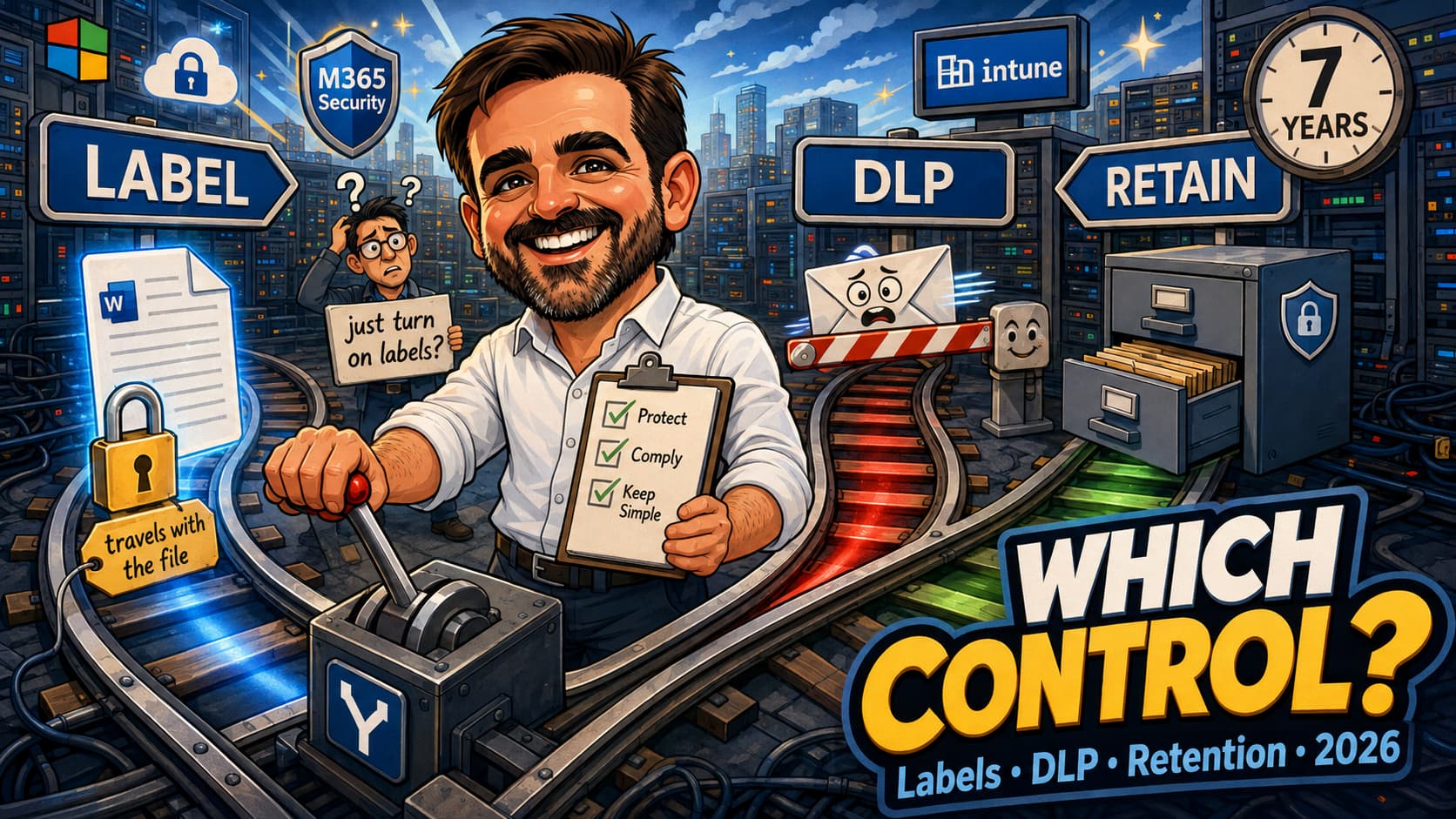
Three controls, one portal, one licence bundle, and a naming convention that actively encourages the confusion. Sensitivity labels, data loss prevention and retention all live in Microsoft Purview, all talk about "protecting data", and all get proposed in the same meeting. So a request that arrives as "we need to protect customer data" gets answered with whichever of the three the person in the room knows best, and six weeks later the project ships something that does not solve the problem it was funded to solve.
The failure is rarely technical. Labels get deployed to stop data leaving, which they do not do. DLP gets treated as a data inventory, which it is not, even in the locations where it does scan content at rest. Retention gets skipped because "the labels cover it", which they do not. This article is the decision layer: what each control actually does, which problem each one is the right answer to, where they touch, and the documented traps that make a correctly chosen control still do nothing.
What each one actually is
Start with definitions tight enough to argue from. Everything else in this article follows from them.
Sensitivity labels: a stamp that can also lock
A classification written into the item's metadata, which can additionally apply encryption, content marking and container access controls. Microsoft's three defining properties are worth reading as a set, because the third is the one that decides which problems labels are good at:
- Customizable to your business taxonomy.
- Clear text. "Because the label is stored in clear text in the metadata for files and emails, third-party apps and services can read it and then apply their own protective actions, if required."
- Persistent. "Because the label is stored in metadata for files and emails, the label stays with the content, no matter where you save or store it."
That last property is the whole argument for labels. A label plus encryption is the only one of the three controls that still does something after the file has left your tenant. Nothing else on this page survives contact with a USB stick.
What a label does not do: evaluate who a message is going to, count how many records a file contains at send time, or delete anything, ever.
DLP: a decision engine, and how it evaluates differs by location
A policy engine that evaluates content and user activity across supported locations and takes an action — audit, tip, block, block with override, quarantine. Microsoft is precise that this is not a text search: "DLP uses deep content analysis, not a simple text scan", including regular expressions, internal function validation, proximity matching between primary and secondary evidence, and machine learning classifiers.
How it evaluates depends on where. In Exchange, Teams, devices and Fabric, scanning is activity-driven: content is scanned when the message is sent, when the file leaves the device, when the item is uploaded. In SharePoint and OneDrive it also scans content at rest, both existing files and newly added ones. A simulation scoped only to those two locations reaches a status of Completed, which Microsoft defines as "all data at rest has been scanned".
So the honest boundary is narrower than the usual one. DLP is the only control of the three that can stop an action in progress, and in two locations it will also find files nobody has touched. What it is not is a complete inventory or a posture-management tool: simulation displays only the first 100 matched items in SharePoint and OneDrive, results are retained for 30 days, and the other locations never scan at rest at all. Use it to measure the impact of a policy; use classification and posture management to map the estate.
Retention: an instruction the user cannot countermand
An instruction to keep content for a period, delete it at the end of that period, or both, enforced by hidden preservation locations and background timer jobs. The split that matters:
"Use a retention policy to assign the same retention settings for content at a site or mailbox level, and use a retention label to assign retention settings at an item level (folder, document, email)."
Retention is the only control here that operates independently of user action and of the item's classification. It is also the only one with a legal audience. And unlike sensitivity labels, retention labels do not leave with the file: "Retention labels, unlike sensitivity labels, don't persist if the content is moved outside Microsoft 365."
The decision matrix
This is the table to put in front of the person asking. The middle column is the answer; the third column is the answer that gets chosen instead, and why it disappoints.
| What the business asks for | The control that answers it | The tempting wrong answer, and why it fails |
|---|---|---|
| "Stop staff emailing customer data out" | DLP on Exchange, condition on a sensitive information type or a label, action block with override | Sensitivity labels with encryption. A label classifies and encrypts; it does not evaluate the recipient at send time. Only DLP has conditions like recipient domain and "shared with people outside my organization", and only DLP can block. |
| "We need to know where our intellectual property lives" | Classification: sensitive information types and trainable classifiers, then content explorer and Data Security Posture Management | DLP in simulation. It will find at-rest files in SharePoint and OneDrive, so it is not useless here, but it is scoped to what your policy matches, shows only the first 100 matched items in those locations, keeps results for 30 days, and never scans at rest in Exchange, Teams or on devices. It measures a policy's impact; it does not map an estate. |
| "Legal needs seven years" | Retention policy at container level, static or adaptive scope | Sensitivity labels. They have no retention semantics whatsoever. Microsoft's own lifecycle guidance orders it: "Create retention policies and if needed, retention labels for exceptions." |
| "Seven years on these specific documents, with sign-off before deletion" | Retention label with disposition review | Retention policy. Disposition review "isn't available for a retention policy". Records, regulatory records, event-based retention and relabelling at the end of a period are all label-only capabilities. |
| "Stop external sharing" | It depends on the boundary. Site level: container sensitivity label plus SharePoint tenant settings. Item level, conditional on content: DLP. Default link type: sensitivity label | Picking one and assuming it covers the others. A container label governs who can be added to a site and under which device conditions; it inspects no file. A DLP rule blocks one share of one item; it does not stop a guest being invited to the site. |
| "Stop people pasting client data into a public AI tool" | Endpoint DLP and inline web traffic DLP | Sensitivity labels. Labels do not fire on a paste event, and Microsoft is explicit that "Paste to Browser supports SITs, not Sensitivity Labels". |
| "Stop Copilot summarising the HR folder" | DLP for the Microsoft 365 Copilot location (preview), with a sensitivity label as the condition | A container label on the site. Container labels are not inherited by the items inside, which Microsoft restates specifically on the Copilot guidance. The supported route is a label on the item, plus a DLP rule or encryption without the extract right. |
| "Make sure a leaked file is still protected outside our tenant" | Sensitivity label with encryption | DLP. DLP is a boundary control and stops at the boundary. The label is the only one of the three that persists beyond it. |
| "Delete everything in Teams after a year" | Retention policy, Teams chat and channel message locations | Retention label. Teams messages do not support retention labels at all. |
| "Watermark our confidential documents" | Sensitivity label content marking, applied client-side | An auto-labelling policy. Verbatim: "If the labels you select are configured to use visual markings (headers, footers, watermarks), these markings aren't applied to documents when you use auto-labeling." |
| "Prove to an auditor that we deleted it" | Retention label with disposition review, or marked as a record | Retention policy. Proof of disposition is documented as available only with disposition review or when the item is marked as a record. |
| "Nobody may weaken the policy" | Preservation Lock on a retention policy: it cannot be deleted or made less restrictive | Assuming a label does the same. Preservation Lock is PowerShell-only and does not work with adaptive scopes. |
| "Nobody may delete the item" | A record. Deletion is blocked whether the record is locked or unlocked | Assuming a record is fully immutable. It is not. An unlocked record can have its contents edited, and on a locked record a container administrator can still change or remove the label. |
| "Nobody, including a global administrator, may edit or delete the item or remove its protection" | A regulatory record. Verbatim: "after it is applied to content, nobody, not even a global administrator, can remove the label" | A standard record. Use a regulatory record only when the requirement is genuinely irreversible: the retention period can then only be extended, never shortened, the label cannot be applied by auto-labelling, and the option has to be enabled through PowerShell before it appears at all. |
| "But we need a documented way out for a genuine emergency" | Priority cleanup (preview), with its approval process, two-person rule and auditing | Assuming there is no way out, or that there always is one. It overrides retention and eDiscovery holds. It overrides Preservation Lock in Exchange, and in SharePoint and OneDrive only when the locked policy is configured as delete-only. It cannot touch records or regulatory records, and it cannot delete copies already added to an eDiscovery review set. |
Microsoft does not publish a head-to-head comparison of the three, which is part of why this is confusing. The closest thing is the three-verb framing on the information protection solution page — know your data, protect your data, prevent data loss — where DLP appears only in the third block, and where Microsoft cautions that "deploying an information protection solution isn't a linear deployment but iterative, and often circular".
Where they touch, and the trap in the join
A label is a DLP condition, which is the intended integration
The supported and documented way to combine two of these controls is to classify with a label and then have DLP consume it. Microsoft routes you there itself: "Prevent or warn users about sharing files or emails with a specific sensitivity label → Use sensitivity labels as conditions in DLP policies." The same page routes the retention question the same way: apply a retention label automatically to content that carries a given sensitivity label.
Both routes are "label first, then the other control consumes it". That is the single most useful sequencing fact in this article, and it comes from Microsoft's own scenario table rather than from any comparison page.
A retention label and a sensitivity label can coexist
They occupy different metadata and answer different questions, so an item can carry one of each. What they cannot do is substitute for one another: applying a retention label does not classify sensitivity, and applying a sensitivity label retains nothing. Note also the asymmetry mentioned earlier: only the sensitivity label leaves the tenant with the file.
Encryption is where the three collide badly
This is the most expensive interaction to discover late. Enabling sensitivity labels for Office files in SharePoint and OneDrive is a one-time switch, and it draws a hard line in time:
The eDiscovery consequence is subtler and worth knowing before someone asks in a legal hold: encrypted attachments are decrypted for review, but "keyword searches don't match content inside these attachments", and encrypted files nested inside an archive are never decrypted at all.
The principles of retention, quoted correctly
Retention has published precedence rules, and they are the part most often repeated wrongly. Microsoft frames the calculation before listing them, and the framing changes how you read the rest:
"The outcome isn't which single retention policy or single retention label wins, but how long an item is retained (if applicable) and when an item is deleted (if applicable). These two actions are calculated independently from each other."
| # | Principle, verbatim | What it resolves |
|---|---|---|
| 1 | Retention wins over deletion. | Content is not permanently deleted while something retains it. The delete can still be initiated and the item can vanish from the user's view; only the permanent deletion is suspended. |
| 2 | The longest retention period wins. | How long. Note Microsoft's own counter-example: five years can beat seven, if the five-year clock starts at last-modified and the seven-year clock starts at created. |
| 3 | Explicit wins over implicit for deletions. | Deletion conflicts only, once retention is already settled. A retention label is explicit because it applies to the item; a retention policy is implicit because it comes from the container. This is the principle everyone misquotes as "explicit inclusion wins over implicit inclusion". |
| 4 | The shortest deletion period wins. | When, if principle 3 did not settle it. |
Above all four sits eDiscovery: "If content is subject to both retention settings and an eDiscovery hold, preserving content for the eDiscovery hold always takes precedence."
Three controls, three speeds
Nobody frames these together, and it is the framing that saves a pilot. The three headline figures, each from Microsoft's own documentation:
| Control | Documented delay | Microsoft's wording |
|---|---|---|
| DLP | about 1 hour | "In general, policies take effect about an hour after being turned on." |
| Sensitivity labels | 24 hours | "For labels and label policy settings, allow 24 hours for the changes to propagate through the services." |
| Retention | up to 7 days | "It can take up to seven days for the retention policy to be applied." And: "it's best to plan for the maximum of seven days." |
Underneath those headlines sit numbers that will surprise anyone planning a test window. A DLP policy change reaches the Copilot experience, still a preview location, in up to four hours, not one. An adaptive scope query can take up to five days to fully populate. A container label change needs at least 24 hours, and 48 to 72 hours if you are removing one from a SharePoint site. Auto-labelling simulation for sensitivity takes 12 hours to complete; the retention equivalent takes one to two days.
Before you design anything: what is already on
This is the newest thing on this page and the one most likely to catch an experienced admin, because it did not used to be true.
The details matter for anyone inheriting a tenant. The default publishing policy applies to every user, sets General \ All Employees (unrestricted) as the default label on unlabelled documents, email and meetings, and requires users to justify removing or lowering a label. The client-side rules recommend Confidential when a document contains credit card numbers.
And the service-side auto-labelling policy has a clock on it. It is created in simulation, where items are not actually labelled, and then: "if you don't change the default setting, the policy will be automatically turned on for you if there aren't any changes to the policy within a set number of days." So it does not label anything on day one, but it can begin doing so without a further decision. The Exchange policy starts simulation immediately; the SharePoint and OneDrive one waits 25 days first, so that there is content to evaluate.
The practical consequence for an MSP or a new consultant on an account: you may walk into an eligible tenant that is already applying labels, on a taxonomy nobody chose, with a default label already stamped on everything, or one where a policy is still in simulation and counting down. Inventory first. Designing a label scheme on top of an unexamined one is how you end up with two.
Labels are not the only thing created for you. Microsoft creates four default DLP policies in every tenant: one for Office 365 covering credit card numbers in externally shared documents and email, one for Teams, one for devices, and one for the Microsoft 365 Copilot location. They are editable and deletable, but they are there. Confirm the mode, the scope and whether anybody has already edited or enabled them before you add a fifth policy that overlaps.
One manual step does survive: enabling sensitivity labels for SharePoint and OneDrive is still a one-time admin action, and it is a prerequisite for Office on the web and for auto-labelling in those locations. Which brings back the encryption line in time from earlier — do this before anyone labels and encrypts anything, not after.
The order to build in
There is no Microsoft page that tells you whether to do labels or retention first. I looked; the information protection solution page and the data lifecycle page each sequence their own area and ignore the other. So this is a synthesis, and I am flagging it as one, built from the documented dependencies rather than from preference.
- Inventory what exists. Published labels, auto-labelling policies in simulation, existing retention policies, and whether sensitivity labels are enabled for SharePoint and OneDrive. In a 2026 tenant, assume something is already on until you have checked.
- Enable labels for SharePoint and OneDrive, if you will label files there. Needed for supported Office and PDF files in those locations, and for service-side auto-labelling there; not needed if you are labelling email only or containers only. Where it does apply, do it before any encrypted content exists: files labelled and encrypted before this switch are not recognised afterwards, and re-uploading is the only remedy.
- Classify before you enforce. Sensitive information types and classifiers first, then look at content explorer. You cannot write a sensible DLP rule or a sensible retention scope for data you have not located.
- Labels next, because two other things consume them. A label can be a DLP condition and can drive an auto-applied retention label. Neither integration exists until the label does.
- Retention independently, and early. It has the longest lead time of the three, the legal audience, and the least dependency on the other two. Starting it last is how it slips.
- DLP last, in simulation. It is the fastest to take effect, the most visible to users when it goes wrong, and the one that benefits most from the classification work already being done.
The one hard dependency in that list is number two. Everything else is a preference argument you can win or lose with a colleague. Number two is a one-way door.
Licensing, briefly
The full capability-by-licence picture is genuinely messy, and Microsoft's own pages contradict each other on several rows. The short version, per control:
- Sensitivity labels. Manual labelling reaches down into E3 and Business Premium. Automatic labelling is where the money is: client-side automatic labelling and service-side auto-labelling policies are licensed differently from each other, and at least one Microsoft table grants a plan client-side automatic labelling only. Container labelling has no row on the licensing page at all.
- DLP. The Exchange, SharePoint, OneDrive and Teams locations are broadly available; endpoint DLP and the analytics around it are the E5-class capabilities. Note one genuinely surprising row: prompt-safeguarding DLP for Copilot is described as available to all Copilot users, while label-based blocking of files and emails is not.
- Retention. Basic retention policies are broadly available; adaptive scopes, disposition review and records management are the capabilities that move you up a tier.
The printable playbook (free PDF)
This article is the decision layer: which control, and why not the other two. The execution layer is a separate document, because choosing correctly and then sequencing correctly are different skills, and the second one takes weeks of calendar time.
⬇️ Download the playbook (PDF, fillable)
Common mistakes
- Treating DLP as a data inventory.It does scan content at rest in SharePoint and OneDrive, so it is not blind there. But it only reports what your policy matches, it shows only the first 100 matched items in those locations, results expire after 30 days, and everywhere else it evaluates activity rather than storage. Use classification and content explorer for the map.
- Deploying sensitivity labels to stop data leaving.A label classifies and can encrypt. It does not evaluate a recipient, and it does not block a send. That is DLP's job, and a label makes a good condition for it.
- Adding the Teams location to a label-based DLP policy.Teams messages do not support sensitivity labels as a condition, and a "no" beats a "yes" across the whole policy. The policy stops matching everywhere, not just in Teams.
- Designing a label taxonomy without checking what the tenant already publishes.Eligible new customers get default labels, a default label on unlabelled content, and auto-labelling policies that start in simulation and can then be turned on automatically if left unedited.
- Labelling and encrypting content before enabling labels for SharePoint and OneDrive.Those files are not recognised afterwards. They are invisible to search, DLP and eDiscovery until re-uploaded, and two encryption settings make it permanent.
- Expecting a container label to protect the files inside the container.Items do not inherit container labels, so they get no content marking and no encryption from them. Uploading a more sensitive document into a less sensitive site is not even blocked.
- Promising a watermark and delivering it through auto-labelling.Visual markings are not applied when a label is applied by an auto-labelling policy. Content marking is a client-side behaviour.
- Planning a pilot around the fastest control in it.DLP lands in an hour, labels in a day, retention in a week, and a Teams delete-after-one-day can take sixteen days to complete. Plan around the slowest thing in scope.
- Quoting "explicit inclusion wins over implicit inclusion".The published principle is "Explicit wins over implicit for deletions", and it only resolves deletion conflicts, after retention conflicts are already settled.
FAQ
If I can only do one this quarter, which one?
Whichever one answers the question that funded the project, which is the entire point of the matrix above. If nobody can articulate the question, do classification: it is the prerequisite for sensible versions of the other two, it breaks nothing, and it produces the evidence that makes the next conversation shorter. A DLP policy in simulation is a reasonable second source for SharePoint and OneDrive, because it does scan at rest there, but read it as a policy-impact preview rather than as an inventory.
Can a retention label and a sensitivity label sit on the same document?
Yes. They are different metadata answering different questions. What you cannot do is use one to achieve the other's outcome. And remember that only the sensitivity label goes with the file when it leaves Microsoft 365.
Does encryption stop DLP from working?
It depends on when the encryption was applied and on which settings. Files labelled and encrypted before you enabled sensitivity labels for SharePoint and OneDrive are not processed at all until re-uploaded. Two settings, an expiry on user access and Double Key Encryption, break processing permanently even after an edit. Microsoft's pages are not fully consistent on the general case, so treat any specific combination as something to test rather than to assume.
Why is my label-based DLP policy matching nothing?
Check the locations before the rules. Sensitivity labels are supported as a condition in some locations and not in others, and Microsoft's rule is that a "no" for a content definition category beats a "yes". Teams is the usual culprit. Then check the clock: DLP takes about an hour, and up to four for Copilot.
Is "retention always wins" still true?
Almost. It remains the first published principle, and eDiscovery holds sit above even that. But priority cleanup, which applies retention labels under the covers, "can override existing holds for retention and eDiscovery". It is scoped to data lifecycle management, does not apply to items marked as records, and is still in preview and subject to change — so verify it in your own tenant before it appears in a compliance statement either as a risk or as a remedy.
Do I need E5 for all of this?
No, and the E3-versus-E5 line runs through capabilities rather than through controls. Manual labelling, basic DLP locations and basic retention policies reach well below E5; automatic labelling at service level, endpoint DLP, adaptive scopes and disposition review are where the tier changes. Check it against the tenant rather than against a page, because Microsoft's own licensing documentation contradicts itself on more than one row.
- Learn about sensitivity labels: the three defining properties (Microsoft Learn)
- Get started with sensitivity labels: the "I want to..." scenario table (Microsoft Learn)
- Create and publish sensitivity labels: the 24-hour propagation figure (Microsoft Learn)
- Default labels and policies for new tenants (Microsoft Learn)
- Container labels for Teams, Groups and sites: no inheritance to items (Microsoft Learn)
- Enable sensitivity labels for Office files in SharePoint and OneDrive (Microsoft Learn)
- Apply a sensitivity label automatically: client-side vs service-side (Microsoft Learn)
- Encryption with sensitivity labels (Microsoft Learn)
- Learn about data loss prevention: deep content analysis, the 1-hour figure (Microsoft Learn)
- DLP policy reference: location support matrix and the "no beats yes" rule (Microsoft Learn)
- Learn about endpoint DLP (Microsoft Learn)
- DLP for the Microsoft 365 Copilot location: the 4-hour figure (Microsoft Learn)
- Learn about retention: the four principles, verbatim (Microsoft Learn)
- The retention flowchart, and where eDiscovery sits (Microsoft Learn)
- Create retention policies: the 7-day figure (Microsoft Learn)
- Create and apply retention labels (Microsoft Learn)
- Apply retention labels automatically (Microsoft Learn)
- Disposition of content: review and proof of disposition (Microsoft Learn)
- Records management: what a record and a regulatory record actually block (Microsoft Learn)
- Preservation Lock: restricting changes to retention policies (Microsoft Learn)
- Priority cleanup for Exchange (Microsoft Learn)
- Priority cleanup for SharePoint and OneDrive: the delete-only condition (Microsoft Learn)
- DLP simulation mode: scan status by location, and "all data at rest has been scanned" (Microsoft Learn)
- Retention for Teams: the 16-day worst case (Microsoft Learn)
- Retention for SharePoint: Preservation Hold library timings (Microsoft Learn)
- Adaptive scopes: the 5-day population window (Microsoft Learn)
- Information protection solution: know, protect, prevent (Microsoft Learn)
- Data lifecycle management solution: policies first, labels for exceptions (Microsoft Learn)
- Data Security Posture Management (Microsoft Learn)
- What's new in Microsoft Purview: the April 2026 auto-labelling change (Microsoft Learn)
- Microsoft 365 security and compliance licensing guidance (Microsoft Learn)
Not sure which of the three your requirement actually needs?
That question is usually cheaper to answer properly at the start than to unpick after a quarter of work. If you want the requirement translated into the right control, with the dependencies and the calendar mapped before anything is built, talk to me. It is a short piece of work that saves a long one.
Talk to me