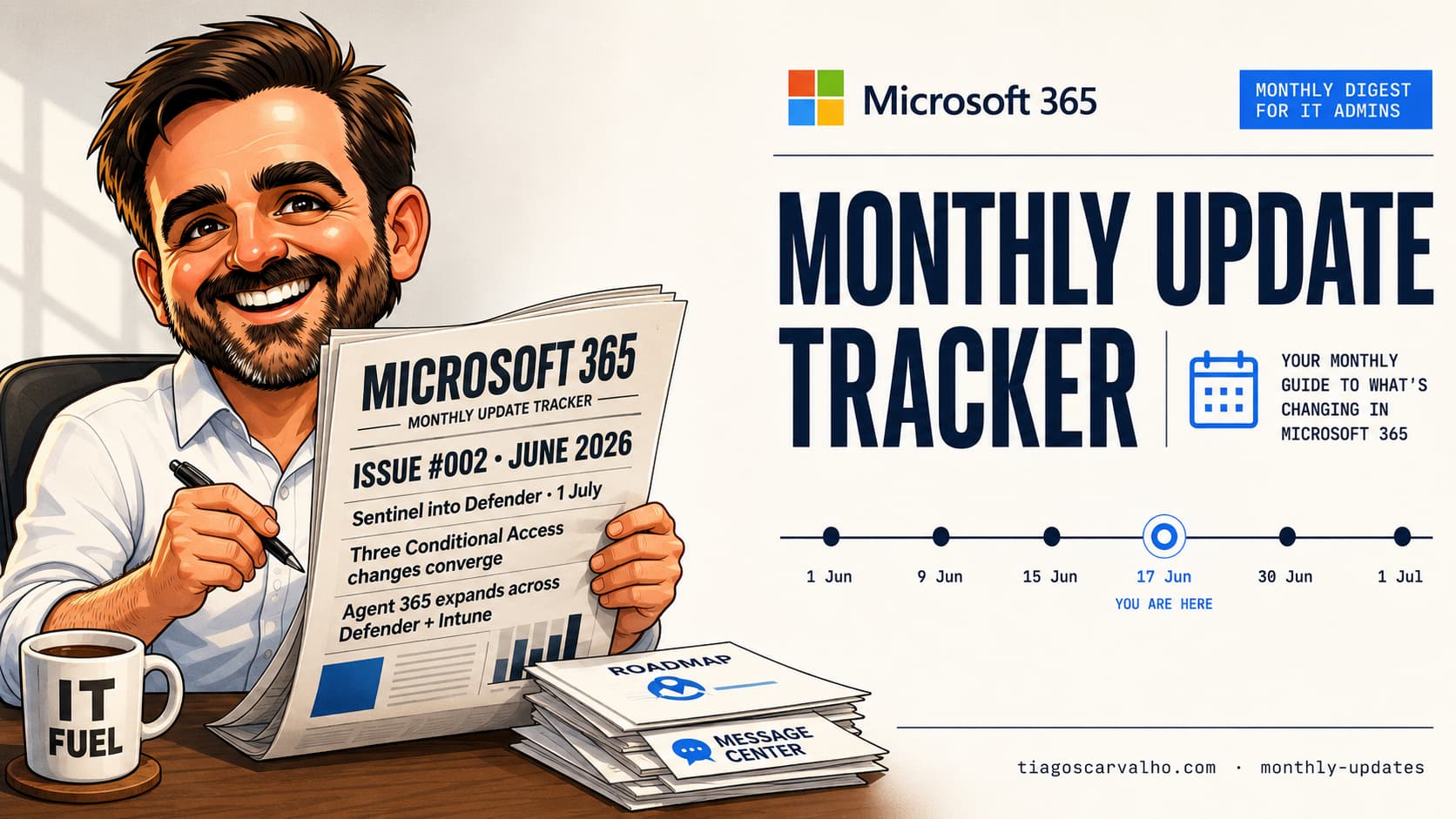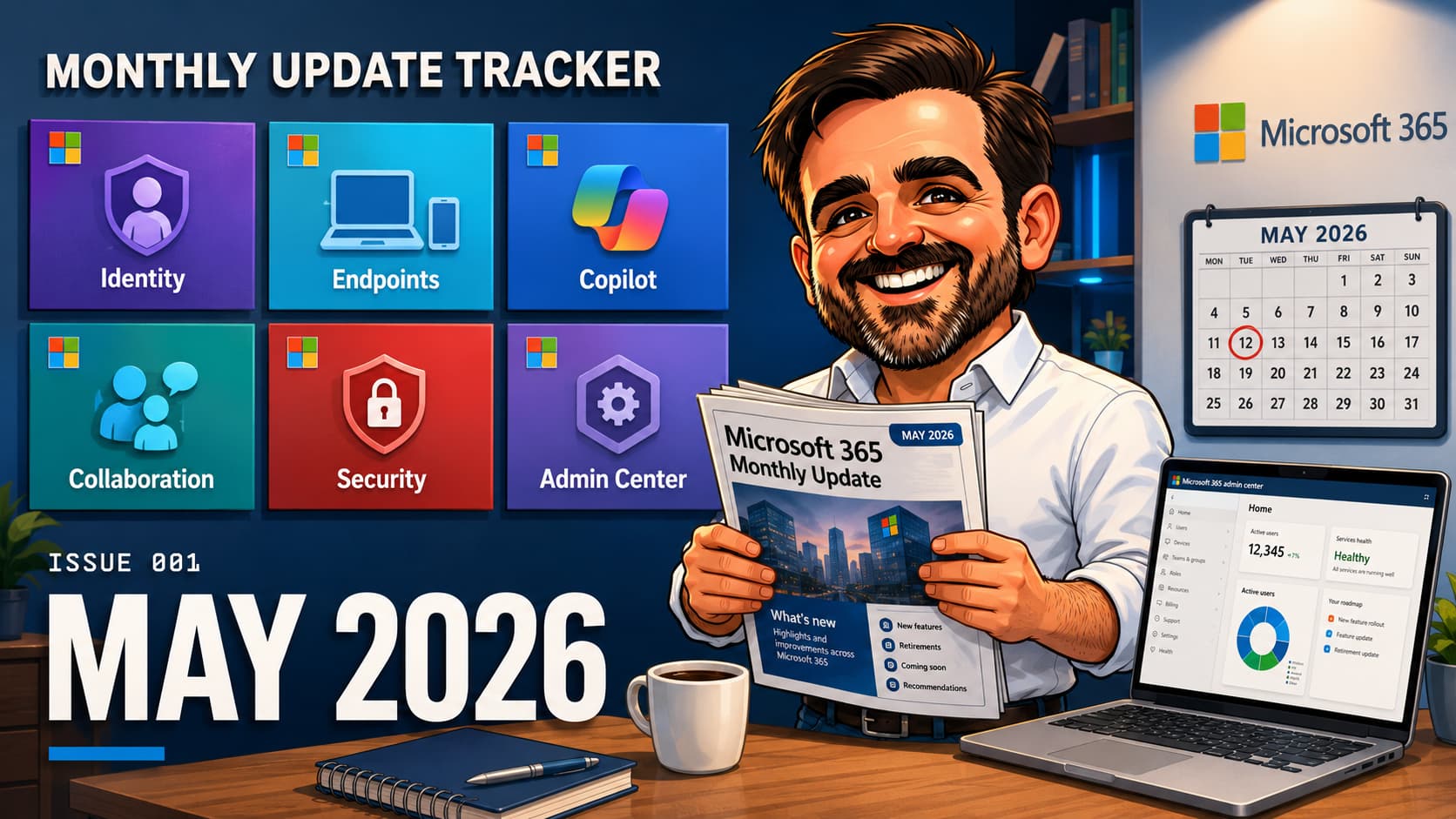
What shipped in Microsoft 365 in May 2026, plus the deadlines, defaults and Preview to GA transitions admins should be preparing for in June. Scan the timeline. Bookmark for the next issue.
- Microsoft 365 E7 and Agent 365 are GA. M365 E7 is positioned as a bundle that includes E5, M365 Copilot and Agent 365. Even if you're not buying it now, track the Agent 365 admin surface. It is becoming Microsoft's preferred admin surface for AI agent governance, including Shadow AI discovery on managed devices where available.
- Windows Hotpatch is now ON by default for eligible Autopatch devices, starting with the May 2026 security update. If you're not ready, opt out at the tenant or quality update policy level before the rollout hits your fleet.
- PIM role activation can be gated by Conditional Access (via authentication context). Finally. You can require fresh MFA, compliant device, or session control during the activation flow itself, not just at sign-in.
- "Require approved client app" CA grant retires on 30 June 2026. Migrate policies that still use it to "Require app protection policy" before the deadline. No further extension is signalled. Five weeks left.
- AI in SharePoint is rolling out worldwide. The metadata baseline becomes partly AI-assisted. Sensitivity labels, DLP and SharePoint Advanced Management policies all need a second look once the rollout hits your tenant.
GAMicrosoft 365 E7 and Agent 365 generally available
The headline of the month. Microsoft announced Agent 365 availability on 1 May. M365 E7 is positioned as a bundle including E5, M365 Copilot and Agent 365. Validate regional availability, SKU packaging and CSP/EA terms before quoting customers. Worth the call. Agent 365 brings an admin surface for AI agents: a registry to install, publish, block, delete and assign owners, a dashboard with fleet-level metrics (registered agents, active users, runtime, risk signals), and security/compliance flags powered by Defender, Entra and Purview.
Action: even if E7 is not on your roadmap, open the Agent 365 surface and walk through it. It is becoming Microsoft's preferred admin surface for AI governance in the tenant.
CSP3-year purchasing option for Microsoft 365 Copilot
From 1 May, Microsoft introduced a 3-year purchasing option for M365 Copilot in CSP, matching the existing M365 E3 and E5 3-year SKUs. Relevant for customers committing to multi-year AI transformation programmes and partners pricing those engagements.
GANew SharePoint experience exits preview
The new SharePoint experience finished public preview on 4 May and is rolling out through standard release. Simpler navigation, flexible workflows, AI-first authoring. End-user training material may need a refresh for SharePoint-heavy tenants.
GACopilot Cowork: reusable skills, mobile, broader integrations
Copilot Cowork now ships with reusable skills, broader connector integrations, and mobile device support. The cowork pattern (standardised, repeatable workflows that Copilot can execute) becomes a lot more practical for distributed teams when it runs on a phone.
Default changeWindows Hotpatch ON by default for Autopatch-eligible devices
Starting with the May 2026 Windows security update, Hotpatch updates are enabled by default for all eligible Autopatch-managed devices. Hotpatch installs faster and requires fewer restarts. Good default, but still validate it with security and operations before letting it reach production. If you haven't, opt out before the rollout reaches your rings. Source: Windows IT Pro Blog, Hotpatch on by default.
Two opt-out paths: tenant level in the Intune admin center (setting available since 1 April 2026), or override per group via a quality update policy.
GAAndroid XR device management in Intune
Intune now supports Android XR devices through Android Enterprise dedicated and fully-managed enrollment. Niche today but a signal that Intune's surface keeps expanding beyond traditional endpoints.
DeadlineTeams on the web blocks browsers without ES2022 support
From 15 May, Teams on the web stops loading on browsers that do not support ECMAScript 2022. Supported versions of Edge, Chrome, Firefox and Safari are compliant; the risk is locked-down or pinned-version browsers on regulated endpoints. Source: M365 admin center, Message Center / What's New.
May
GAPIM role activation can be gated by Conditional Access / authentication context
Privileged Identity Management now supports Conditional Access (via authentication context) during role activation. Require fresh MFA, compliant device, named locations, or session controls at the moment of elevation, not just at sign-in. I've been waiting for this one for a while. It closes a real gap: a user who signed in 12 hours ago on an unmanaged device used to activate Global Reader with no extra prompts.
What to do this month: review your PIM-eligible roles and decide which ones need an authentication-context CA grant beyond what the activation MFA already gives you. See also: PIM configuration deep dive.
Announced, enforced 15 JunStricter default enforcement for CA policies with resource exclusions
Microsoft announced in May a stricter default enforcement model for Conditional Access policies that target "All resources" with exclusions. The change takes effect 15 June. See the full details and action steps in the June entry below.
GALicense Usage page in Entra admin center
The new License Usage page in the Entra admin center maps tenant feature usage, including Conditional Access and risk-based Conditional Access, to your license tiers. Useful for proving the security value of E5 / P2 features at renewal time, and for spotting features you're paying for and not using.
May
GANew Settings Catalog: Disable Cross Device Resume
A new setting under Connectivity in the Windows Settings Catalog lets admins turn off the feature that lets Windows suggest continuing phone-started activities on a PC. Important if your security posture restricts personal device linking, or for regulated workstations.
Path: Devices > Configuration profiles > Create profile > Windows 10 and later > Settings catalog > Connectivity > Disable Cross Device Resume.
May
GAShadow AI page in Agent 365
A new Shadow AI page surfaces devices where third-party AI agents (the example used is OpenClaw) are running. Intune policies can be applied directly from the page. For many tenants, this will be the first Microsoft-native surface for BYOAI governance. Useful if you have been answering "what AI tools are users running?" with a shrug. Source: Agent 365 Blog, What's New May 2026 (fallback: Microsoft Security Blog).
Public PreviewAgent registry sync with AWS Bedrock and Google Cloud
Agent 365 can now sync the agent registry with AWS Bedrock and Google Cloud connections, giving IT teams a single inventory across the three big AI platforms. Basic lifecycle governance flows back into the M365 admin center. Useful pattern even if you don't run multi-cloud. It keeps a single audit surface for AI agents touching corporate data.
May
GA WorldwideAI in SharePoint
AI in SharePoint moves from preview to worldwide rollout. The system auto-extracts and applies metadata, adapts libraries as content changes, and structures information to support Copilot and agent queries. Practical implication: the metadata baseline becomes partly AI-assisted, so governance teams need to validate how sensitivity labels, DLP and SharePoint Advanced Management policies react to extracted metadata.
Once the rollout reaches your tenant, go back through your SAM policies and label assignments. The behaviour might have shifted. See also: SharePoint Advanced Management for Copilot readiness.
GAWorkflows app in Teams with AI templates
A new Workflows app experience inside Teams lets users create automations in three steps or fewer, with AI-powered templates that can call Copilot or a channel's agent. Governance angle: review which connectors and channel agents are available in your tenant before users start building workflows the security team has not seen.
May
Deadline Jun 2026Secure Boot certificate transition, Secure Score recommendation
Secure Score now includes a recommendation to transition devices to the updated Secure Boot certificate chain and boot manager, ahead of the legacy Secure Boot certificates that begin expiring in June 2026. Devices that do not transition risk Secure Boot failures after the expiration window. Source: Windows IT Pro Blog, Act now: Secure Boot certificates expire in June 2026.
Quick check: open Secure Score, find the recommendation, then validate the transition with your endpoint team.
Public PreviewCustom account correlation rules in Defender XDR
Custom correlation rules let you link accounts that belong to the same identity, typically a privileged account with a non-standard naming convention. Improves incident attribution where admin accounts use unusual UPN patterns (admin-firstname, sa-username, etc).
GADefender Experts distinct entry in the Defender portal
Microsoft Defender Experts for XDR customers now have a dedicated navigation entry in the Defender portal. Predictable access matters for tier-1 analysts running the service every day.
GAAuto attack disruption + predictive shielding per incident
Status of automatic attack disruption and predictive shielding actions is now surfaced directly in the Activities tab of an incident. Saves a hop into the unified audit log when reviewing an incident timeline.
NewData Security Posture Agent surfaces buried credentials
The new Data Security Posture Agent in Purview scans tenant data at scale to surface credentials embedded in documents, spreadsheets and other content. A Microsoft-native answer to a problem many teams previously handled with third-party DLP add-ons or one-off scripts.
GAData Security Investigation Contributor role in Purview
A new role automatically grants Data Security Investigations access to members of several existing Purview role groups. Useful where your IR analysts need DSI but you don't want to add them individually.
May
AvailableEWS usage report in Microsoft 365 admin center
The Exchange Web Services usage report, which shows non-Microsoft applications in the tenant still using EWS, was further documented in the M365 admin center during April-May 2026. Critical for any tenant that has not finished the EWS-to-Graph migration: EWS retirement is approaching, and this is the first-party inventory most tenants will use to plan the cut-over.
First step: run the report. Then inventory the non-Microsoft apps still on EWS and start planning the Graph migration. See also: Microsoft Graph PowerShell field guide.
GACopilot Search Admin with Acronyms and Bookmarks
The Copilot Search Admin experience in the M365 admin center adds Acronyms and Bookmarks support, so internal terminology and recommended links surface in Copilot results. Worth a 30-minute setup for any tenant with internal acronyms or canonical resource links.
GAM365 network connectivity test for Copilot
The M365 network connectivity test tool now includes a Copilot-specific diagnostic to evaluate network performance between device and M365 Copilot endpoints. Useful first-line tool when users complain that Copilot is slow.
GAAI Admin role can access Copilot feedback diagnostics
Copilot feedback diagnostics now extends beyond Global Admin to include the AI Admin role. Modest but useful least-privilege change. Your Copilot rollout team no longer needs Global Admin to view feedback.
Default change, enforcement beginsCA policies with resource exclusions: stricter default enforcement
The stricter default enforcement model for Conditional Access policies targeting "All resources" with exclusions begins rolling out on 15 June. Sign-ins requesting only baseline scopes will receive the same CA protections as other resource access. This closes a gap where exclusions were being honoured more loosely than intended. Policies that relied on the older behaviour may start blocking, requiring MFA, or applying session controls that previously did not fire.
Before 15 June: identify any "All resources" CA policy with exclusions, run it in report-only, and verify that sign-ins to baseline scopes still behave as you expect.
Retires 30 Jun"Require approved client app" grant retires
Final deadline. Microsoft already extended once (March to June 2026). After 30 June, CA policies that use only the "Require approved client app" grant will stop enforcing. The policy will still exist but will not block non-approved apps anymore. Migration to "Require app protection policy" is not automatic. Each policy needs a manual edit, either adding the new grant alongside the old one or replacing the policy entirely. I still see plenty of tenants with at least one CA policy in this exact bucket. Source: Microsoft Learn, Migrate approved client app to app protection policy.
Before 30 June: filter the CA tenant for any policy with "approvedApplication" in grants alone, patch each one, validate in report-only, then re-enable enforcement. See also: Conditional Access policies deep dive.
Jun
Cert expiration windowLegacy Secure Boot certificates begin expiring
Legacy Secure Boot certificates (associated with the original 2011 cert chain) begin expiring during June 2026. Endpoint teams should already be validating the transition to the updated Secure Boot certificate chain. Devices that miss the transition window may fail Secure Boot checks at next reboot and require manual remediation. This is particularly impactful for compliance-required fleets where Secure Boot is a baseline control. Source: Windows IT Pro Blog, Act now: Secure Boot certificates expire in June 2026.
This month: check that the endpoint imaging pipeline is on the updated cert chain, run Defender vulnerability scans for Secure Boot drift, and escalate any device that fails before the cert expires.
Continued rolloutAgent 365 admin surface continues to roll out
Some Agent 365-related admin surfaces may continue to appear in eligible tenants as Microsoft expands the rollout through June. Validate licensing, tenant rollout status and feature availability before assuming visibility or enforcement capability. What is documented in the Agent 365 surface is not the same as what is enforced everywhere. When the dashboard does appear, it becomes the single pane for visibility into AI agents touching tenant data.
What to check: your tenant's Agent 365 entitlement and rollout status. If the surface is available, assign ownership for governance and put a BYOAI policy on paper.
GASharePoint home site updates
SharePoint home site experience updates, announced in preview earlier in 2026, are scheduled for full GA at the end of June. Tenants that use a home site as the intranet landing page can expect navigation and layout changes that may affect user-facing pages. Combined with the new SharePoint experience and AI in SharePoint rolling out worldwide, users will notice SharePoint looks different by the end of the quarter.
Test before the rollout reaches production: custom home site web parts, SPFx extensions, and any branding scripts in a test tenant.
Direct sources for the critical items are listed first, followed by the pillar-level overview sources. Verify each link is still live before making policy changes for your tenant. Microsoft sometimes adjusts rollout schedules after publication.
Direct sources for critical items
| Item | Direct source |
|---|---|
| Microsoft 365 E7 + Agent 365 GA (1 May) | Microsoft Security Blog, Agent 365 GA |
| Agent 365 Shadow AI page | Agent 365 Blog, What's New May 2026, fallback Microsoft Security Blog |
| Windows Hotpatch ON by default | Windows IT Pro Blog, Hotpatch on by default |
| "Require approved client app" retirement (30 Jun) | Microsoft Learn, Migrate approved client app to app protection policy |
| Legacy Secure Boot certificate expiration (Jun) | Windows IT Pro Blog, Act now: Secure Boot certificates expire in June 2026 |
| Teams on the web ES2022 deadline (15 May) | M365 admin center, Message Center / What's New |
| PIM + Conditional Access / authentication context | Microsoft Learn, PIM |
Pillar overviews for other items
| Pillar | Primary source |
|---|---|
| Identity & Access (Entra, PIM, License Usage) | Microsoft Entra Blog, May 2026 |
| Security & Compliance (Defender XDR) | Defender XDR Monthly News, May 2026 |
| Endpoints & Intune (Settings Catalog, An |