TL;DR
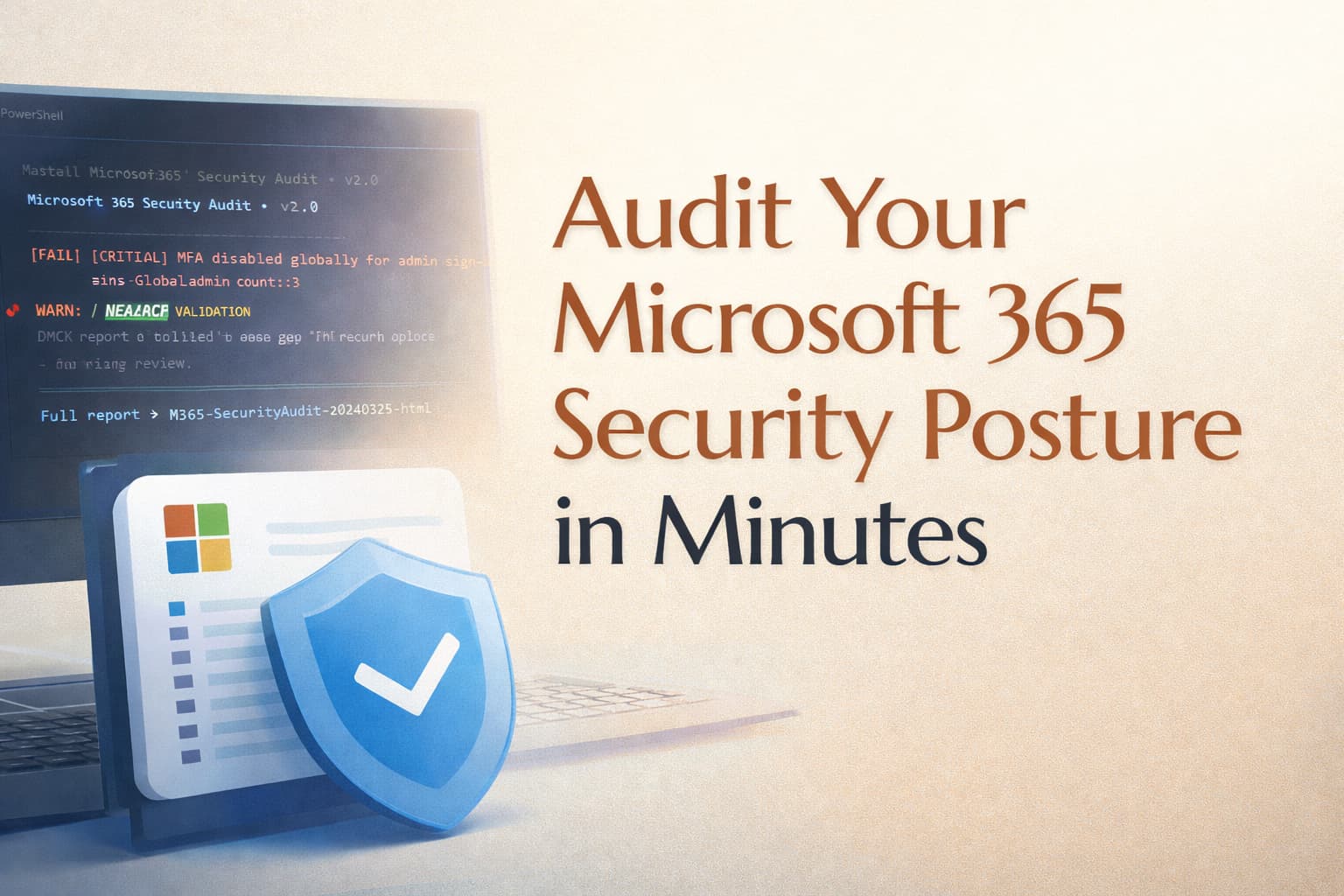
- What it does: Audits your M365 tenant against the security baseline — Identity, CA, Email, Endpoints, and Monitoring.
- What you get: Colour-coded terminal output ordered by priority, a full HTML report with per-finding Priority, Recommended Action, Why It Matters, Quick Wins, Top 3 Issues, and a separate executive summary for stakeholders.
- What it needs: PowerShell 7+, Microsoft.Graph modules, ExchangeOnlineManagement, and a set of delegated Graph API permissions.
- How long: Typically completes in a few minutes on small to mid-sized tenants. Email checks (forwarding, mailbox auditing) scale with mailbox count — larger tenants will take longer.
SECTION 01
Identity & MFA
Legacy auth block · MFA all users · MFA admins · Global Admin count · Break-glass exclusions · Number matching
SECTION 02
Conditional Access
Report-Only policies · Disabled policies · Device compliance requirement · Risk-based CA · Active policy count · Security Defaults
SECTION 03
Email Security
SMTP AUTH global · Per-mailbox SMTP exceptions · Mailbox auditing · DMARC enforcement · External forwarding rules
SECTION 04
Endpoints (Intune)
Compliance policies · Non-compliant devices · BitLocker policy · EPM policies · Enrolled device count
SECTION 05
Monitoring & Detection
Unified Audit Log · OAuth app consents · User risk CA policy · Sign-in risk CA policy · Security Defaults status
OUTPUT
What you get
Terminal output ordered by priority · Full HTML report with Priority / Action / Why it matters · Top 3 issues · Quick wins · Executive summary (separate file)
PowerShell
Install required modules
# Install Microsoft Graph SDK (minimum required modules)
Install-Module Microsoft.Graph.Authentication -Scope CurrentUser -Force
Install-Module Microsoft.Graph.Identity.SignIns -Scope CurrentUser -Force
Install-Module Microsoft.Graph.Identity.DirectoryManagement -Scope CurrentUser -Force
Install-Module Microsoft.Graph.DeviceManagement -Scope CurrentUser -Force

# Install Exchange Online Management
Install-Module ExchangeOnlineManagement -Scope CurrentUser -Force

# Verify
Get-Module -ListAvailable Microsoft.Graph.* | Select-Object Name, Version
Get-Module -ListAvailable ExchangeOnlineManagement | Select-Object Name, Version| Permission | Used for | Type |
|---|---|---|
| Policy.Read.All | Read Conditional Access policies, auth methods, security defaults | Delegated |
| Directory.Read.All | Read directory roles, members, admin assignments | Delegated |
| Organization.Read.All | Read tenant name, ID, accepted domains | Delegated |
| DeviceManagementConfiguration.Read.All | Read Intune configuration and compliance policies | Delegated |
| DeviceManagementManagedDevices.Read.All | Read managed device inventory and compliance state | Delegated |
| AuditLog.Read.All | Read audit log configuration | Delegated |
| Application.Read.All | Read consented OAuth applications (Enterprise Apps) | Delegated |
⚠️ Read-Only by Design
The script makes no changes to your tenant. Every Graph API call is a GET request. Exchange Online commands are also read-only (
Get-TransportConfig, Get-CASMailbox, Get-Mailbox, Get-AdminAuditLogConfig). You can run this safely in production.
PowerShell
Usage
# Standard run — outputs to terminal + HTML in current directory
.\M365-SecurityAudit.ps1

# Specify a custom HTML export path
.\M365-SecurityAudit.ps1 -ExportPath "C:\Reports\TenantAudit-$(Get-Date -Format 'yyyyMMdd').html"

# Skip Exchange Online checks (faster, Graph-only)
.\M365-SecurityAudit.ps1 -SkipExchange
╔══════════════════════════════════════════════════════════╗
║ Microsoft 365 Security Audit • v2.0 ║
║ tiagoscarvalho.com ║
╚══════════════════════════════════════════════════════════╝
Tenant : Contoso Ltd
ID : a1b2c3d4-0000-0000-0000-000000000000
Date : 2026-03-19 09:41
✖ FAILURES — requires immediate action
────────────────────────────────────────────────────────────
✖ [CRITICAL ] SMTP AUTH globally disabled SMTP AUTH is enabled globally — all accounts exposed
→ Disable in Exchange Admin Center → Settings → Mail flow. Whitelist only specific service accounts.
✖ [CRITICAL ] DMARC policy (contoso.com) p=none — monitoring only, spoofing is not blocked
→ Update DNS record to p=quarantine now. Monitor rua reports 2–4 weeks, then move to p=reject.
✖ [HIGH ] High risk sign-in policy No CA policy targeting high-risk sign-ins
→ Create a CA policy: Users = All, Sign-in risk = High, Grant = Block or require MFA + password change.
⚠ WARNINGS — review recommended
────────────────────────────────────────────────────────────
⚠ [CRITICAL ] Block legacy authentication Policy 'BLOCK - Legacy Auth' is in Report-Only [REPORT-ONLY]
→ Review sign-in logs, confirm no legitimate legacy auth, then switch state to On.
⚠ [HIGH ] Global Admin count 4 Global Admins — consider reducing to 2
→ Audit each GA account. Replace with scoped roles where full GA is not needed.
✔ PASSING CONTROLS
────────────────────────────────────────────────────────────
✔ [CRITICAL ] MFA enforced — all users Policy: 'REQUIRE - MFA All Users'
✔ [HIGH ] Mailbox auditing enabled All mailboxes have auditing enabled
✔ [HIGH ] High risk sign-in policy Risk-based CA active: 'BLOCK - High Risk Sign-ins'
─────────────────────────────────────────────────────────
PASS 14 FAIL 3 WARN 4 VALIDATE 2 INFO 3 TOTAL 26
Baseline checks passed: 82% (PASS vs FAIL — not Microsoft Secure Score)
─────────────────────────────────────────────────────────
Full report : .\M365-SecurityAudit-20260319-0941.html
Exec summary : .\M365-SecurityAudit-20260319-0941-executive.html
║ Microsoft 365 Security Audit • v2.0 ║
║ tiagoscarvalho.com ║
╚══════════════════════════════════════════════════════════╝
Tenant : Contoso Ltd
ID : a1b2c3d4-0000-0000-0000-000000000000
Date : 2026-03-19 09:41
✖ FAILURES — requires immediate action
────────────────────────────────────────────────────────────
✖ [CRITICAL ] SMTP AUTH globally disabled SMTP AUTH is enabled globally — all accounts exposed
→ Disable in Exchange Admin Center → Settings → Mail flow. Whitelist only specific service accounts.
✖ [CRITICAL ] DMARC policy (contoso.com) p=none — monitoring only, spoofing is not blocked
→ Update DNS record to p=quarantine now. Monitor rua reports 2–4 weeks, then move to p=reject.
✖ [HIGH ] High risk sign-in policy No CA policy targeting high-risk sign-ins
→ Create a CA policy: Users = All, Sign-in risk = High, Grant = Block or require MFA + password change.
⚠ WARNINGS — review recommended
────────────────────────────────────────────────────────────
⚠ [CRITICAL ] Block legacy authentication Policy 'BLOCK - Legacy Auth' is in Report-Only [REPORT-ONLY]
→ Review sign-in logs, confirm no legitimate legacy auth, then switch state to On.
⚠ [HIGH ] Global Admin count 4 Global Admins — consider reducing to 2
→ Audit each GA account. Replace with scoped roles where full GA is not needed.
✔ PASSING CONTROLS
────────────────────────────────────────────────────────────
✔ [CRITICAL ] MFA enforced — all users Policy: 'REQUIRE - MFA All Users'
✔ [HIGH ] Mailbox auditing enabled All mailboxes have auditing enabled
✔ [HIGH ] High risk sign-in policy Risk-based CA active: 'BLOCK - High Risk Sign-ins'
─────────────────────────────────────────────────────────
PASS 14 FAIL 3 WARN 4 VALIDATE 2 INFO 3 TOTAL 26
Baseline checks passed: 82% (PASS vs FAIL — not Microsoft Secure Score)
─────────────────────────────────────────────────────────
Full report : .\M365-SecurityAudit-20260319-0941.html
Exec summary : .\M365-SecurityAudit-20260319-0941-executive.html
ℹ️ What This Script Doesn't Cover
The script audits tenant-level configuration. It does not check: individual inbox rules created by users in Outlook (these require Unified Audit Log queries), SharePoint external sharing settings per site collection, DLP policy coverage and rule matches, Sensitivity Label application rates, or the content of CA policy conditions in full detail. For a complete picture, use this as the starting point — not the final word.
🔍 Use it as a starting point for review, not as the final word on risk.
A script shows what the configuration looks like at a specific point in time. It does not fully explain how those settings interact, whether exclusions create unintended gaps, or how each finding should be weighed against your business context. It is best used as a starting point for review, not as the final word on risk. Get in touch if you want to talk through it →
📚 Related Articles
Articles covering the controls this script audits: