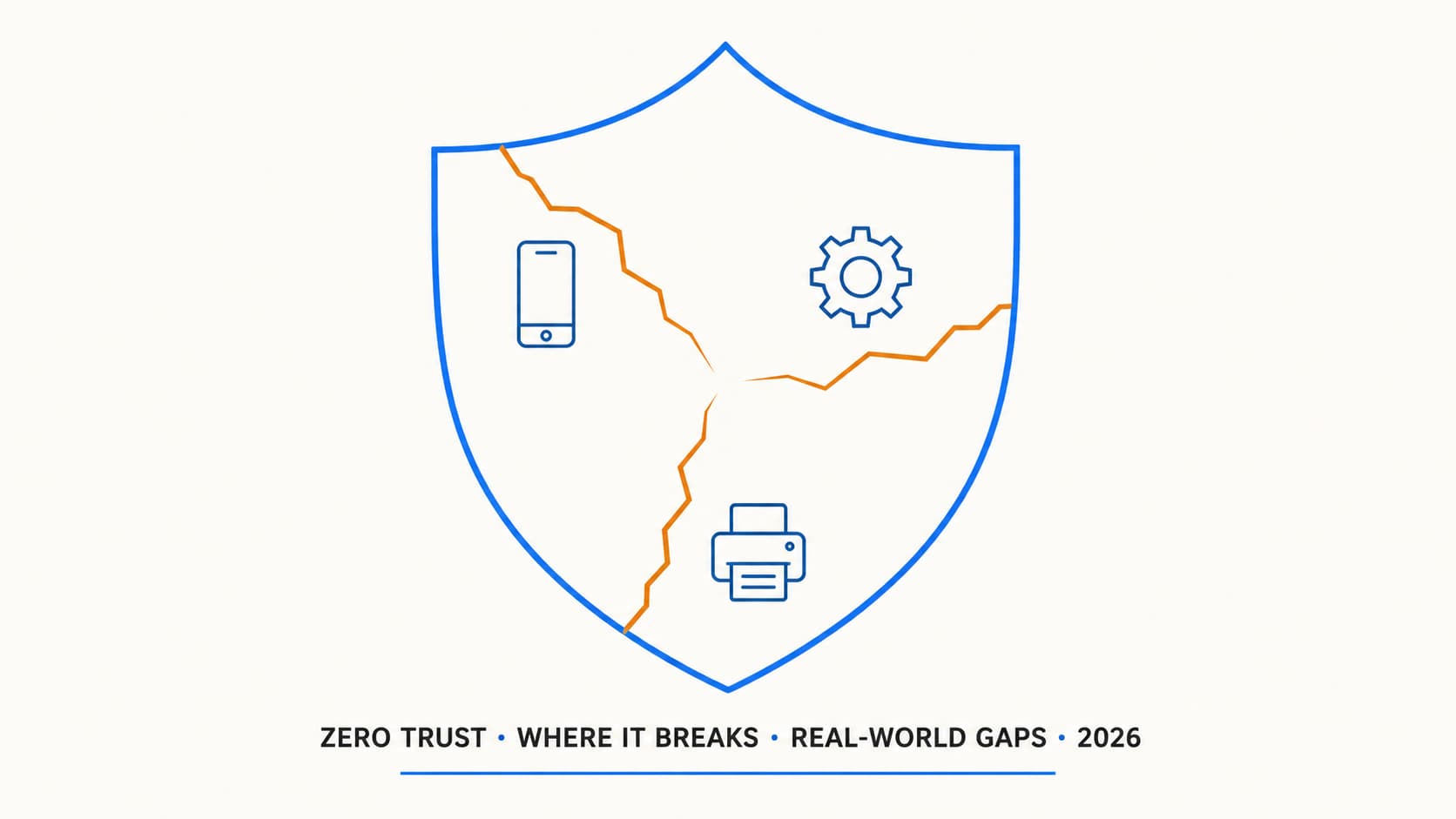
Every Zero Trust deployment has gaps. The slide decks do not mention them. The vendor assessments gloss over them. But they are there, in every tenant I have worked on, and pretending otherwise helps nobody. This article is the honest assessment: the places where Zero Trust principles collide with operational reality, the workarounds that are less clean than the architecture diagram suggests, and the risks you accept when you acknowledge a gap rather than paper over it.
The BYOD gap: when app protection is not enough
Part 2 covered app protection policies as the BYOD answer. And for the apps that support Intune MAM, they work well. Outlook on an unmanaged iPhone with an app protection policy is genuinely secure: data stays in the container, copy/paste is restricted, selective wipe works, and the user's personal data is untouched.
But here is the gap nobody puts on the slide deck.
A user on an unmanaged Android phone opens Chrome. They navigate to outlook.office.com and sign in with their credentials. MFA passes because the CA policy requires MFA and they have Authenticator. Depending on the Conditional Access and session control design, they may still get browser-based mailbox access outside the Intune app protection container. The app protection policy does not apply unless that browser is a supported managed app with an applicable app protection policy. They can download attachments to their phone's local storage. They can forward emails to personal accounts. They can screenshot anything on screen.
Mitigation options for the browser gap
| Option | Impact | Trade-off |
|---|---|---|
| Block browser on non-compliant devices | Closes the gap completely | BYOD users lose web access. Major pushback. |
| Require Microsoft Edge mobile with app protection | Extends MAM to browser sessions | Users must install Edge and accept the MAM policy. Some will refuse. |
| Session controls: 1-hour sign-in frequency, no persistent browser | Limits the exposure window | Does not prevent data exfiltration during the session. Just shortens the window. |
| Defender for Cloud Apps session proxy | Real-time session monitoring, block downloads | Requires E5 or Defender for Cloud Apps add-on. Adds latency. Some apps break under proxy. |
| Accept the risk and document it | Honest acknowledgement | Sometimes the right answer. Not every gap can be closed without breaking usability. |
Legacy apps without modern authentication
This is where architecture meets legacy reality.
Modern authentication (OAuth 2.0 / OpenID Connect) is the foundation of Conditional Access. Every signal evaluation, every grant control, every session control operates within the modern auth flow. If an application only supports NTLM, Kerberos, or LDAP bind authentication, it simply does not participate.
Common culprits in 2026:
The honest answer for many of these is a timeline. You cannot modernize every legacy app overnight. But you can inventory them, document the risk each one introduces, and put a migration plan on the roadmap with a target date. An acknowledged risk with a remediation timeline is infinitely better than a hidden gap.
Printers, IoT, and devices that cannot authenticate
Not everything on your network has a user behind it.
Every office has them. The multifunction printer that scans to email using an SMTP relay account. The conference room display that signs into Teams Rooms with a resource account. The badge reader. The environmental sensors. The security cameras.
None of these devices can do MFA. None of them can enroll in Intune. Most of them need network connectivity and some form of authentication to function.
Common device types and their Zero Trust gaps
| Device type | Authentication method | Zero Trust gap | Mitigation |
|---|---|---|---|
| MFP / Scanner | SMTP AUTH or OAuth (newer models) | Cannot MFA, uses service account | OAuth where possible, SMTP relay with IP restriction, dedicated account with no other permissions |
| Teams Rooms | Resource account with password | Cannot use standard MFA (no human present) | Dedicated CA policy, trusted location restriction, device compliance if supported by vendor |
| Security cameras | Network-only, no cloud auth | Outside Entra entirely | Isolated VLAN, no internet access, local management only |
| Badge readers | Direct AD integration or local | Cannot participate in CA | Network isolation, dedicated management network |
| Smart displays / kiosks | Shared account or dedicated account | Cannot MFA per session | Device-bound token, compliant location, limited app access |
Third-party VPNs bypassing Conditional Access
This is the gap that hides in plain sight.
A user connects to a third-party VPN (Cisco AnyConnect, Palo Alto GlobalProtect, Fortinet FortiClient). The VPN assigns them an IP address from the corporate range. If you have CA policies that use trusted locations based on IP ranges, the VPN-connected user now appears to be "on the corporate network." They bypass location-based CA controls.
Worse: if the user's actual device is unmanaged and non-compliant, but your CA policy only checks location (trusted IP = skip MFA), they get full access from an untrusted device simply because the VPN put them on a trusted IP.
The longer-term answer is to move away from traditional VPN entirely. Microsoft's Global Secure Access (Entra Private Access) evaluates identity and device before granting access to private resources, which closes the gap by design. But migrating off a well-established VPN infrastructure is a multi-quarter project for most organizations.
Service accounts that cannot do MFA
This is where most tenants have the widest gap and the least visibility.
Service accounts are the ugly truth of every tenant. They are everywhere: the backup agent, the monitoring tool, the integration between CRM and Exchange, the script that runs a nightly report. They authenticate with credentials. They cannot respond to an MFA prompt because there is no human at the keyboard. In this section, "service accounts" means user accounts used by scripts, appliances, services or integrations. Workload identities such as service principals and managed identities should be handled differently.
In a Zero Trust model, every identity should be verified. Service accounts break that principle by design.
Options for handling service accounts
CA-Exclusions-ServiceAccounts group, exclude from MFA policies, restrict sign-in to specific IPs where possible, and set up alerts on any sign-in from an unexpected location. Document the risk. Review quarterly.Guest and external users
You control your tenant. You do not control theirs.
B2B collaboration in Entra ID lets external users access your resources using their home tenant identity. Your CA policies can require MFA for guests, and that works. Depending on your cross-tenant access settings, you may be trusting the guest's home tenant to satisfy the MFA claim.
That introduces trust questions you cannot fully answer:
Entra ID Governance access reviews help with lifecycle. Configure a quarterly review of guest accounts where the sponsor confirms the guest still needs access. Unconfirmed guests get disabled automatically. It is not glamorous work, but it closes one of the most common audit findings in B2B-heavy tenants.
Gap severity matrix
| Gap | Severity | Likelihood of exploitation | Remediation effort |
|---|---|---|---|
| Unmanaged browser on BYOD | Medium-High | High (easy path for insiders) | Medium (session controls, Edge requirement) |
| Legacy apps without modern auth | High | Medium (targeted attacks) | High (app modernization/replacement) |
| IoT / printers on network | Medium | Low-Medium (lateral movement vector) | Medium (VLAN segmentation) |
| VPN masking device posture | Medium | Medium (misconfigured trust) | Low (layer CA controls) |
| Service accounts without MFA | High | High (common attack vector) | Medium (managed identities, Workload ID) |
| Guest account lifecycle | Medium | Medium (stale access) | Low (access reviews) |
Gap ownership and review cadence
| Gap | Owner | Review frequency | Evidence |
|---|---|---|---|
| BYOD browser access | Endpoint / Security | Monthly | Sign-in logs + CA reports |
| Legacy apps | Application owner | Quarterly | App inventory + migration plan |
| Service accounts | IAM / Platform | Monthly | Exclusion list + sign-in logs |
| Guest lifecycle | Business sponsor | Quarterly | Access review results |
| VPN trusted IPs | Network / Security | Quarterly | CA policy review |
Gap assessment checklist
-
Identify all users accessing M365 from unmanaged browsers Check sign-in logs filtered by
deviceDetail.isCompliant = falseandclientAppUsed = Browser. Quantify the gap. -
Inventory all legacy applications that cannot use modern auth Document the app, the authentication method, the owner, and the migration target date. No target date means the gap lives forever.
-
Map all IoT/printer devices and their authentication method Which service accounts do they use? Are those accounts excluded from MFA? Are the devices on a segmented VLAN?
-
Audit CA policies for location-only trust Find any policy where a trusted IP alone reduces security controls. Layer device compliance on top of location.
-
List all service accounts excluded from CA policies For each one: what IP restrictions exist? Is credential rotation scheduled? Is sign-in monitoring active? Can it be migrated to managed identity or certificate auth?
-
Review guest account inventory and configure access reviews How many guest accounts exist? When was each last used? Set up quarterly access reviews with sponsors. Disable inactive guests automatically.
-
Configure cross-tenant access settings for key partners Decide which partner tenants you trust for MFA claims. Require your own MFA for untrusted or unknown organisations.
-
Document accepted risks with owner, justification, and review date Every gap that cannot be closed immediately gets a risk acceptance entry. Reviewed quarterly. No undocumented exceptions.
The bottom line
Zero Trust does not fail because of technology. It fails because of compromises made for usability, legacy systems, and operational reality.
The goal is not perfection. The goal is visibility, control, and conscious risk decisions. Every gap in this article exists in production tenants right now. Most of them are undocumented. Many of them are unknown to the security teams responsible for the environment.
If you know where it breaks, you are already ahead of most organisations. Document the gaps. Assign owners. Set review dates. That is what separates a real Zero Trust posture from a marketing checkbox.
Knowing where it breaks is the first step
If you need help mapping these gaps against your real environment and building a prioritised remediation plan, that is usually where things get practical. I can help with that.
Get in touch