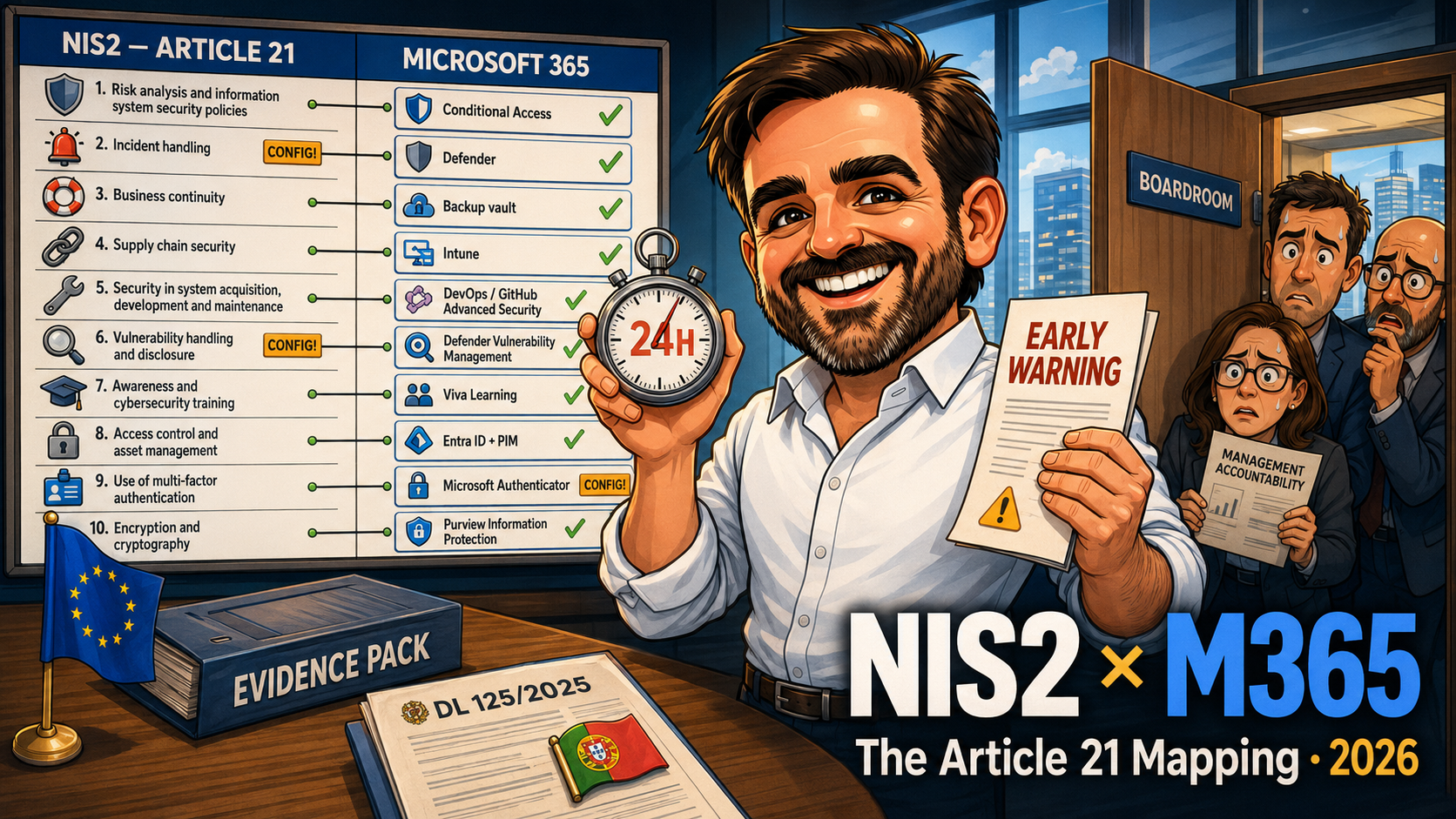
NIS2 Compliance with Microsoft 365: Mapping Article 21 to the Tools You Already Own
NIS2 is in force and your tenant already covers more than you think. The Article 21 to Microsoft 365 mapping, the 24/72-hour reality, and a 90-day plan.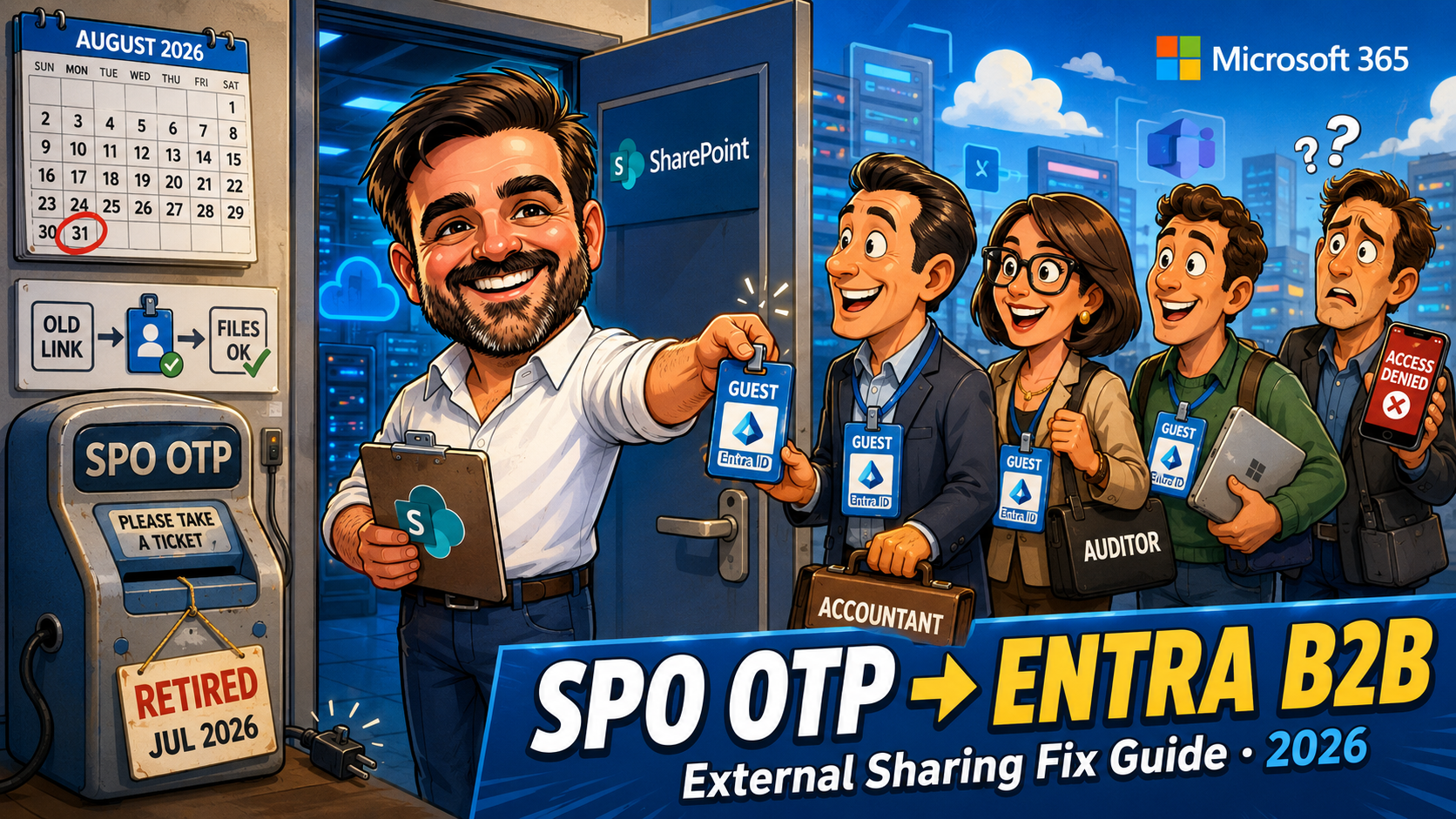
SharePoint OTP Retirement: Why External Users See Access Denied and How to Fix It (2026)
SPO OTP retirement is breaking external SharePoint access now. Find exposed guests, bulk-create Entra B2B accounts, and fix Conditional Access before 31 August.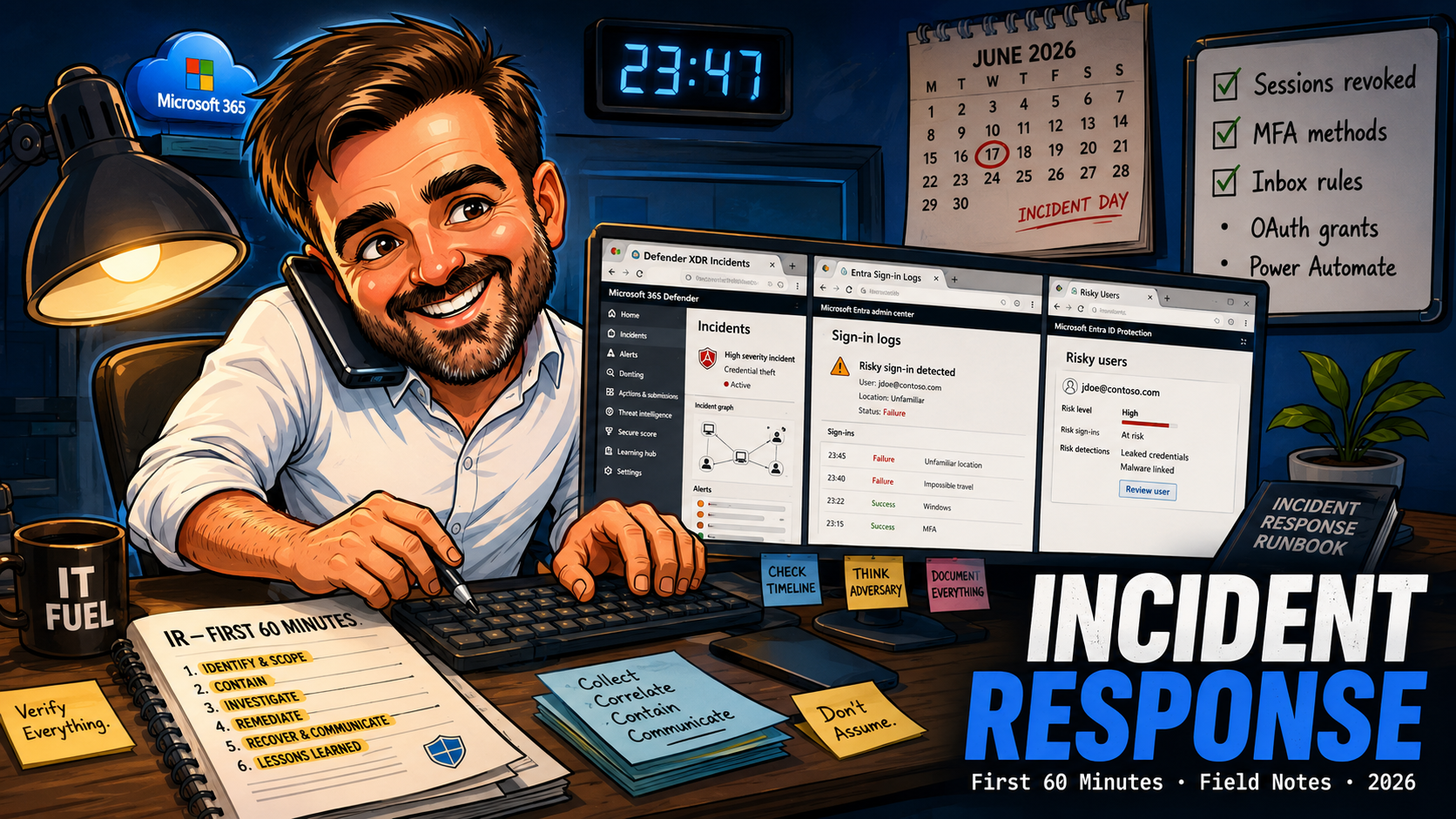
Microsoft 365 Incident Response Runbook: First 60 Minutes After a Compromised Account (2026)
Field notes on the first sixty minutes of Microsoft 365 incident response: triage, containment, blast radius mapping, evidence preservation and communication.
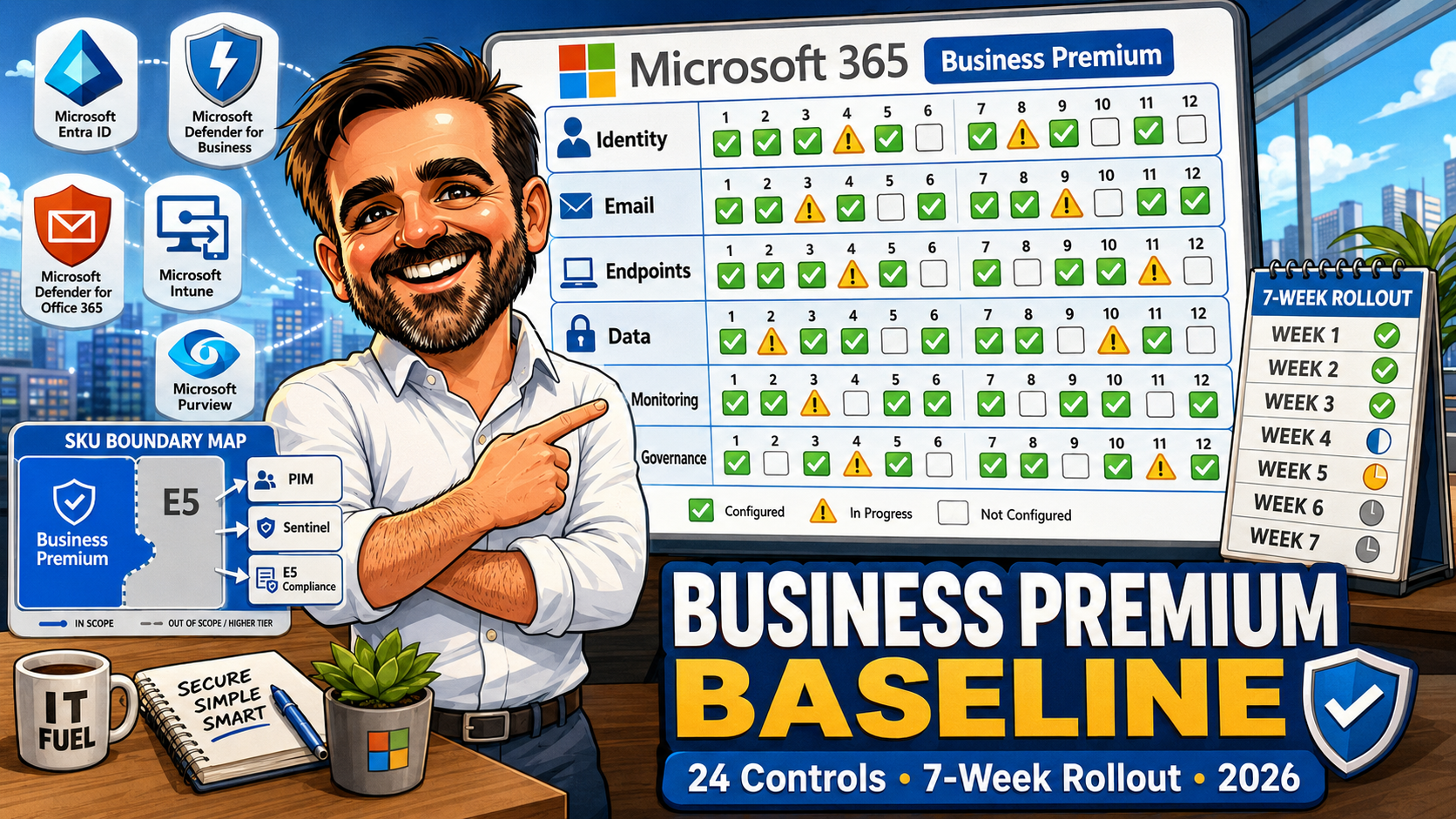
Microsoft 365 Business Premium Security Baseline 2026: Updated Checklist
The 24-control Microsoft 365 Business Premium security baseline (2026): SKU-aware checklist, gaps vs E5 and a week-by-week rollout cadence for SMBs.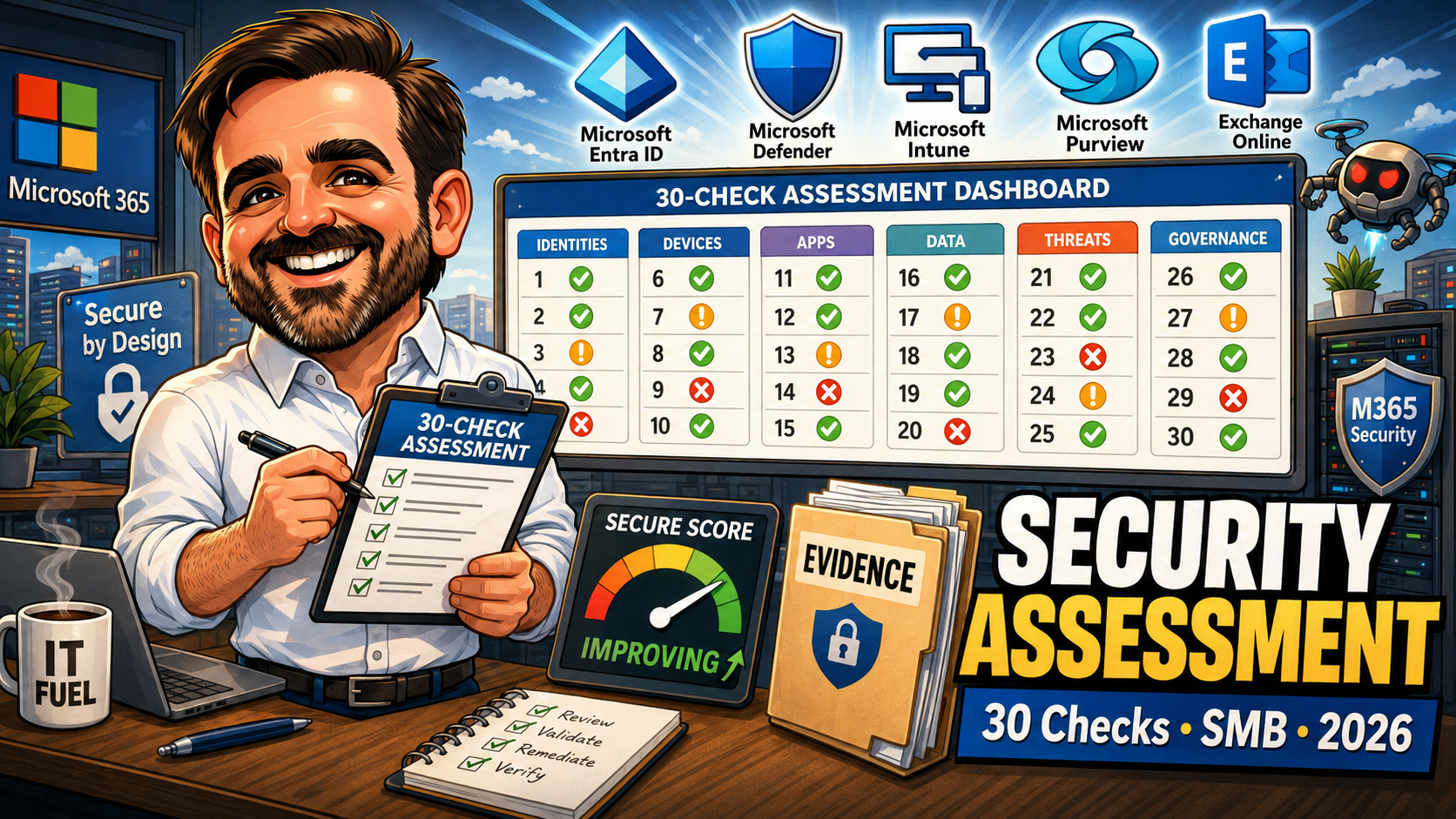
Microsoft 365 Security Assessment for SMBs: The 30 Checks I Run in Every Tenant (2026)
The 30 checks I run in every Microsoft 365 SMB tenant: identity, email, devices, data, monitoring and governance — with evidence pack and quarterly cadence.
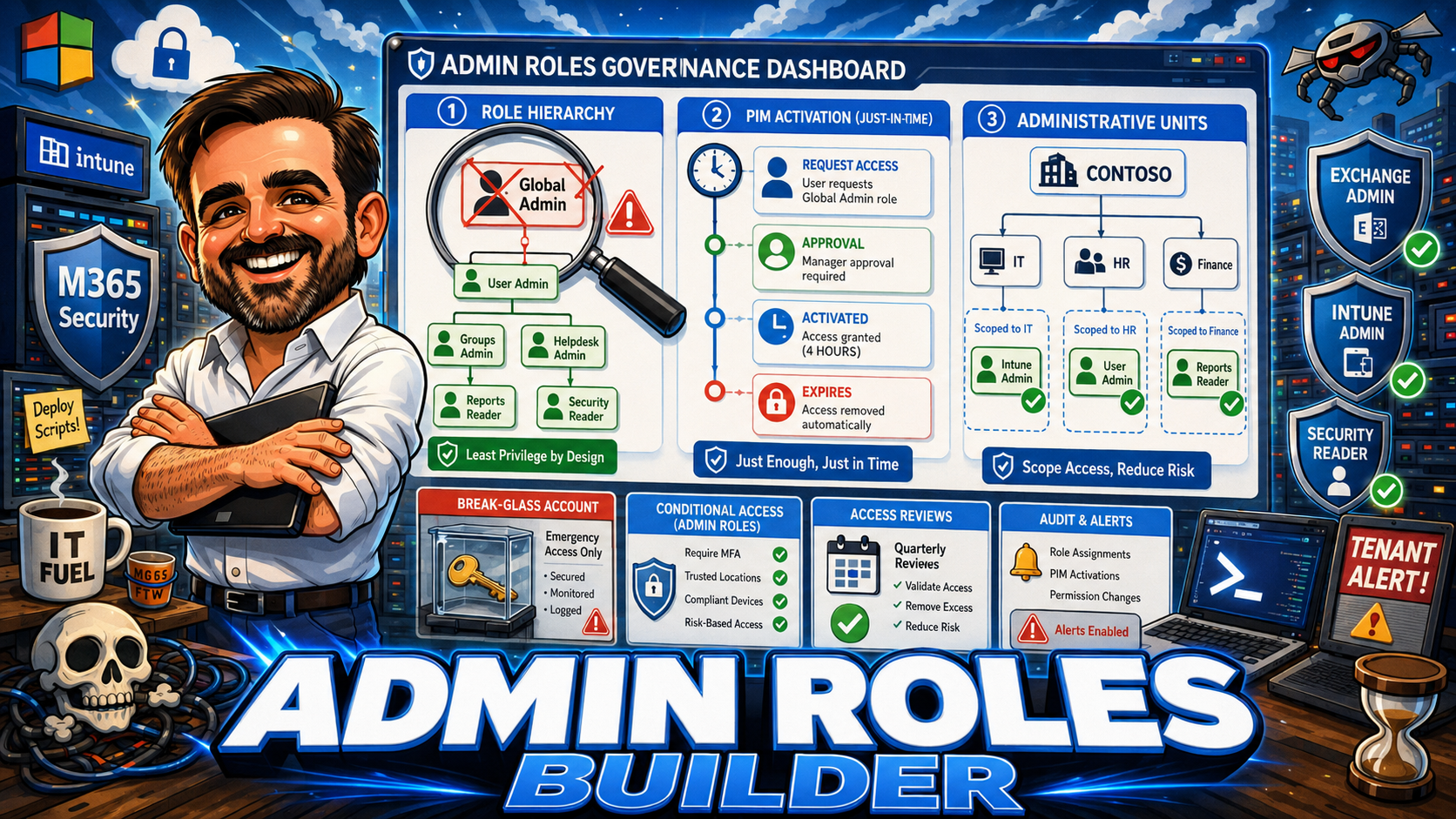
Microsoft 365 Admin Roles Builder 2026: Global Admin Should Be the Exception
Global Administrator should be the exception, not the operating model. This interactive guide helps Microsoft 365 admins map real admin tasks to least-privileged roles, scope them with Administrative Units, activate them just in time with PIM, and review them on a regular cadence. Includes a 10-input governance scoring engine, role decision framework, break-glass account setup, Conditional Access policies for admins, and 16 common admin role mistakes from real tenants.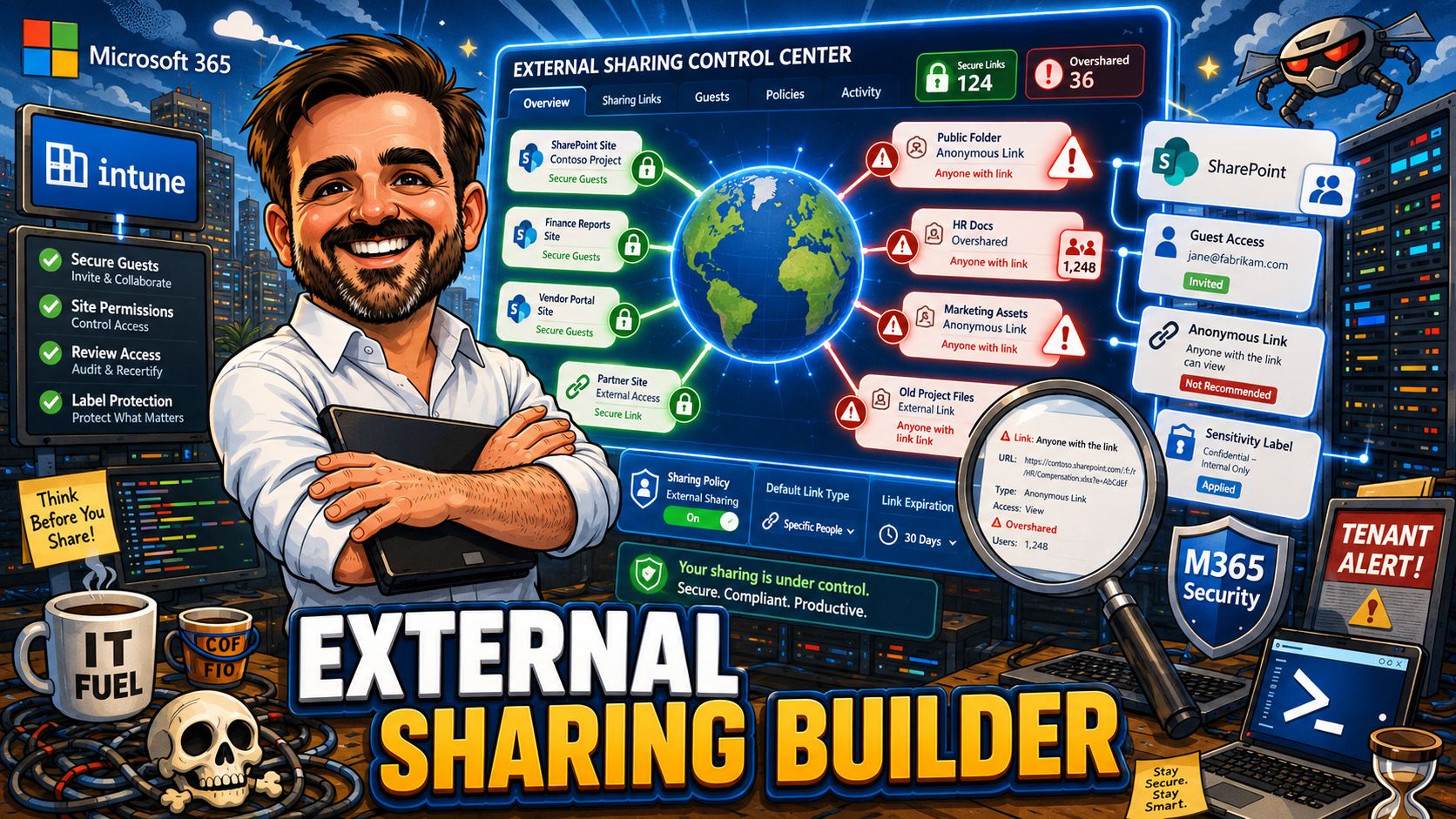
SharePoint External Sharing Policy Builder 2026: Tenant and Site Sharing Controls
External sharing is not one setting. It is a collaboration risk model across tenant settings, site settings, link types, identity, data sensitivity, ownership and lifecycle. This interactive policy builder helps Microsoft 365 admins, SharePoint admins and security teams design practical sharing controls that enable collaboration without creating uncontrolled data exposure. Includes a 10-input sharing risk scoring engine, tenant-level and site-level sharing recommendations, link type decision framework, guest access lifecycle with Entra B2B, anonymous link guidance, sensitivity labels and DLP integration, Copilot oversharing remediation, Conditional Access for external users, rollout phases, and 16 common sharing mistakes from real tenants.
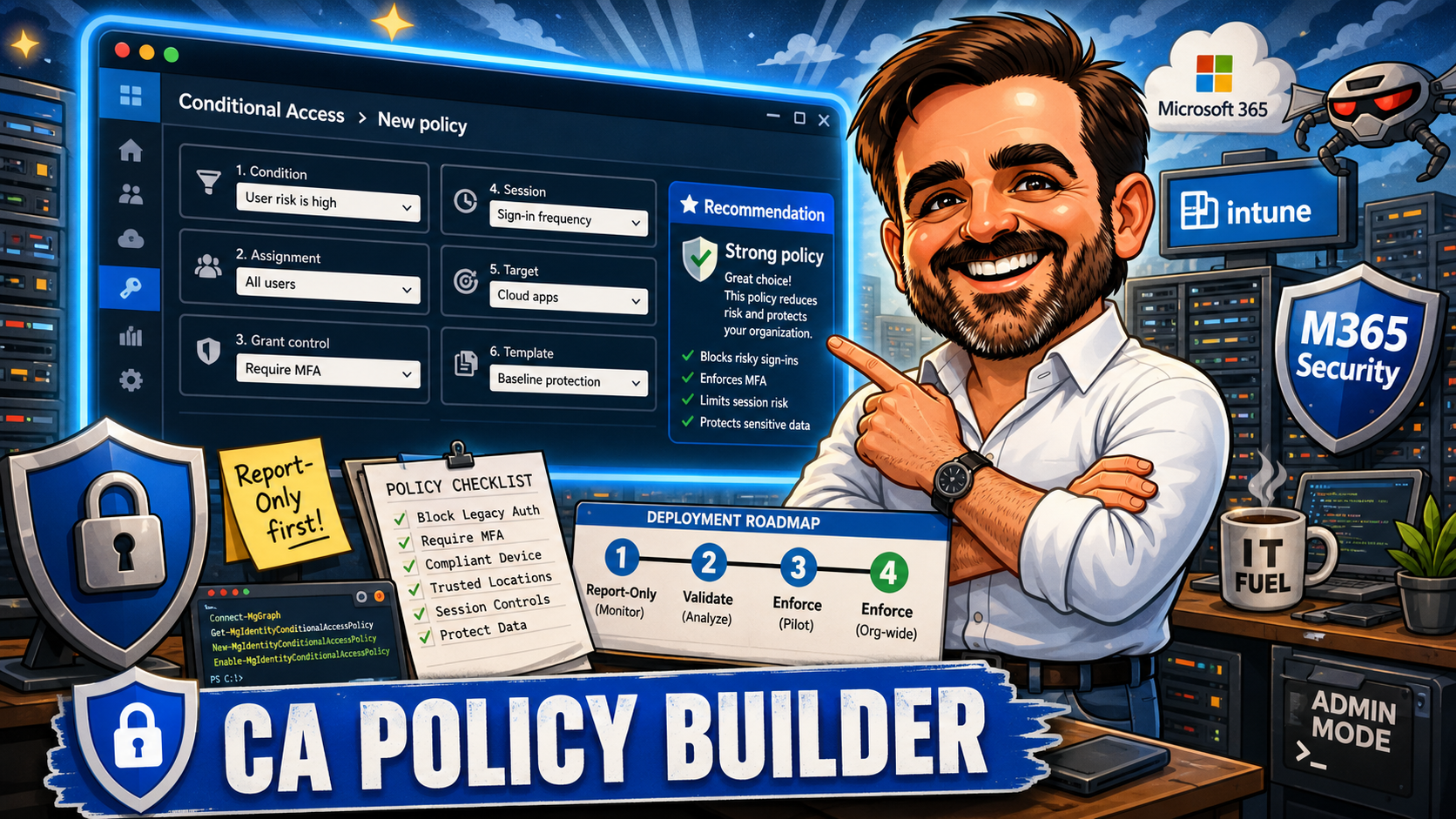
Microsoft 365 Conditional Access Policy Builder: A Practical Guide for 2026
This guide gives you an interactive decision tool, a recommended ten-policy baseline, a naming convention, a phased rollout sequence, and the field-tested advice I use in real Conditional Access deployments. Select your scenario across six dimensions and get a specific policy recommendation with a suggested name, rollout plan, testing notes, and licensing requirements. No data is sent anywhere. Everything runs in the browser.
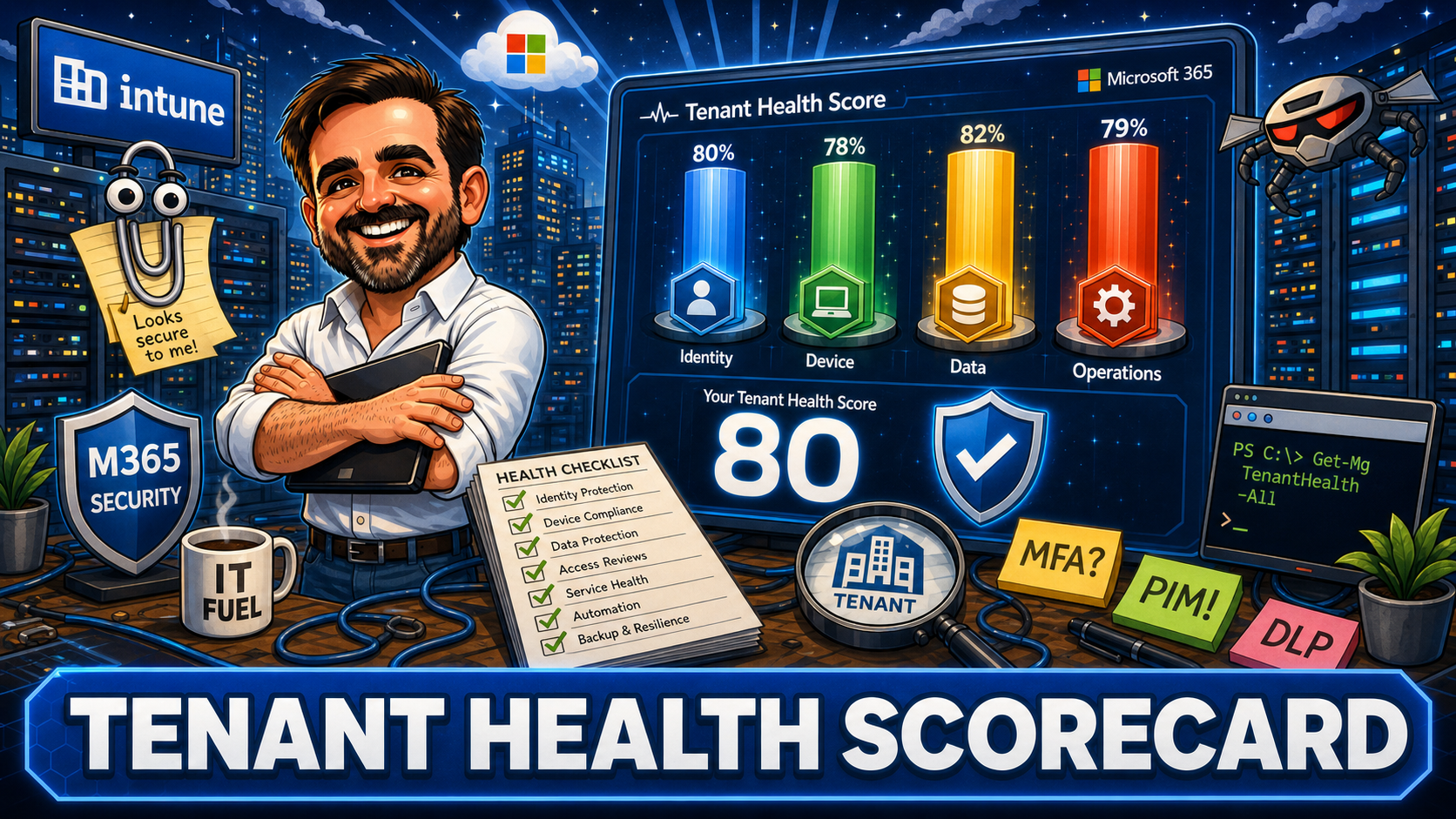
Microsoft 365 Tenant Health Scorecard: 40 Practical Checks for Security and Governance
This scorecard is based on the type of checks I use when reviewing Microsoft 365 tenants in real environments. It is not a replacement for Microsoft Secure Score. Secure Score measures what can be detected automatically. This assessment looks at operational practices, design decisions, and governance gaps that often require human review. Score your tenant across four pillars and use the result to decide what to improve first.
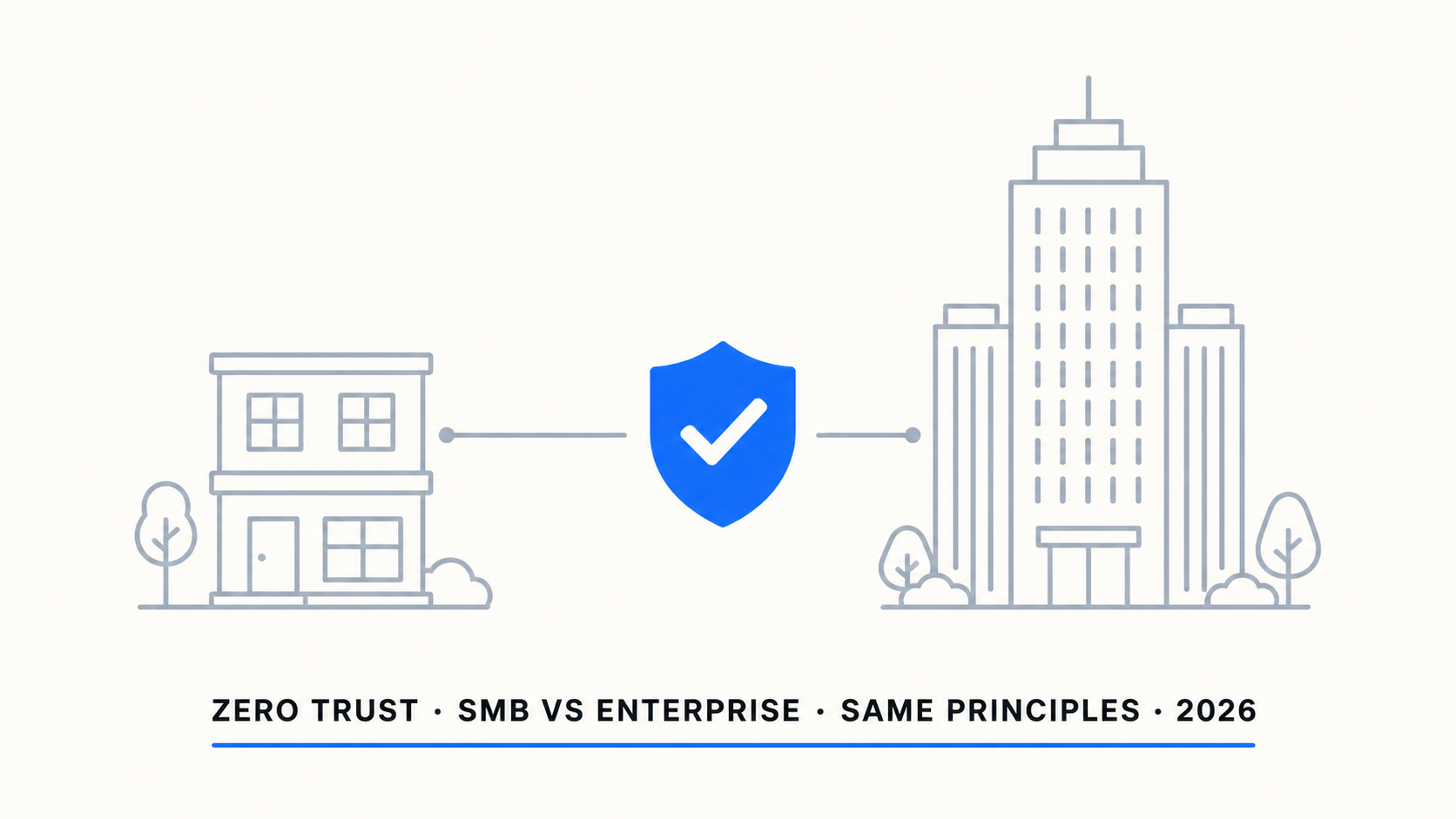
Zero Trust for SMBs vs Enterprise: Same Principles, Different Reality
A 50-person accounting firm and a 5,000-person manufacturer face the same threats but have wildly different resources. Copying an enterprise Zero Trust playbook into an SMB creates complexity that no small IT team can maintain — and the complexity itself becomes a risk. This final article covers: the phased SMB approach (identity first, devices second, data third), the enterprise framework with full staffing, the complexity threshold by org size with recommended CA policy counts and licensing, six things SMBs should never copy from enterprise (FIDO2 at scale, Sentinel without SOC, Workload Identity CA, advanced session proxy), Microsoft-managed CA policies, practical recommendations per org size from 50 to 2,000+ users, and a Zero Trust strategy checklist. Most SMB breaches do not happen because of missing features. They happen because of misconfigured or misunderstood ones.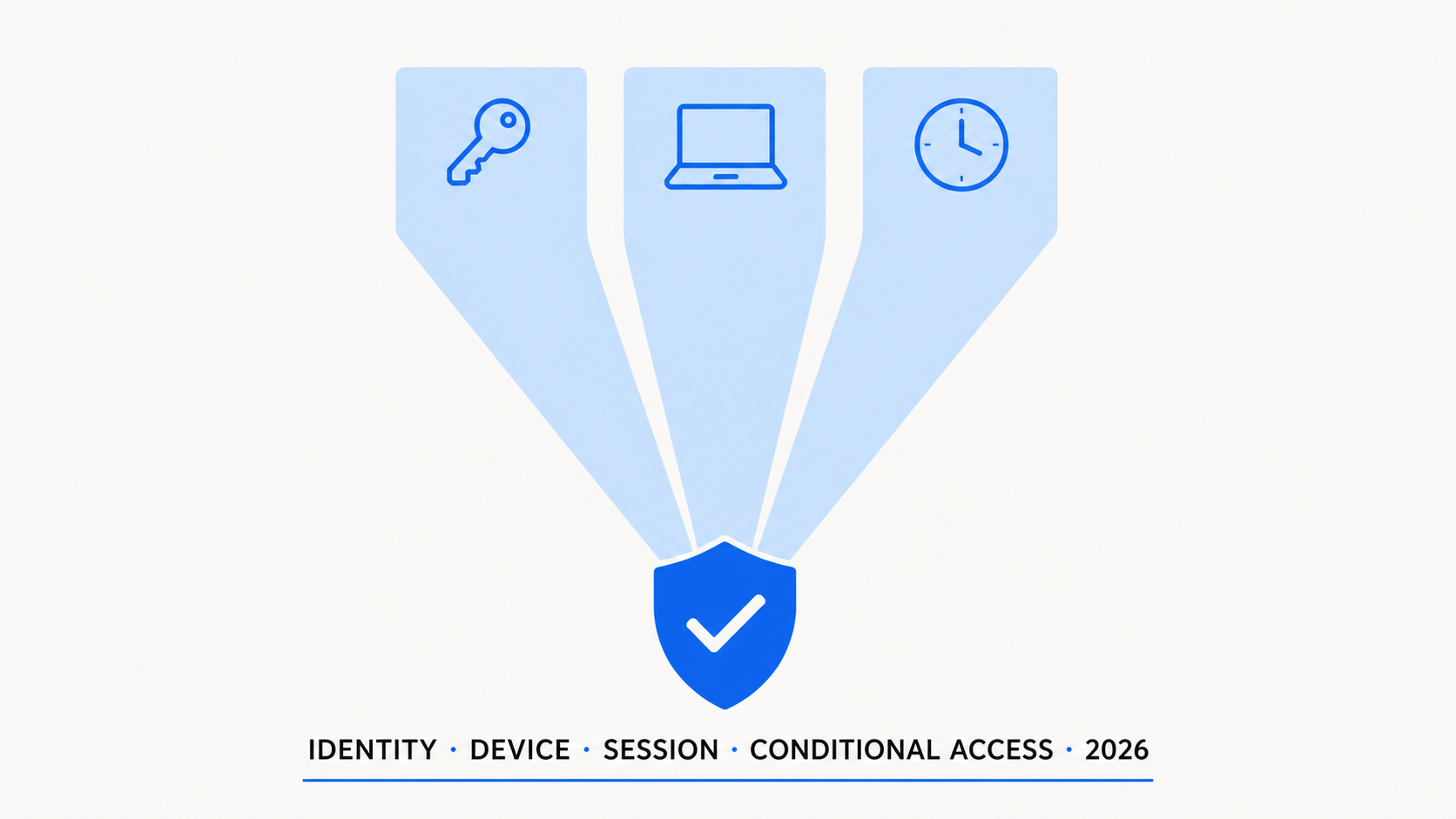
Identity, Device, Session: How Conditional Access Actually Makes Decisions
Every Conditional Access decision comes down to three signals: who you are, what you are using, and how that session behaves. Most admins invest heavily in the identity layer and under-invest in device and session controls. This article breaks down each pillar: identity evaluation (MFA, authentication strength, sign-in risk, user risk, PIM), device evaluation (compliance, hybrid join, device filters, managed vs unmanaged), session evaluation (sign-in frequency, persistent browser, CAE, token protection, adaptive lifetime), how the three pillars combine in CA policy logic with the "most restrictive wins" rule, when to focus on which pillar by scenario, common policy patterns, and where this model breaks in real environments.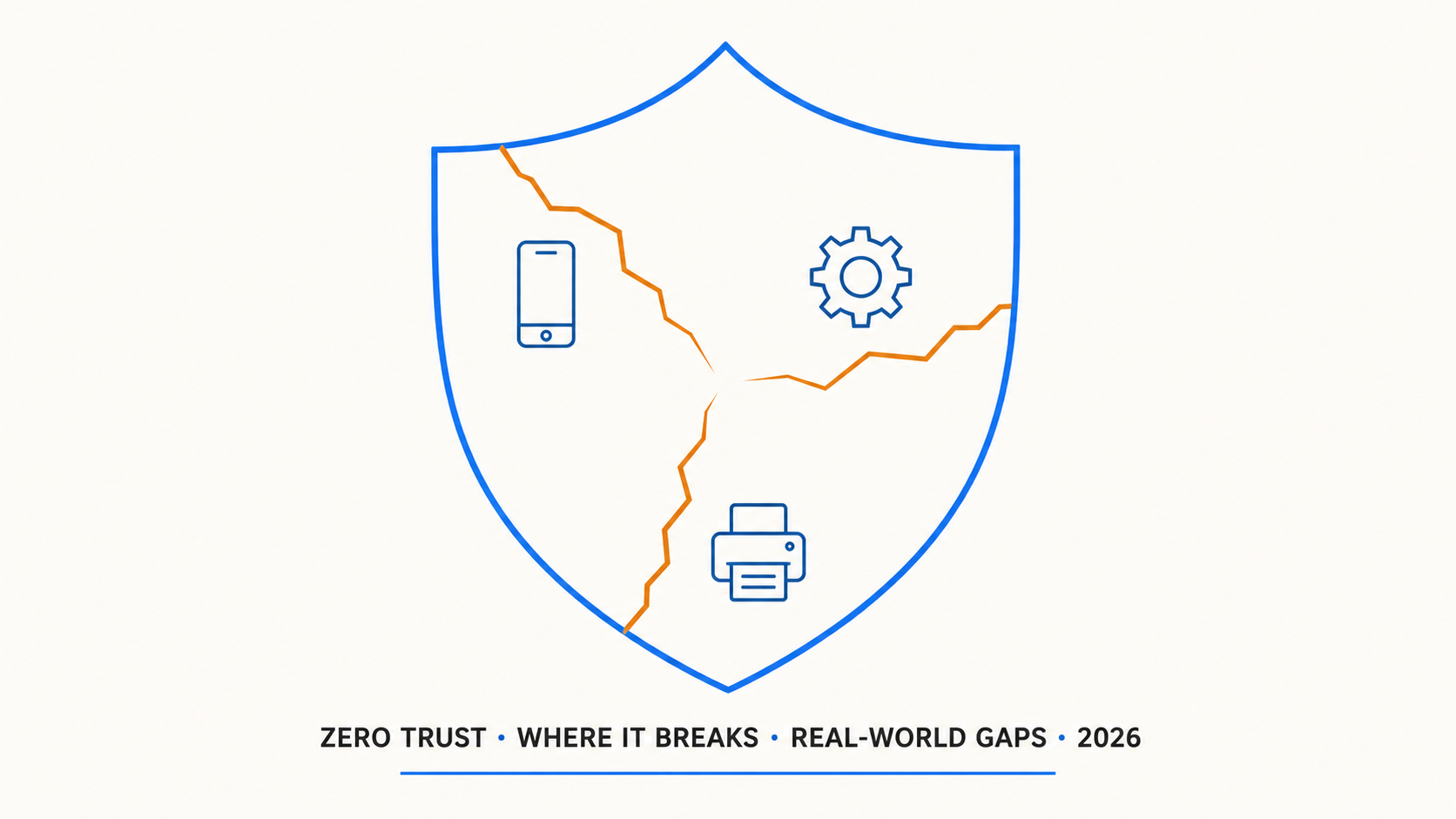
Zero Trust in the Real World: The Gaps You Cannot Ignore
Every Zero Trust deployment has gaps. The slide decks do not mention them. The vendor assessments gloss over them. But they are there, in every tenant. This article is the honest assessment: the BYOD browser gap where unmanaged browsers bypass app protection entirely, legacy apps that cannot do modern auth and sit outside the CA perimeter, printers and IoT devices that cannot authenticate, third-party VPNs that mask device posture, service accounts that cannot do MFA, guest users with unknown MFA quality and no device compliance, a gap severity matrix, and a practical gap assessment checklist. Zero Trust does not fail because of technology. It fails because of compromises made for usability, legacy systems, and operational reality.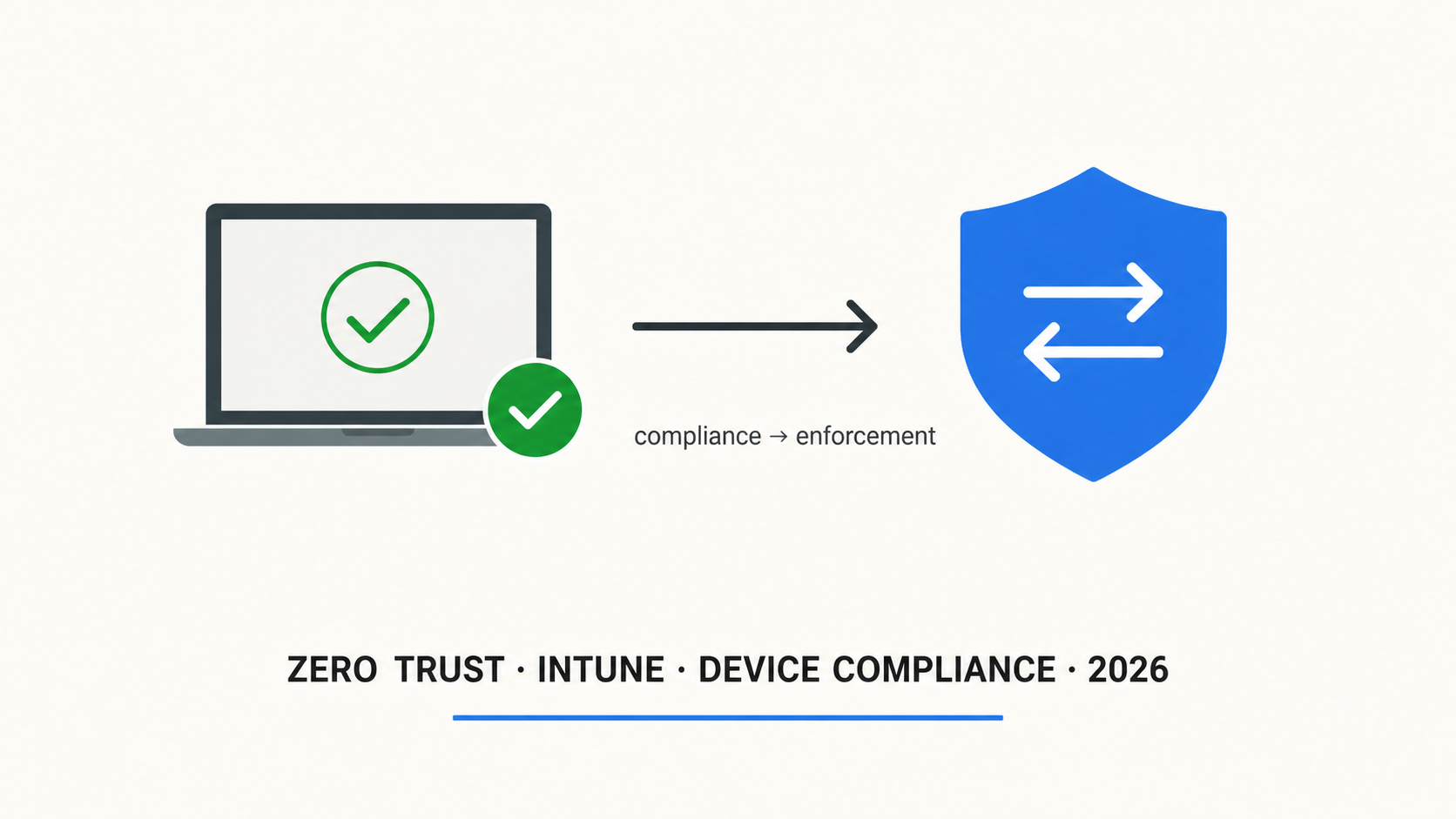
Zero Trust with Intune: How to Turn Device Compliance into Access Control
Intune compliance policies check device health. Conditional Access enforces access decisions based on that health. Without Conditional Access, compliance is monitoring. Without compliance, Conditional Access is guessing. This article covers the full device pillar implementation: compliance policies for Windows, macOS, iOS, and Android, Defender for Endpoint risk score integration, Conditional Access grant controls that require compliant devices, app protection policies for BYOD (MAM-WE), the "Require approved client app" retirement (June 30, 2026) and the OR transition pattern to "Require app protection policy," and a phased rollout approach that avoids the day-one lockout mistake.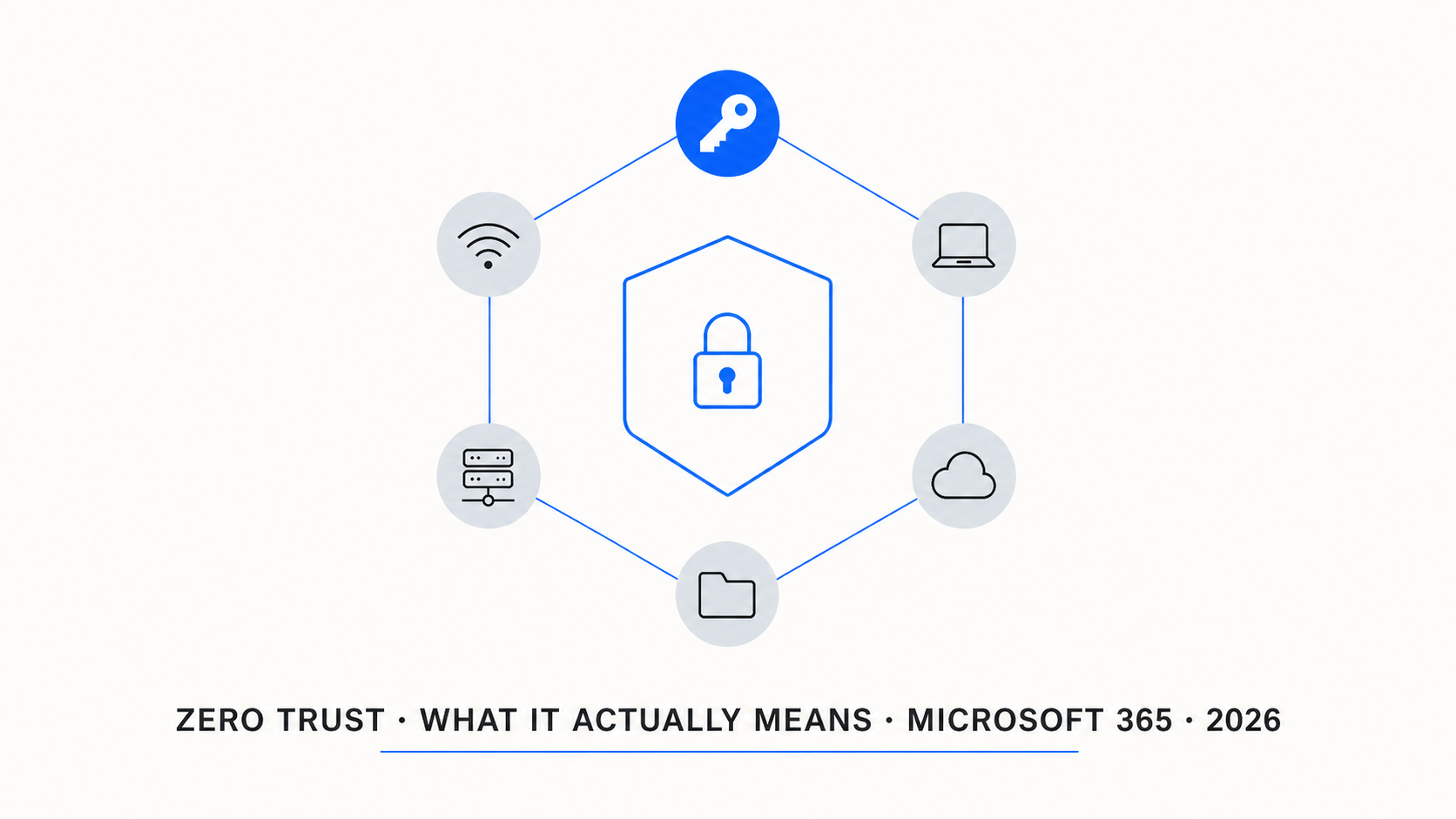
Zero Trust in Microsoft 365: What It Actually Means (and What Most Get Wrong)
Zero Trust is everywhere — in vendor pitches, compliance checklists, and security strategies. But most organisations treat it as a product to buy rather than a model to implement. This article cuts through the marketing: what Zero Trust actually is (and is not), the six technology pillars mapped to your Microsoft 365 stack, why Conditional Access is the policy engine that connects everything, why MFA alone does not equal Zero Trust, and what the 2026 "All resources" enforcement change means for your tenant. Includes a visual mental model and a practical framework for getting started.
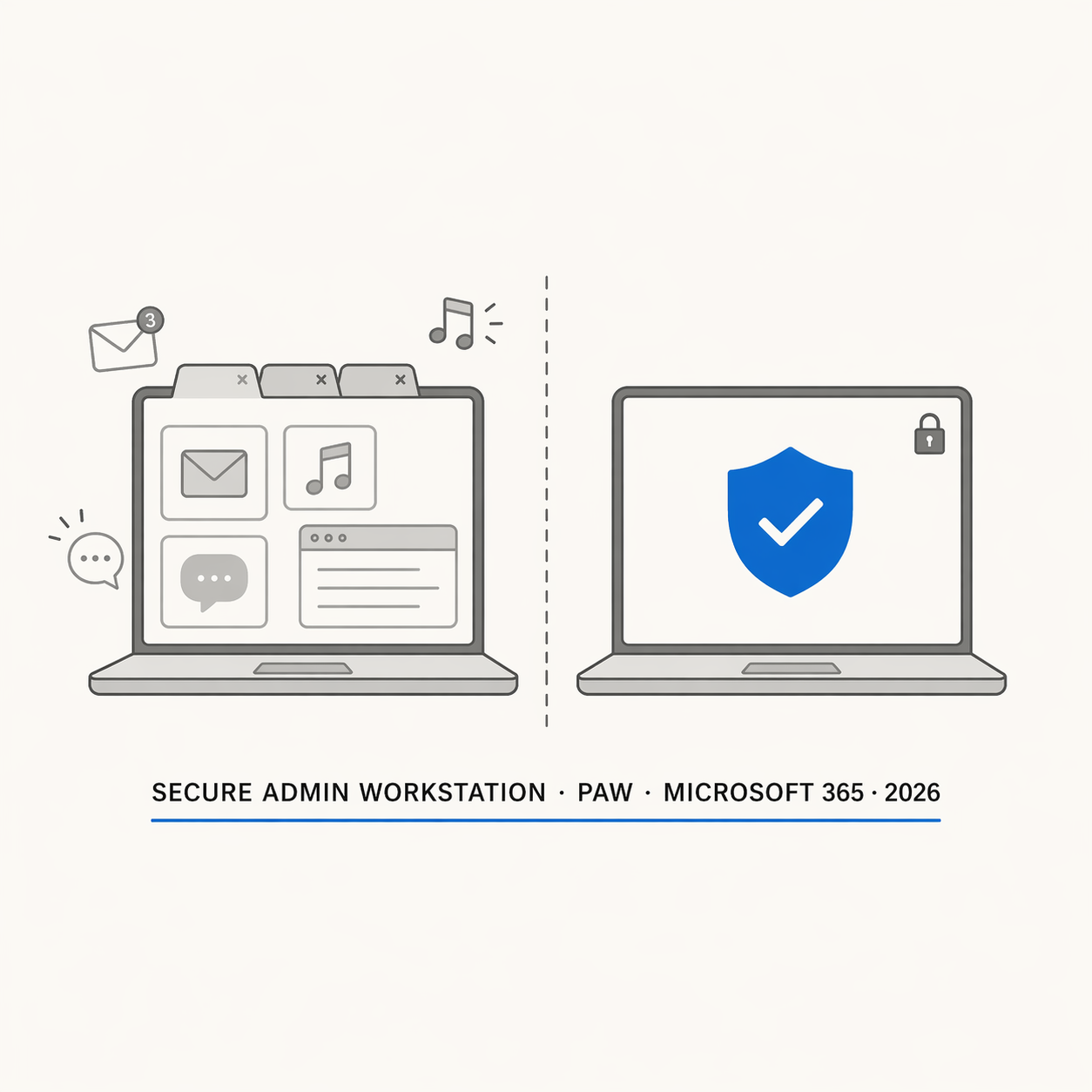
Secure Admin Workstations for Microsoft 365: The PAW Guide for Real-World Tenants
Build a Privileged Access Workstation for Microsoft 365 with Intune, Conditional Access, PIM, WDAC, and Windows LAPS. Practical PAW guide for SMB and mid-market tenants.
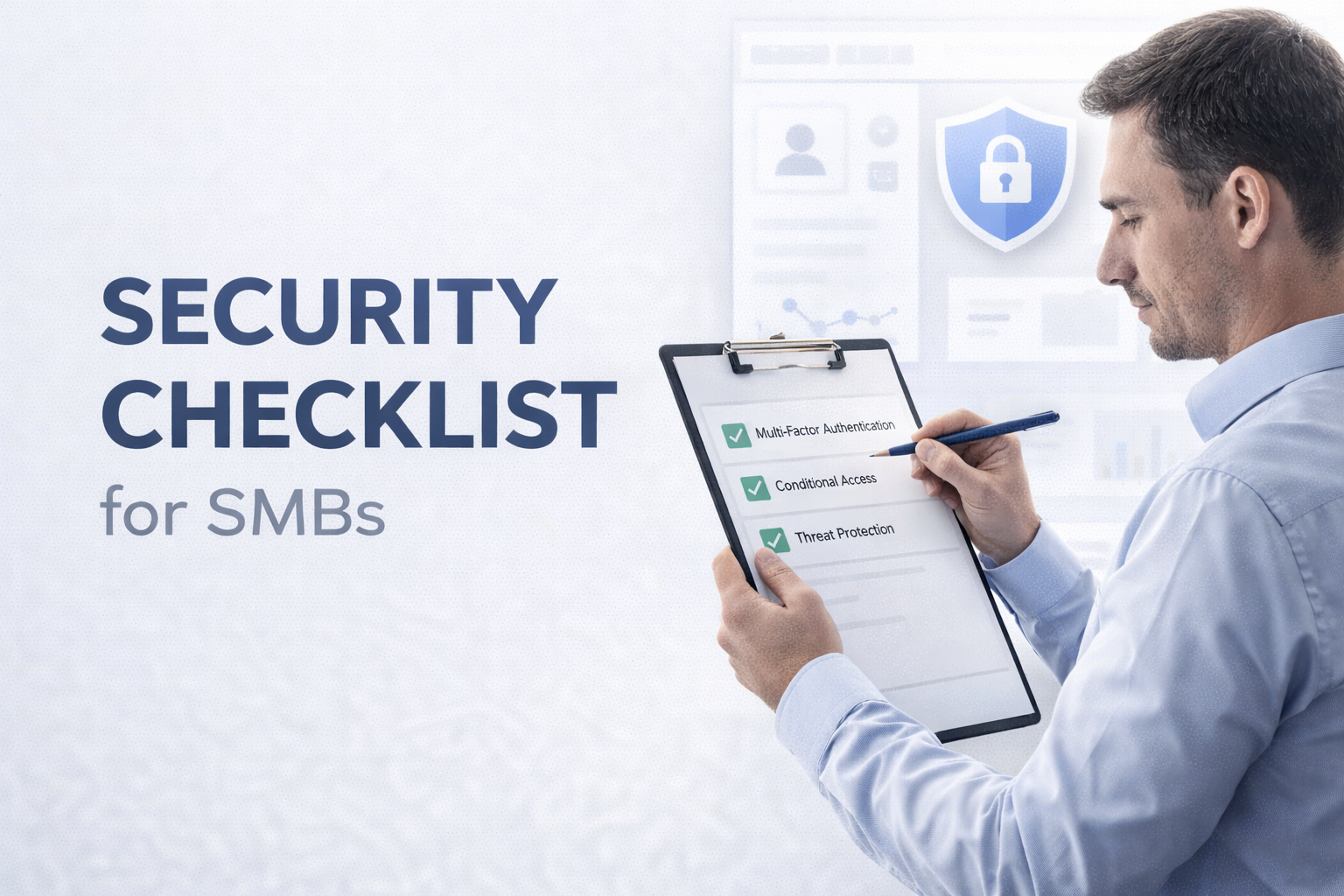
Microsoft 365 Business Premium Security Checklist for SMBs
Microsoft 365 Business Premium security checklist for SMBs. Learn how to harden identity, Conditional Access, email, endpoints, and monitoring with a practical baseline approach.
Microsoft Entra Conditional Access: A Practical Deployment Guide for Small and Medium Businesses
A practical, step-by-step guide to building secure and scalable Conditional Access policies in Microsoft Entra ID, designed specifically for SMBs. Includes baseline policies, planning strategy, deployment best practices and real-world troubleshooting.

How to Require MFA for All Users with Conditional Access: A Zero Trust Guide
Bring enterprise-grade security to your small business with Microsoft 365 Business Premium. Discover the new Defender and Purview add-ons that deliver enterprise protection and compliance for just $15 per user making cybersecurity accessible to everyone.